
 Plugin
PluginUpdated
GravityView A-Z Filters Extension
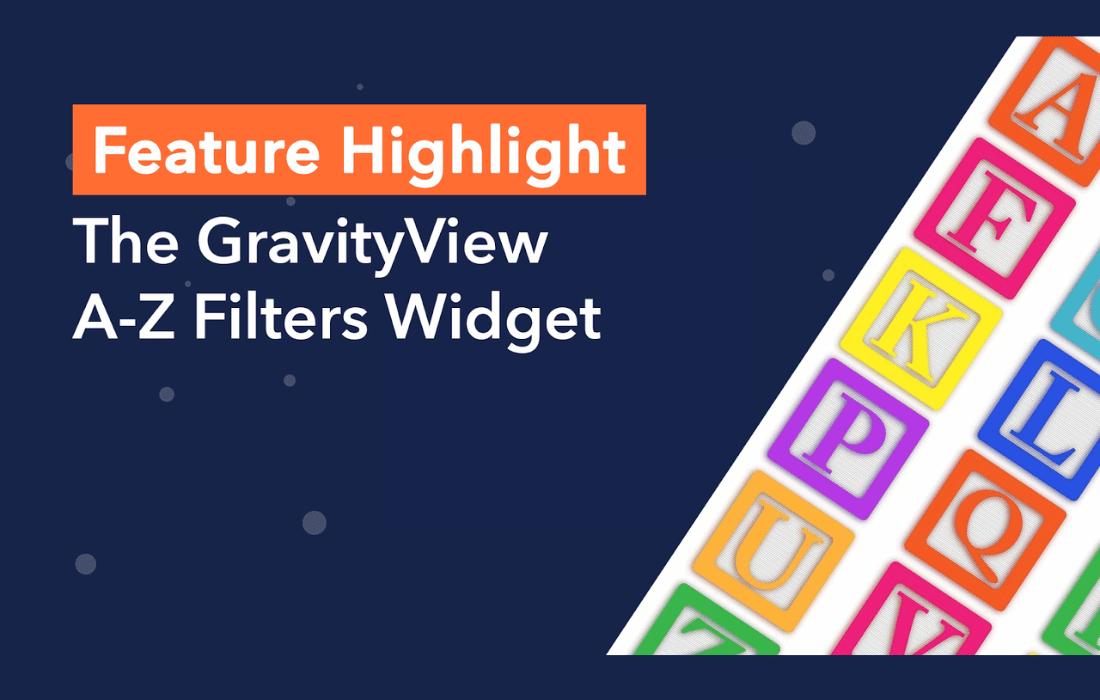
GravityView A-Z Filters Extension is a plugin from GravityView that adds alphabetical filtering to your Gravity Forms entries.
Product facts
- Version
- 1.4.3
- Released
- 2 October 2026
- Type
- Plugin
- Licence
- GPL
- Included in
- Every plan, or $4.19 / year on its own
Overview
Large lists are hard to scan. A business directory or member list with hundreds of entries leaves visitors scrolling or guessing at search terms. GravityView A-Z Filters Extension adds a row of clickable letters, A to Z, to a GravityView view, so people can jump straight to entries that start with the letter they want.
The extension works inside GravityView, so you set it up in your existing views without writing code. You choose which entry field is filtered, such as a name, a title or any text field, and you can style the letters to match your site. It suits directories, member lists and any view where alphabetical order helps people find things.
Features
- Alphabetical entry filtering: Visitors filter Gravity Forms entries by first letter, A to Z, and see only the matching entries in the view.
- Works with GravityView layouts: The filter fits into GravityView views and layouts, so you can add it to the lists and directories you already have.
- Choose the filtered field: Pick which entry field is sorted by letter, such as a name, a title or any other text field.
- Customizable filter appearance: Styling options let you adjust how the A-Z letters look so they match the design of your website.
- Responsive on every device: The letter filter is built to work on desktop, tablet and mobile screens, so visitors can use it wherever they browse.
- Clickable letter interface: Visitors click a letter to filter. The interface is simple enough for people of any skill level to use.
- Number and non-Latin letter handling: Number links and accented or non-Latin letters are matched when filtering by the Created By (User) field.
- Works with the Search Bar widget: The A-Z Entry Filter widget can sit alongside the Search Bar widget, including on views that hide data until a search is performed.
Best for
- Business directories built with GravityView
- Member lists and staff listings
- Site owners with long Gravity Forms entry lists
Changelog
Version 1.4.3 — 1 October 2026
- Fixed Views with the "Hide View data until search is performed" setting enabled stayed empty after a visitor clicked a letter in the A-Z Entry Filter widget.
- Fixed Issues when filtering by the Created By (User) field: Number (0-9) links showed every entry instead of only entries created by users whose display name starts with a number; Accented and non-Latin letters were not matched correctly.
- Fixed The Search Bar widget could return incorrect results on Views that also use the A-Z Entry Filter widget.
- Fixed Letter filtering could be applied more than once when a page displayed multiple Views.
- Improved Replaced GravityView hooks deprecated in version 2.55 with their current equivalents.
Earlier versions
- 1.4.2 (16 January 2025): 1 improved, 1 fixed
- 1.4.1 (6 June 2024): 1 fixed
- 1.3.5 (22 December 2023): 1 new
FAQ
Is GravityView A-Z Filters Extension free?
The code of GravityView A-Z Filters Extension is licensed under the GPL, so anyone may use, change and share it. Buy GPL is a paid service: a plan or a purchase of GravityView A-Z Filters Extension gives you the download and its updates. The developer's own support, licence key and online services are not included.
Which version of GravityView A-Z Filters Extension is this?
Version 1.4.3, released 2 October 2026. New versions appear here when the developer publishes them.
How do I update GravityView A-Z Filters Extension?
Install Buy GPL Updater on your site and paste your key from My Account. It installs new versions of GravityView A-Z Filters Extension for you.
More from GravityView
Plugin Plugin
 Plugin
 Plugin
 Plugin
 Plugin
 Plugin
 Plugin