
 Plugin
PluginUpdated
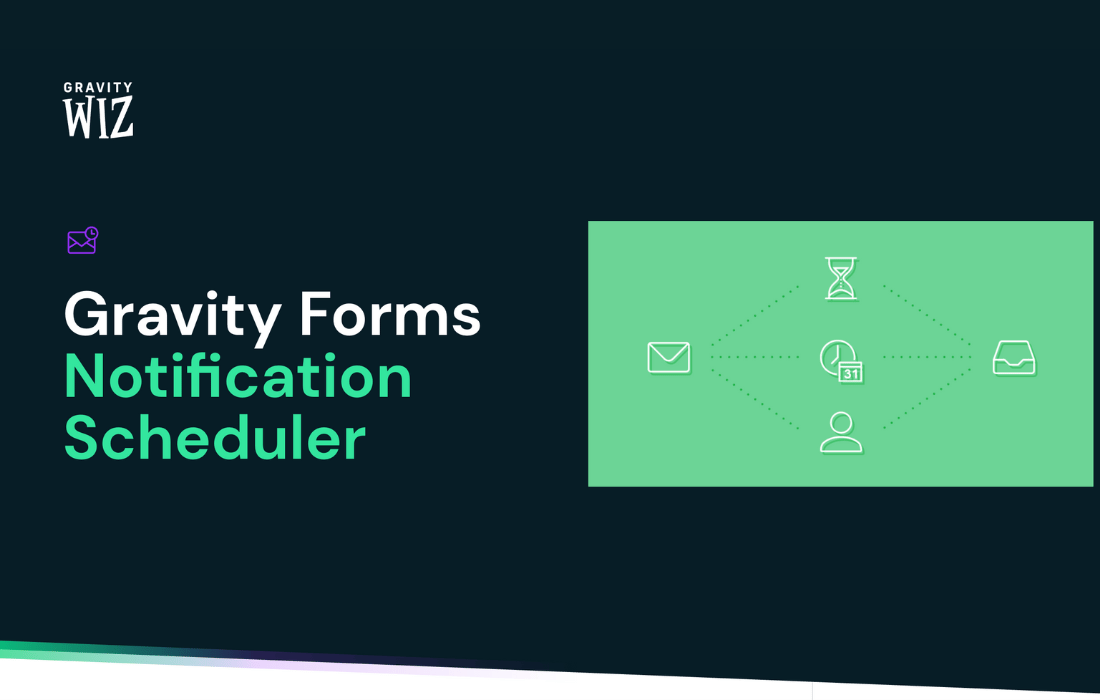
Gravity Perks Notification Scheduler
Gravity Perks Notification Scheduler is a WordPress plugin by Gravity Wiz that adds timing controls to Gravity Forms notifications.
Product facts
- Version
- 1.3.21
- Released
- 29 July 2026
- Type
- Plugin
- Licence
- GPL
- Included in
- Every plan, or $4.89 / year on its own
Overview
By default, Gravity Forms sends a notification as soon as someone submits a form. That works for confirmations, but not for messages that belong later, such as a reminder before an appointment, a follow-up after signup, or a greeting on a birthday. Gravity Perks Notification Scheduler lets you set that timing for each notification inside the form's notification settings.
You can delay a notification by minutes, hours, days, weeks, months, or years, send it on a set date, or tie it to a date field on the form and send it before or after that date. Recurring schedules are also available, and you can reschedule notifications later through an interface that does not require code. It works with any Gravity Forms notification event, including events added by third-party plugins.
Features
- Flexible delay scheduling: Send a notification minutes, hours, days, weeks, months, or years after the triggering event, so the timing matches the follow-up or campaign you have planned.
- Specific date delivery: Pick a fixed calendar date for a notification to go out. This suits one-off announcements, event reminders, and other messages tied to a single day.
- Date field triggers: Schedule a notification before or after a date that a user enters on the form, such as a birthday, an anniversary, or the day of an event.
- Recurring notifications: Set notifications to repeat daily, weekly, monthly, or yearly. They can continue indefinitely or stop after a period you define, with no manual sending.
- Easy rescheduling: Change the schedule of notifications whenever your plans shift. A reschedule option in the interface lets you adjust timing without rebuilding the form.
- Works with any notification event: The scheduler supports any Gravity Forms notification event, including events provided by third-party add-ons, so existing setups can gain timing controls.
- No coding needed: The interface is built so non-technical users can create schedules for onboarding messages, renewal reminders, birthday offers, event updates, and subscription alerts.
Best for
- Gravity Forms users who send reminders or follow-ups
- Event and appointment sites that need timed alerts
- Businesses running onboarding or renewal email sequences
Changelog
Version 1.3.21 — 28 July 2026
- Fixed Fixed issue where the Reschedule meta box displayed an empty error notice after notifications were rescheduled successfully.
- Fixed Fixed issue where batch rescheduling removed inactive scheduled notifications.
Earlier versions
- 1.3.20 (22 July 2026): 1 fixed
- 1.3.19 (18 February 2026): 1 improved
- 1.3.18 (4 February 2026): 1 new
FAQ
Is Gravity Perks Notification Scheduler free?
The code of Gravity Perks Notification Scheduler is licensed under the GPL, so anyone may use, change and share it. Buy GPL is a paid service: a plan or a purchase of Gravity Perks Notification Scheduler gives you the download and its updates. The developer's own support, licence key and online services are not included.
Which version of Gravity Perks Notification Scheduler is this?
Version 1.3.21, released 29 July 2026. New versions appear here when the developer publishes them.
How do I update Gravity Perks Notification Scheduler?
Install Buy GPL Updater on your site and paste your key from My Account. It installs new versions of Gravity Perks Notification Scheduler for you.
More from Gravity Wiz
Plugin Plugin
 Plugin
 Plugin
 Plugin
 Plugin
 Plugin
 Plugin