
 Plugin
PluginUpdated
Gravity Forms Tooltips
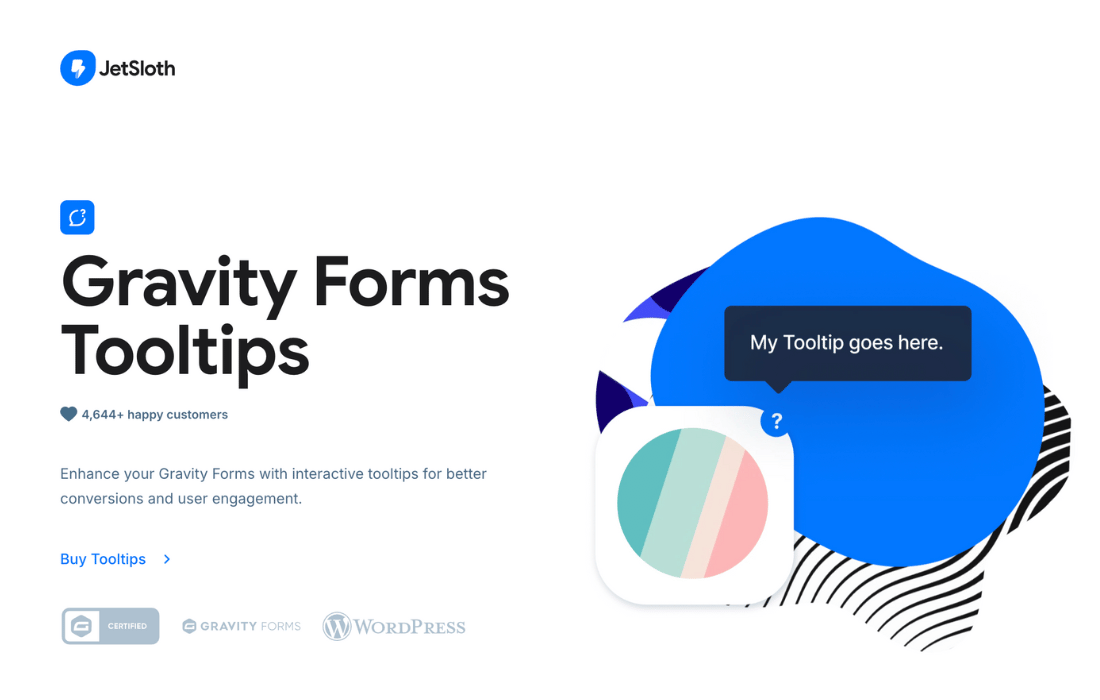
Gravity Forms Tooltips is a plugin by JetSloth that adds small help messages to your Gravity Forms fields.
Product facts
- Version
- 1.2.16
- Released
- 2 October 2026
- Type
- Plugin
- Licence
- GPL
- Included in
- Every plan, or $3.49 on its own
Overview
Forms lose people when a field is unclear. A visitor may hesitate over what to enter or type the wrong thing. Gravity Forms Tooltips puts short explanations right next to the field, so the guidance appears at the moment someone needs it. That can cut down on mistakes and make the answers you collect more accurate, whether the form gathers customer details, registrations or feedback.
You write tooltips in a settings panel that needs no coding. They can hold HTML content such as images, GIFs, links and iframe embeds. Appearance can be set globally and overridden for a single form, including icons, font size and font color. The plugin supports the standard Gravity Forms field types and works with JetSloth add-ons like Collapsible Sections, Image Choices and Gravity Forms Color Picker.
Features
- Every field type supported: Add tooltips to all Gravity Forms field types, including text fields, dropdowns, radio buttons and checkboxes, so guidance is available anywhere a visitor might get stuck.
- Tooltips on individual choices: Attach a tooltip to each option in radio button and checkbox fields, giving clear guidance on every selectable choice rather than only on the field label.
- HTML content in tooltips: Fill a tooltip with HTML markup, including images, GIFs, clickable links and iframe embeds, for help content that goes beyond a line of plain text.
- Works with JetSloth add-ons: Tooltips are compatible with JetSloth's Collapsible Sections, Image Choices and Gravity Forms Color Picker add-ons, so you can combine them in the same form.
- Global and per-form styling: Set the look of your tooltips across the whole site, then override it on a single form. Options cover icons, font size, font color and more.
- New and existing forms: Apply tooltips to forms you are just building or to forms already live, without rebuilding anything from scratch.
- Simple settings panel: A friendly interface lets you add, edit and style tooltips quickly, with no coding knowledge needed.
- Live demos of field types: Browse live examples that show how tooltips behave across different form field types, so you can see the result before choosing the plugin.
Best for
- Site owners who use Gravity Forms for registrations or surveys
- Freelancers and agencies managing client forms
- Users of JetSloth Gravity Forms add-ons
Changelog
Version 1.2.16 — 2 October 2026
- Improved Improved license activation and update reliability.
Earlier versions
- 1.2.14 (21 November 2025): 1 improved
- 1.2.13 (23 October 2025): 1 fixed
- 1.2.11 (20 October 2025): 1 improved
FAQ
Is Gravity Forms Tooltips free?
The code of Gravity Forms Tooltips is licensed under the GPL, so anyone may use, change and share it. Buy GPL is a paid service: a plan or a purchase of Gravity Forms Tooltips gives you the download and its updates. The developer's own support, licence key and online services are not included.
Which version of Gravity Forms Tooltips is this?
Version 1.2.16, released 2 October 2026. New versions appear here when the developer publishes them.
How do I update Gravity Forms Tooltips?
Install Buy GPL Updater on your site and paste your key from My Account. It installs new versions of Gravity Forms Tooltips for you.
More from JetSloth
Plugin Plugin
 Plugin
 Plugin
 Plugin
 Plugin
 Plugin