
 Theme

ThemeUpdated
Vault – Multi-Purpose Elementor Theme
Vault - Multi-Purpose Elementor Theme is a WordPress theme built to work with the Elementor page builder.
Product facts
- Version
- 3.5.0
- Released
- 5 November 2026
- Type
- Theme
- Licence
- GPL
- Included in
- Every plan, or $3.49 on its own
Overview
Building a site often means choosing between a theme that is easy to use and one that bends to your brand. Vault aims to cover both. It works with Elementor's drag-and-drop editor, so you can arrange layouts, widgets and content visually without writing code. Pre-built templates give you a starting point, and you adjust colors, fonts, spacing and layouts to match your identity.
The theme is meant for many kinds of projects, from personal blogs and portfolios to e-commerce stores and corporate sites. It includes several header and footer styles, works with WooCommerce for product pages, and supports translation and right-to-left languages. Freelancers and agencies can reuse the same base across different client sites, while single-site owners get a flexible foundation for their own.
Features
- Pre-built template library: Choose from a broad collection of designed templates and import them with a single click, which gives you a working layout to adapt instead of a blank page.
- Built for Elementor: Edit layouts, widgets and content with Elementor's drag-and-drop builder, so people without coding knowledge can create and change pages on their own.
- Responsive layouts: The design is made to look and work properly across devices, so visitors on phones, tablets and desktops get a layout that fits their screen.
- Customizable styling options: Change colors, fonts, spacing and layouts to match your brand. These controls let you adjust the look of the theme without writing any code.
- WooCommerce compatibility: Vault works with WooCommerce, so you can set up an online store and present products inside the same theme you use for the rest of your site.
- Multiple header and footer layouts: Pick from various header and footer styles to suit your navigation and overall design, including a Glassmorphism header effect for a modern look.
- Translation and RTL support: The theme is ready for translation and right-to-left languages, which helps when you build a multilingual website for readers in different regions.
- Clean, semantic code: The theme is built with clean, semantic markup and is made to be lightweight, giving your pages a tidy technical base to work from.
Best for
- Freelancers and agencies building varied client sites with Elementor
- Small businesses and corporate sites needing flexible layouts
- Blogs, portfolios and WooCommerce stores on one theme
Changelog
Version 3.5.0 — 5 November 2026
- New Site Editor (alpha): live preview for all modules; Brand Kit and System can be saved, the other screens are preview-only for now
- New Site Editor: Theme Builder screen with list view, sorting, recently deleted templates and display conditions on cards
- New Site Editor: Setup Wizard with demo import
- New Site Editor: White Label screen and customizable home menu
- New Brand Kit: custom fonts and Typekit support
- New Site Editor modules in the UiCore admin menu, with section flyouts
- New Return from the builder directly to the Site Editor Theme Builder
- New Experimental WordPress UI: the WP admin inside the Site Editor
- New MCP integration, off by default: connect AI assistants to build and edit the site
- Improved Site Editor: new icons and refreshed controls
- Improved Site Editor: confirmation before leaving a save-enabled screen with unsaved changes
- Improved Site Editor: improved preview for Header, Top Banner, Page Title, Blog, Portfolio, WooCommerce and Animations
- Fixed Fatal error with WPML and Highlighted Text when UiCore Elements is inactive
- Fixed WooCommerce: add to cart stuck when AJAX is enabled in Theme Options but not in WooCommerce settings
- Fixed Portfolio: justified tiles not working on mobile
- Fixed Footer: wrong font on copyright text without an inner element
- Fixed Brand Kit: not resyncing when Theme Options change again in the same request
- New UiCore Elements 1.3.18: Resolved a security vulnerability in the Contact Form widget
- New UiCore Blocks 1.0.16: Added headless block builder for tools that create content outside the editor, such as the UiCore MCP
- Improved UiCore Blocks 1.0.16: Improved custom icon handling on template import, remapping only custom icon IDs
- Fixed Fixed Carousel not initializing when slides or the Swiper script load late in the editor
- Fixed Fixed custom icons reverting to the old image after picking a new one
- Fixed Fixed Container z-index in the editor when the block has no resizable parent
- Fixed Fixed plugin settings returning empty when Typekit is not configured
- Fixed Fixed memory exhaustion when previewing Theme Builder templates containing a Post Content block
- Fixed Fixed WPML multidomain issues
- Fixed Fixed Repeater background issue when copy-pasting multiple blocks
- Fixed Fixed UiCore tags being lost when pasting into a paragraph
Earlier versions
- 3.4.2 (15 September 2026): 3 new, 6 improved, 12 fixed
- 3.4.1 (6 July 2026): 3 new, 2 improved, 16 fixed
- 3.4.0 (16 June 2026): 3 new, 2 improved, 2 fixed
FAQ
Is Vault – Multi-Purpose Elementor Theme free?
The code of Vault – Multi-Purpose Elementor Theme is licensed under the GPL, so anyone may use, change and share it. Buy GPL is a paid service: a plan or a purchase of Vault – Multi-Purpose Elementor Theme gives you the download and its updates. The developer's own support, licence key and online services are not included.
Which version of Vault – Multi-Purpose Elementor Theme is this?
Version 3.5.0, released 5 November 2026. New versions appear here when the developer publishes them.
How do I update Vault – Multi-Purpose Elementor Theme?
Install Buy GPL Updater on your site and paste your key from My Account. It installs new versions of Vault – Multi-Purpose Elementor Theme for you.
You might also like
Theme Theme
Beaver Builder Theme
$6.29
 Theme
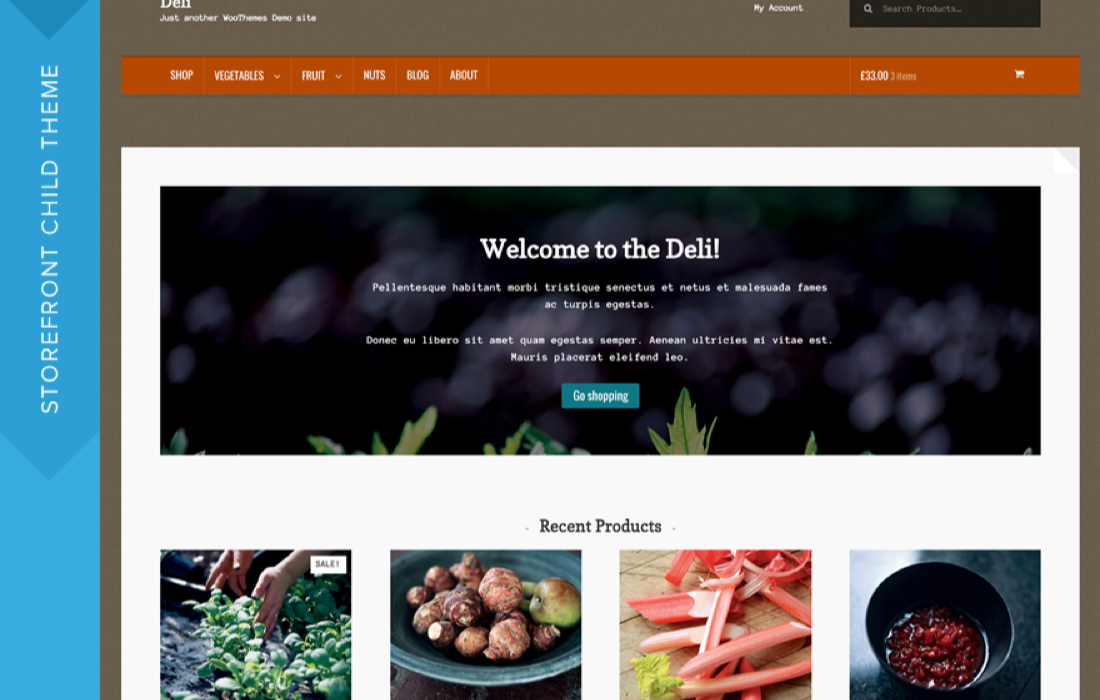
Deli Theme
$0.69
 Theme
 Theme
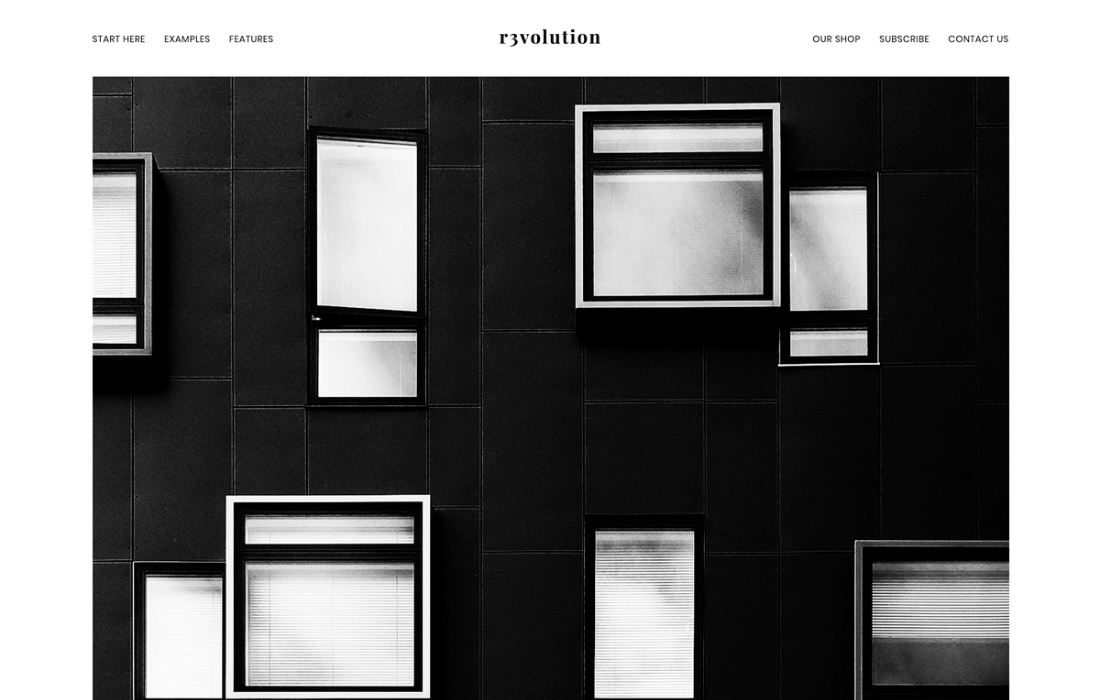
Revolution Pro Theme
$4.19
 Theme
 Theme
 Theme