
 Theme
ThemeUpdated
Beaver Builder Theme
Beaver Builder Theme is a WordPress theme built around visual, drag-and-drop site building.
Product facts
- Version
- 1.7.20
- Released
- 20 August 2026
- Type
- Theme
- Licence
- GPL
- Included in
- Every plan, or $6.29 on its own
Overview
Building a WordPress site from scratch can feel like a lot of decisions at once. Beaver Builder Theme gives you a visual drag-and-drop interface so you can arrange pages as you go and see the result. Full site editing extends that control to headers, footers and content areas, so the design stays consistent from top to bottom.
The theme fits many kinds of projects, including blogs, portfolios, business sites, eCommerce stores, membership sites and landing pages. It works with most WordPress themes and plugins, and its clean, well-documented code gives developers room to customize and extend it. Pre-designed templates give you a starting point, and the layouts are responsive across screen sizes.
Features
- Drag-and-drop page builder: Design pages visually by moving elements into place. You can build a site without any coding or design background, which keeps the process approachable for beginners.
- Full site editing: Control headers, footers and content areas from one place, so the whole site follows the same design instead of only the individual pages.
- Pre-designed templates: Start from a library of customizable templates made for a range of industries and site types, then adjust them to match your own content.
- Responsive layouts: Pages are built to display properly on screen sizes from desktops to smartphones, so visitors get a usable layout on whichever device they choose.
- Developer-friendly code: Clean, well-documented code lets developers customize and extend the theme and fit it into existing workflows and tools.
- Theme and plugin compatibility: The builder works with most WordPress themes and plugins, which leaves you free to choose the tools your site already depends on.
- Accessible comment forms: Comment forms include visual asterisk hints, required field hints, aria-required attributes and visual validation for invalid input, which makes them easier for all visitors to use.
- Bootstrap 4 layout option: New sites use Bootstrap 4 as the default layout option, giving you a familiar grid-based structure to build on.
Best for
- Freelancers and agencies building multiple client websites
- Beginners who want to design visually without coding
- Developers who want clean, extendable theme code
Changelog
Version 1.7.20 — 19 August 2026
- Improved Added comment form user accessibility improvements including adding visual asterisk hints, required field hints, aria-required attributes, visual validation for invalid input and more (#409)
- Improved Bootstrap 4 is now the default layout option for new sites (#359)
- Improved Performance: cache logo URL→attachment lookup to avoid FLTheme::logo() calling attachment_url_to_postid() on every front-end render (#486)
- Improved Serve translations from translate.wpbeaverbuilder.com (#494)
Earlier versions
- 1.7.19.2 (2 February 2026): 1 improved, 1 security
- 1.7.19.1 (4 December 2025): 1 improved, 1 security
- 1.7.19 (23 October 2025): 2 improved, 2 fixed, 1 security
FAQ
Is Beaver Builder Theme free?
The code of Beaver Builder Theme is licensed under the GPL, so anyone may use, change and share it. Buy GPL is a paid service: a plan or a purchase of Beaver Builder Theme gives you the download and its updates. The developer's own support, licence key and online services are not included.
Which version of Beaver Builder Theme is this?
Version 1.7.20, released 20 August 2026. New versions appear here when the developer publishes them.
How do I update Beaver Builder Theme?
Install Buy GPL Updater on your site and paste your key from My Account. It installs new versions of Beaver Builder Theme for you.
You might also like
Theme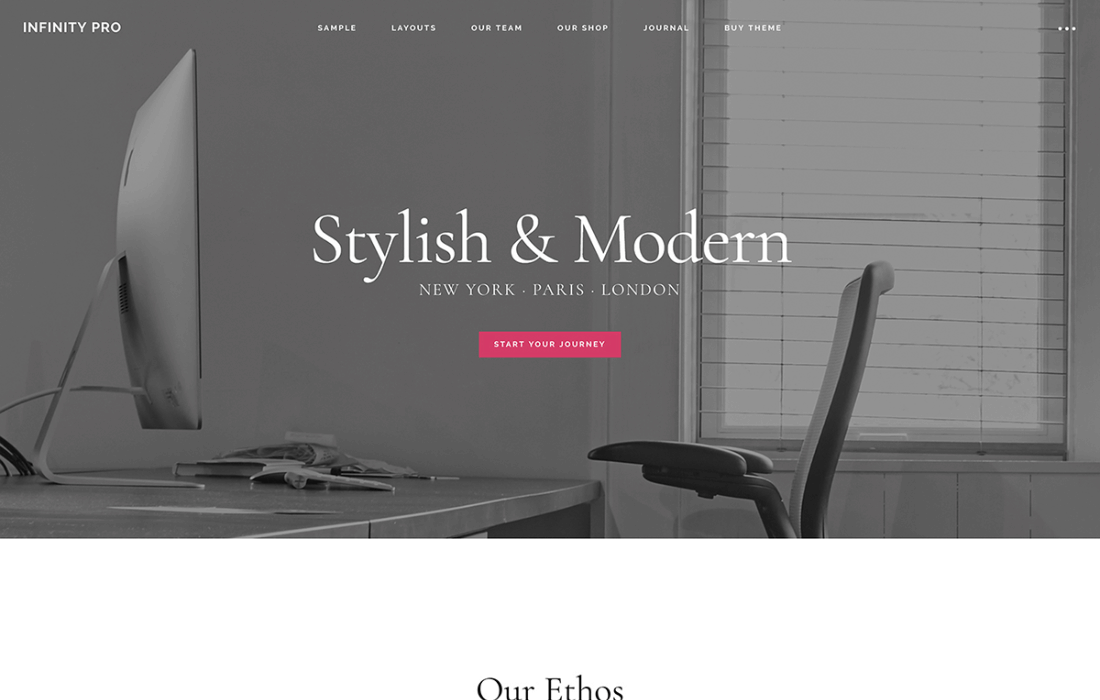 Theme
Infinity Pro Theme
$4.19
 Theme
 Theme
 Theme
Language School
$6.99
 Theme
 Theme
Boutique Theme
$0.69
 Theme