
 Plugin
PluginUpdated
WP Sheet Editor - JetEngine
WP Sheet Editor - JetEngine is a WordPress plugin by WP Sheet Editor that connects JetEngine custom post types to spreadsheets.
Product facts
- Version
- 1.1.4
- Released
- 23 September 2025
- Type
- Plugin
- Licence
- GPL
- Included in
- Every plan, or $2.09 / year on its own
Overview
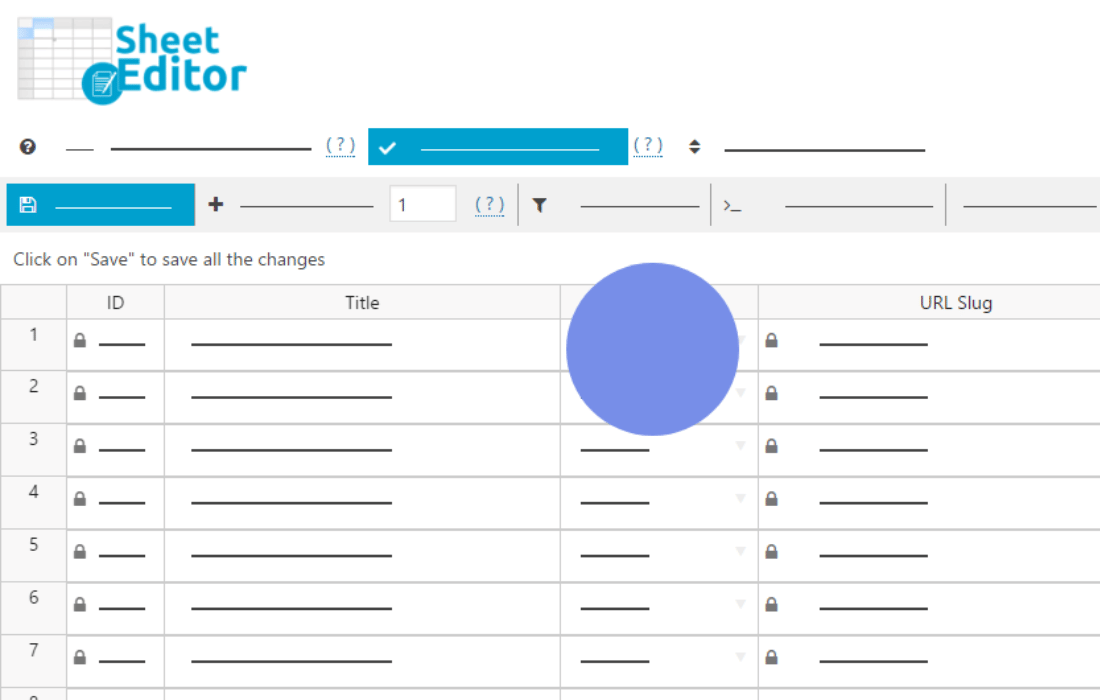
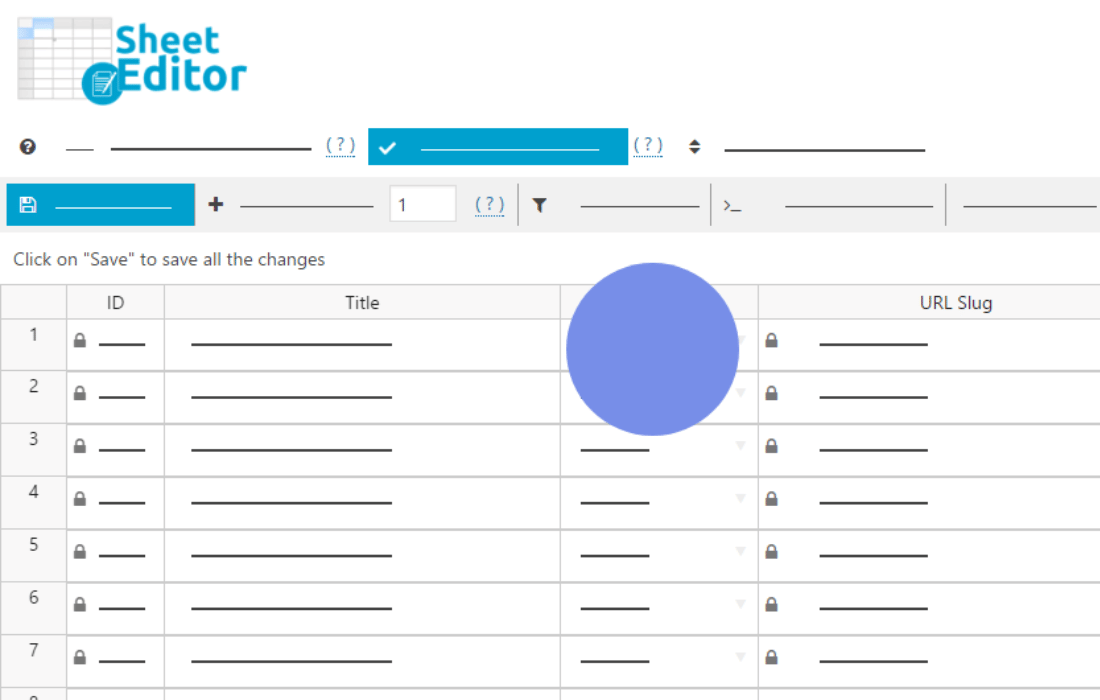
Editing custom post types one at a time in the WordPress dashboard takes a lot of repeated clicking. This plugin moves that work into a spreadsheet. You export the custom post types you built with JetEngine to a CSV file or to Google Sheets, then change many rows at once in a layout most people already know.
When the edits are done, you import the sheet back into your site. The import can update existing items or create new ones, and it handles the fields and meta boxes that JetEngine manages. That makes it useful for routine content updates and for moving dynamic content from one WordPress site to another.
Features
- Export to CSV or Google Sheets: Send JetEngine custom post types to a CSV file or straight into Google Sheets, which gives you a working copy for bulk editing and a handy data backup.
- Two-way import: After you edit the spreadsheet, import the changes back into WordPress. The same process covers both edited posts and brand new entries.
- Update or create items: Choose to update existing custom posts or add fresh ones from the sheet, so one workflow handles ongoing maintenance and new content.
- Fields and meta boxes included: Fields and meta boxes created through JetEngine are supported, so the custom data attached to each post can be viewed and edited in the spreadsheet.
- Bulk editing in a table view: Work on hundreds or thousands of custom posts at the same time in a spreadsheet layout, instead of opening each post in the dashboard.
- Clear overview of your data: See all your content in table form, which reduces the need to move through several back-end screens to find and compare entries.
- Google Sheets collaboration: Because content can live in Google Sheets, several people can edit it online from different places before the changes go back into the site.
- Content migration across sites: Export dynamic content from one WordPress site and import it into another, which helps when you move or sync JetEngine data between sites.
Best for
- Sites that manage many JetEngine custom post types
- Agencies migrating dynamic content between WordPress sites
- Teams that prefer editing content in Google Sheets
FAQ
Is WP Sheet Editor - JetEngine free?
The code of WP Sheet Editor - JetEngine is licensed under the GPL, so anyone may use, change and share it. Buy GPL is a paid service: a plan or a purchase of WP Sheet Editor - JetEngine gives you the download and its updates. The developer's own support, licence key and online services are not included.
Which version of WP Sheet Editor - JetEngine is this?
Version 1.1.4, released 23 September 2025. New versions appear here when the developer publishes them.
How do I update WP Sheet Editor - JetEngine?
Install Buy GPL Updater on your site and paste your key from My Account. It installs new versions of WP Sheet Editor - JetEngine for you.
More from WP Sheet Editor
Plugin Plugin
 Plugin
 Plugin
 Plugin
 Plugin
 Plugin
 Plugin