
 Plugin
PluginUpdated
WPForms Entry Automation
WPForms Entry Automation is a plugin addon for WPForms, made by WPForms.
Product facts
- Version
- 1.4.0
- Released
- 25 August 2026
- Type
- Plugin
- Licence
- GPL
- Included in
- Every plan, or $4.89 / year on its own
Overview
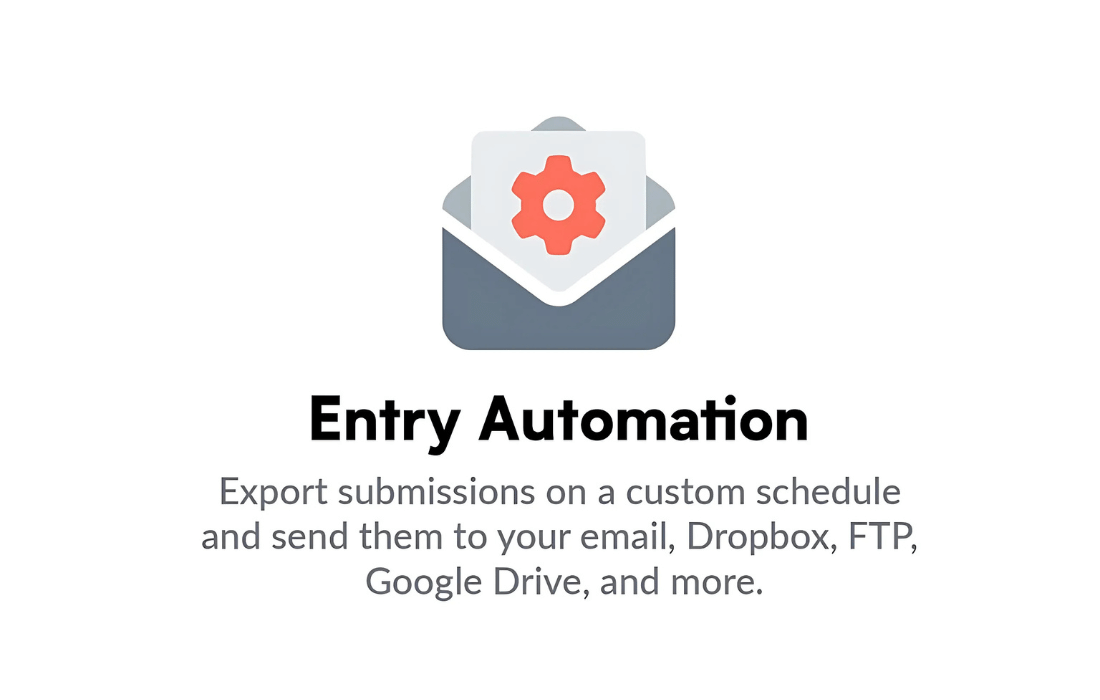
Form entries tend to pile up inside WordPress, and copying them out by hand takes time and invites mistakes. WPForms Entry Automation handles that routine for you. You set a schedule, pick what to export, and the addon prepares the file and delivers it on its own. This suits sales leads, customer inquiries and event registrations, where someone else needs the data in a spreadsheet or another tool.
The addon works from inside your existing WPForms setup. You choose a destination such as email, Google Drive, Dropbox or an FTP server, then pick a file format and apply filters so only the relevant entries are included. Export names can be customized to keep files organized, and you receive a notification if an export fails. The settings sit in a dashboard meant for both beginners and experienced users.
Features
- Scheduled entry exports: Set custom intervals for exporting form entries, so data is collected and sent on a regular rhythm without anyone running the export manually each time.
- Several export destinations: Send exported entries to an email inbox, Google Drive, Dropbox or an FTP server, depending on where your team or other tools expect to find the data.
- CSV, Excel and JSON formats: Choose the file format that fits the software you use next. Entries can be exported as CSV, Excel or JSON files for use across different platforms.
- Filters for relevant entries: Apply filters so only the submissions you need are exported. This keeps files focused and cuts down on clutter when you review the data later.
- Built for WPForms: The addon is designed specifically for WPForms, so export automation is managed alongside the forms you already build and maintain.
- Secure handling of exports: Automated exports include security features meant to keep sensitive form entries safe while files are prepared and delivered to their destination.
- Export failure notifications: If an export fails, you receive a notification. That lets you catch the problem and avoid missing form data during the automated process.
- Custom file naming: Use customizable naming conventions for exported files, which makes them easier to identify, sort and retrieve once they arrive at their destination.
Best for
- Teams that move form entries into spreadsheets regularly
- Sites collecting sales leads, inquiries or event registrations
- WPForms users who store files in Drive, Dropbox or FTP
Changelog
Version 1.4.0 — 25 August 2026
- Improved Selecting an existing Google Drive folder in the Form Builder is now limited to site administrators.
- Improved The minimum WPForms version supported is 2.0.1.
- Fixed Exported entry files waiting to be delivered were stored at a guessable location and could be downloaded by anyone who knew the URL.
Earlier versions
- 1.3.0 (30 July 2026): 1 new, 3 fixed
- 1.2.0 (7 April 2026): 1 new, 2 improved, 2 fixed
- 1.1.0 (3 February 2026): 3 fixed
FAQ
Is WPForms Entry Automation free?
The code of WPForms Entry Automation is licensed under the GPL, so anyone may use, change and share it. Buy GPL is a paid service: a plan or a purchase of WPForms Entry Automation gives you the download and its updates. The developer's own support, licence key and online services are not included.
Which version of WPForms Entry Automation is this?
Version 1.4.0, released 25 August 2026. New versions appear here when the developer publishes them.
How do I update WPForms Entry Automation?
Install Buy GPL Updater on your site and paste your key from My Account. It installs new versions of WPForms Entry Automation for you.
More from WPForms
Plugin Plugin
 Plugin
 Plugin
 Plugin
 Plugin
 Plugin
 Plugin