
 Plugin
PluginUpdated
WP Switchboard Pro
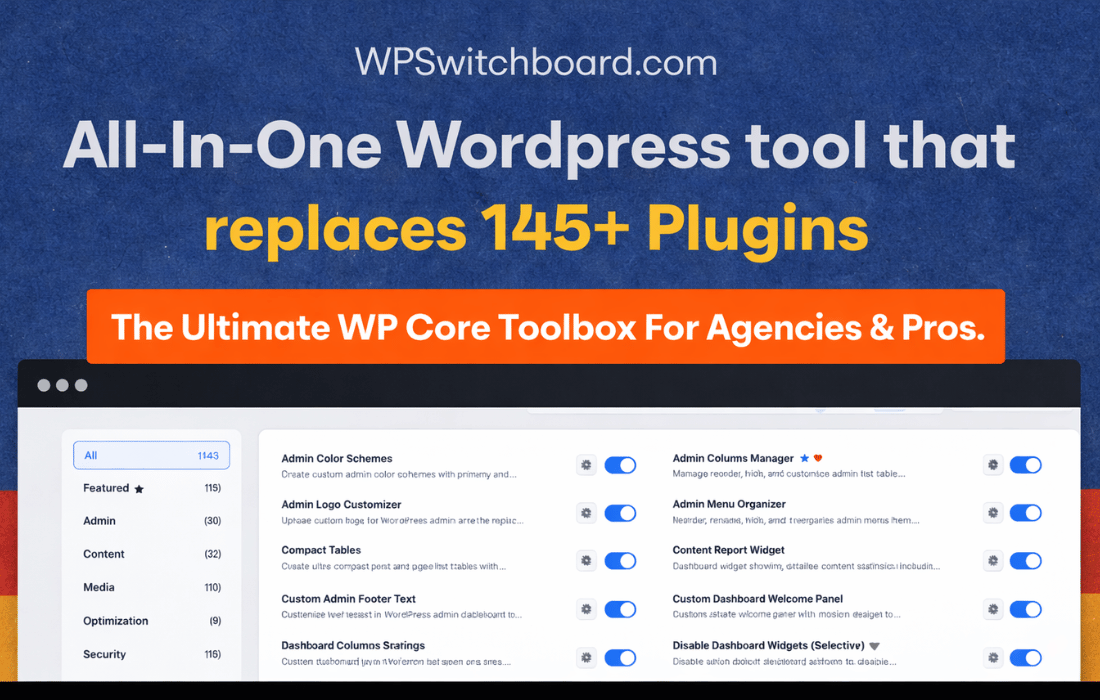
WP Switchboard Pro is a WordPress plugin from WP Switchboard that gathers more than 140 modular tools in one place.
Product facts
- Version
- 1.10.0
- Released
- 13 June 2026
- Type
- Plugin
- Licence
- GPL
- Included in
- Every plan, or $6.29 / year on its own
Overview
Many WordPress sites end up with a long list of small plugins, each handling one backend task. WP Switchboard Pro replaces dozens of them with a single plugin made of modules. Each tool is optional, so the site only runs the features you choose to enable. That keeps the setup lean and the admin area easier to follow.
Finding the right tool is quick because the plugin includes a rapid feature search. The tools cover dashboard menus, toolbars, user roles, branding, post and media handling, access control, caching, lazy loading, database cleanup, redirects, maintenance mode and login page controls. It suits developers who want a tidy workflow and site owners who want simpler backend management.
Features
- 140+ modular tools: Enable only the features your site needs. The modules take the place of dozens of single-purpose plugins, which cuts down on clutter in your setup.
- Admin customization: Adjust the WordPress dashboard with options for menus, toolbars, user roles and branding, so the backend fits the way you and your team work.
- Content management tools: Handle posts and media with improved editing tools, bulk actions and easier organization for sites that publish regularly.
- Security controls: Built-in tools help you manage user access, monitor suspicious activity and protect admin areas of your site.
- Performance modules: Includes caching, lazy loading and database cleanup modules, which you can switch on individually as your site requires.
- Rapid feature search: Search for a feature and enable it directly, without moving through complex menus while you manage the site.
- Everyday utilities: Set up quick redirects, maintenance mode and custom login page controls from the same plugin as your other admin tools.
- User role management: Fine-tune permissions and access levels for different users, which helps keep the site secure when several people collaborate.
Best for
- Developers who want one modular admin toolkit
- Site owners replacing many small utility plugins
- Teams that need tighter roles and cleaner dashboards
Changelog
Version 1.10.0 — 12 June 2026
- New Resizable spacers & separators
- Improved Show More / Show Less menu
- Fixed Soft-hiding broke submenus and added a blank gap
- Improved Balanced separator spacing
- Fixed Switchboard menu can no longer be hidden by accident
- Fixed Two-Factor login redirected to the homepage
Earlier versions
- 1.9.0 (25 May 2026): 3 new, 2 improved, 4 fixed
- 1.7.2 (30 March 2026): 2 new, 1 improved, 9 fixed, 2 security
- 1.7.0 (17 March 2026): 2 new, 5 improved, 2 fixed
FAQ
Is WP Switchboard Pro free?
The code of WP Switchboard Pro is licensed under the GPL, so anyone may use, change and share it. Buy GPL is a paid service: a plan or a purchase of WP Switchboard Pro gives you the download and its updates. The developer's own support, licence key and online services are not included.
Which version of WP Switchboard Pro is this?
Version 1.10.0, released 13 June 2026. New versions appear here when the developer publishes them.
How do I update WP Switchboard Pro?
Install Buy GPL Updater on your site and paste your key from My Account. It installs new versions of WP Switchboard Pro for you.
You might also like
Plugin Plugin
 Plugin
 Plugin
 Plugin
 Plugin
 Plugin
 Plugin