
 Plugin
PluginUpdated
Pwork - Intranet For WordPress
Pwork - Intranet For WordPress is a plugin from Palleon Team that turns a WordPress site into a private intranet for your team.
Product facts
- Version
- 3.1.1
- Released
- 23 October 2026
- Type
- Plugin
- Licence
- GPL
- Included in
- Every plan, or $2.09 / year on its own
Overview
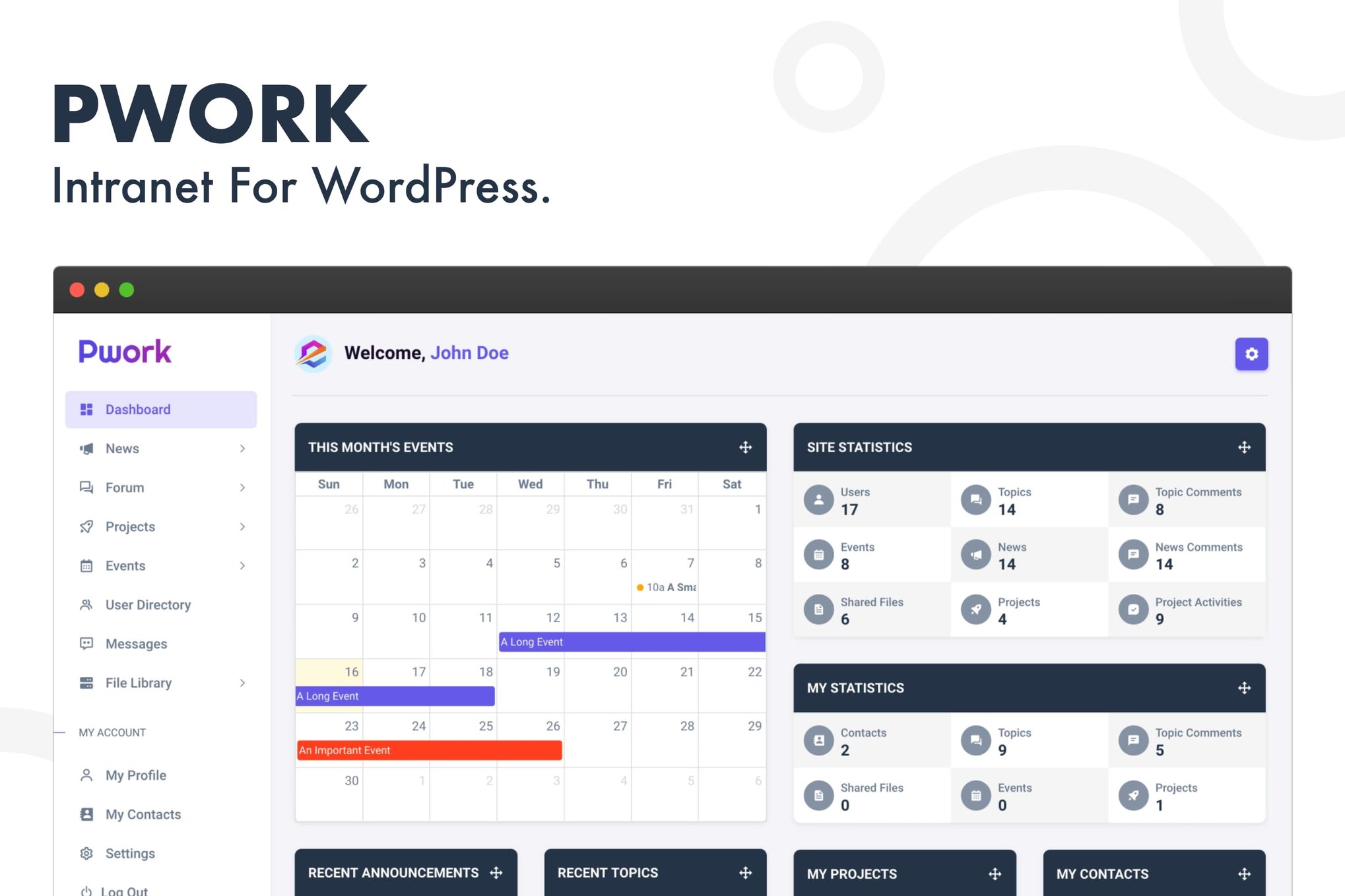
Teams often spread daily work across separate apps for chat, files, tasks and announcements. Pwork puts these tools inside your own WordPress site, so employees sign in to one place to read company news, join discussions, check projects and message colleagues. Each person gets a personal dashboard with the items that matter to them.
Role-based access controls decide who sees what, which helps when different departments or levels need different content. A knowledge base, user directory and event calendar cover shared resources, contacts and scheduling. The interface is built to work on any device. There is also a Lock the Site option for sites used only as an intranet, which blocks front-end pages outside it for visitors and users alike.
Features
- Personal employee dashboard: Each team member gets a workspace to reach tasks, announcements and updates quickly. A Pwork widget can also appear on the WordPress dashboard.
- Company news feed: Share company news, updates and announcements in a social media-style feed so everyone on the team can follow what is happening.
- Discussion forums: Employees can talk openly, share ideas and work through problems together in forums set up inside your intranet.
- Project and task management: Create, assign and track projects and tasks, so teams can see deadlines and keep workloads balanced.
- File library with folders: Upload, organize and share documents within the team. The library supports subfolders, and each file can carry a description.
- Direct and group messaging: Internal messaging covers one-to-one and group conversations, which gives teams a place for quick exchanges outside email.
- Role-based access control: Set user permissions by role to protect sensitive information and control which content each team member can see.
- Knowledge base and directory: Keep FAQs, company resources and training materials in one spot, alongside a searchable user directory with profiles and contact details.
Best for
- Companies building a private intranet on WordPress
- Teams replacing several separate collaboration apps
- Organizations needing role-based visibility for staff content
Changelog
Version 2.2 — 16 April 2026
- New Subfolder support added to the file library.
- New Description field added to the files.
- New Lock the Site option added (When this feature is enabled, all users & site visitors will be unable to access any pages outside the intranet on the front end. It is recommended to enable this setting only if you are using your WordPress site solely for intranet purposes).
- Fixed Search box issue fixed on folder view page.
- New Pwork dashboard widget added to the WordPress dashboard.
- Improved Language file (.pot) updated.
- Improved Freemius SDK updated.
Earlier versions
- 2.1 (16 March 2026): 4 new, 1 improved, 1 removed
FAQ
Is Pwork - Intranet For WordPress free?
The code of Pwork - Intranet For WordPress is licensed under the GPL, so anyone may use, change and share it. Buy GPL is a paid service: a plan or a purchase of Pwork - Intranet For WordPress gives you the download and its updates. The developer's own support, licence key and online services are not included.
Which version of Pwork - Intranet For WordPress is this?
Version 3.1.1, released 23 October 2026. New versions appear here when the developer publishes them.
How do I update Pwork - Intranet For WordPress?
Install Buy GPL Updater on your site and paste your key from My Account. It installs new versions of Pwork - Intranet For WordPress for you.
You might also like
Plugin Plugin
 Plugin
 Plugin
 Plugin
 Plugin
 Plugin
 Plugin