
 Plugin
PluginUpdated
HurryTimer Pro
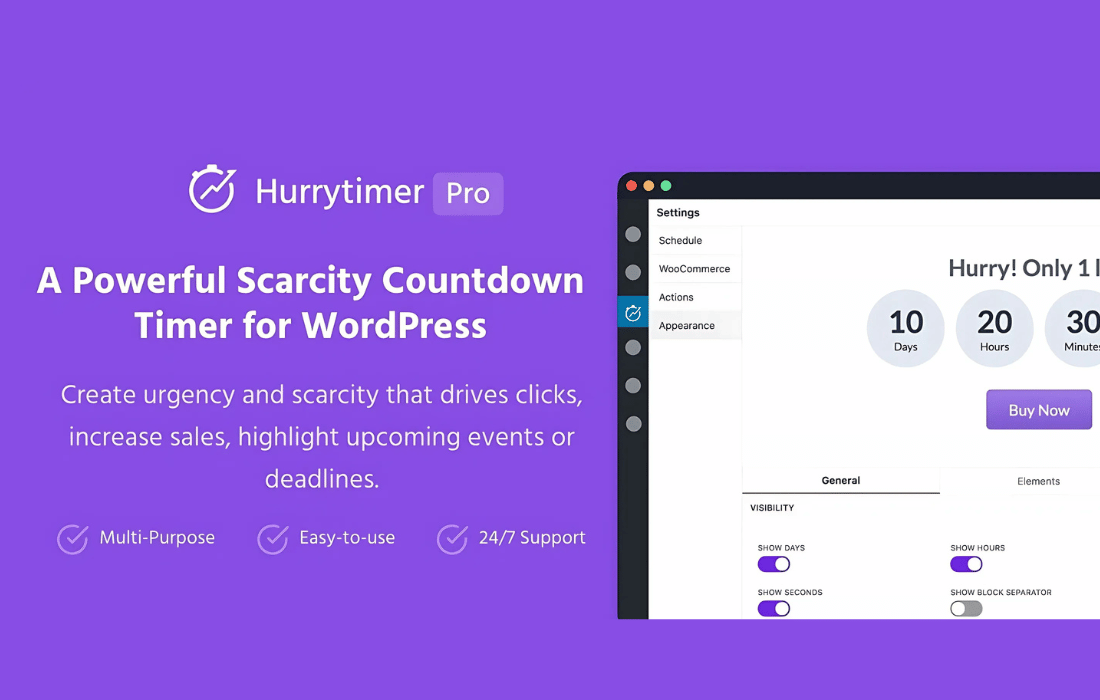
HurryTimer Pro is a WordPress plugin by Nabil Lemsieh that adds urgency countdown timers to your site.
Product facts
- Version
- 2.19.1
- Released
- 30 October 2026
- Type
- Plugin
- Licence
- GPL
- Included in
- Every plan, or $4.19 / year on its own
Overview
Limited-time offers only work when visitors can see the deadline clearly. HurryTimer Pro puts a countdown in front of them for promotions, events, shipping cut-offs and flash sales. An evergreen timer starts when each visitor arrives, so everyone gets a deadline that fits their own visit and timezone confusion goes away. A fixed-deadline timer runs between set dates, so every visitor sees the same end time.
The plugin also handles what happens around the timer. You can schedule campaigns ahead, repeat them by rules you define, and choose an action when a timer expires, such as redirecting visitors, showing a message, expiring a coupon or hiding the Add to Cart button. For stores, timers can sit on WooCommerce product pages with conditions for where they show. A sticky announcement bar and a set of ready-made themes cover other placements and looks.
Features
- Personal countdown per visitor: Each visitor gets a timer that starts when they arrive, so the deadline stays accurate for them no matter which timezone they are in.
- Fixed-deadline campaigns: Run a countdown between specific dates so every visitor sees the same end time. This suits event sales and flash promotions with a strict finish.
- Recurring and evergreen timers: Set timers that repeat on rules you define, such as daily shipping cut-offs, and restart evergreen timers automatically after they expire.
- WooCommerce product page timers: Add countdowns to product pages to point out sale deadlines, and show or hide them based on conditions you set for those pages.
- Actions when a timer expires: Redirect users, hide the timer, display a custom message, expire coupons, update stock status or conceal the Add to Cart button once time runs out.
- Sticky announcement bar: Show the countdown in a mobile-friendly, customizable bar fixed to the top or bottom of the page so the promotion stays in view.
- Custom styling and themes: Use built-in styling options and custom CSS, or pick one of 17 themes such as Black Friday or Christmas, with a live preview in the editor.
- Call-to-action button and scheduling: Place a clickable button beside the countdown, and schedule timers to go live according to your marketing calendar.
Best for
- WooCommerce stores running timed sales
- Marketers planning evergreen or event promotions
- Site owners who want branded countdown timers
Changelog
Version 2.19.1
- Fixed Recurring timers that run on selected days no longer jump to the next week when a cycle runs past midnight. For example, a 24-hour timer on Wednesday only now counts down to Thursday morning instead of showing almost seven days.
- Improved Various bug fixes and improvements.
Earlier versions
- 2.19.0: 1 new, 1 improved
- 2.18.0: 1 new
- 2.17.3: 1 fixed
FAQ
Is HurryTimer Pro free?
The code of HurryTimer Pro is licensed under the GPL, so anyone may use, change and share it. Buy GPL is a paid service: a plan or a purchase of HurryTimer Pro gives you the download and its updates. The developer's own support, licence key and online services are not included.
Which version of HurryTimer Pro is this?
Version 2.19.1, released 30 October 2026. New versions appear here when the developer publishes them.
How do I update HurryTimer Pro?
Install Buy GPL Updater on your site and paste your key from My Account. It installs new versions of HurryTimer Pro for you.
You might also like
Plugin Plugin
 Plugin
 Plugin
 Plugin
 Plugin
 Plugin
 Plugin