
 Plugin
PluginUpdated
Duplicator Pro
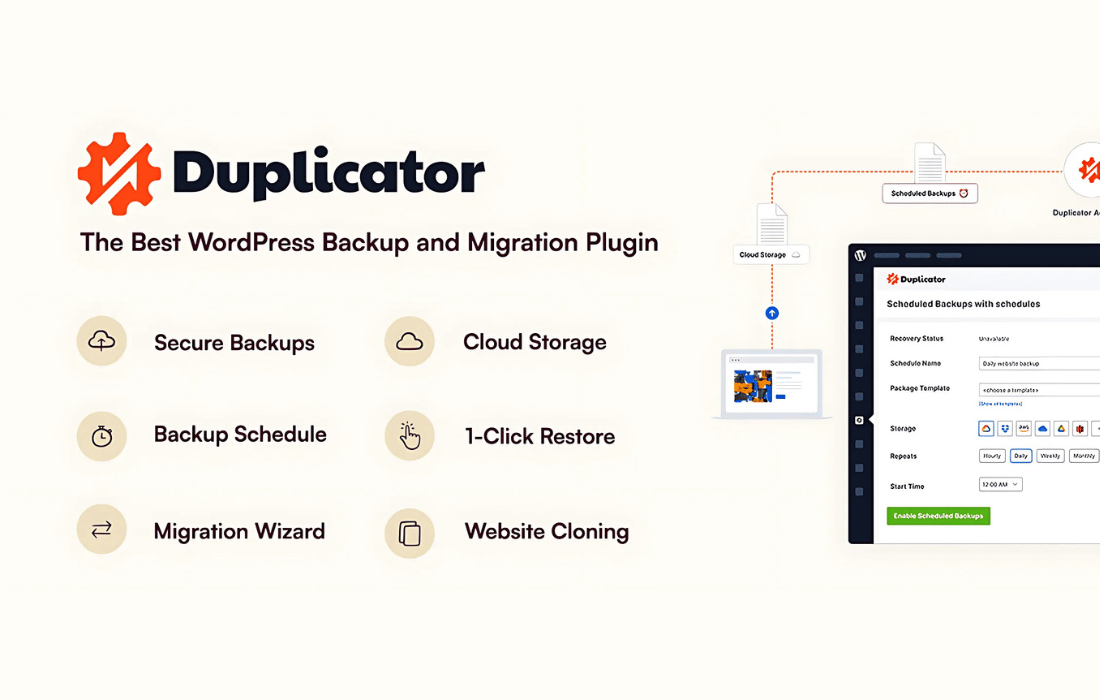
Duplicator Pro is a WordPress plugin from Snap Creek that backs up, clones and migrates a full website, files and database included.
Product facts
- Version
- 5.1.1
- Released
- 4 November 2026
- Type
- Plugin
- Licence
- GPL
- Included in
- Every plan, or $4.89 on its own
Overview
Moving a WordPress site by hand means copying files, exporting a database and fixing URLs afterward. Duplicator Pro packages those steps into one process. It creates a complete backup of your files and database, and a two-step migration wizard walks you through placing that backup on a new host or a fresh install.
Backups can run on a schedule, from hourly to monthly, and can be sent to remote storage so a copy lives away from your server. If an update goes wrong, a one-click restore returns the site to an earlier state. The plugin also handles multisite networks and servers with shared databases, which suits varied hosting setups.
Features
- Complete site backups: Each backup captures both your site files and its database, so the whole site can be rebuilt from a single package if data is lost.
- Scheduled automatic backups: Set backups to run hourly, daily, weekly or monthly so your latest version is saved without anyone starting it by hand.
- Cloud and remote storage: Send backups to Google Drive, Dropbox, Amazon S3, OneDrive, FTP or SFTP, plus other S3-compatible destinations, with AES-256 encryption applied to what you store.
- One-click restore: Roll the site back to an earlier recovery point with a single click, which helps after an error or a problematic update.
- Two-step migration wizard: A guided wizard moves your site to a new location in two steps and requires no coding knowledge.
- Server-to-server import: Import a backup straight from a remote server or cloud storage by URL, so you skip downloading it to your own computer first.
- Search and replace tool: Update URLs, file paths and other data during a migration so the site works correctly at its new address.
- Multisite and shared databases: Back up and migrate multisite networks, convert subsites to standalone sites and back, and move sites hosted on shared databases.
Best for
- Developers and agencies moving client sites between hosts
- Site owners who want scheduled backups stored off-server
- Administrators of WordPress multisite networks
Changelog
Version 5.1.1 — 3 November 2026
- Security Security gap in the installer has been closed.
- Improved Search and replace during migrations is more reliable, with fixes for URLs, international domains, serialized data and large JSON content.
- Improved Backups are more robust on LiteSpeed hosts and with Duplicator Cloud: stuck uploads no longer block incremental backups, and the “Use IPv4 only” setting now works with Cloud.
- Improved Lite users can now preview Incremental Backups.
- New Migration: Search and replace now uses less memory on large JSON content and replaces only valid serialized data value by value, leaving data that was already broken as plain text instead of rebuilding it (Installer).
- Fixed Migration: Fixed an issue where the installer password could be bypassed: no installer action can run until the installer is unlocked (Installer).
- Fixed Migration: Fixed several search and replace issues: URLs and paths ending in special characters, upper/lower case schemes and domains, HTML-encoded URLs, international domains, email domains and serialized or JSON values, without slowing down the database step (Installer).
- Fixed Backups: Fixed background Backup workers being stopped on LiteSpeed servers, which caused failed or very slow Backups, and added the LiteSpeed configuration advice to the “Backup Transfer Failed” notice.
- Fixed Backups: Fixed downloaded incremental snapshots being reported as orphan files and deleted by the orphan cleanup.
- Fixed Storage: Duplicator Cloud now follows the “Use IPv4 only” setting, fixing upload timeouts on sites with a broken IPv6 configuration.
- Fixed Backups: Incremental backups are no longer blocked by a Duplicator Cloud upload left open by an interrupted process, and temporary network errors with the cloud are now retried.
- Fixed Recovery: Fixed the current Recovery Point being lost when setting a new one failed.
Earlier versions
- 5.1.0 (27 October 2026): 2 new, 5 improved, 12 fixed
- 5.0.6 (14 October 2026): 4 fixed
- 5.0.5 (29 September 2026): 2 improved, 14 fixed
FAQ
Is Duplicator Pro free?
The code of Duplicator Pro is licensed under the GPL, so anyone may use, change and share it. Buy GPL is a paid service: a plan or a purchase of Duplicator Pro gives you the download and its updates. The developer's own support, licence key and online services are not included.
Which version of Duplicator Pro is this?
Version 5.1.1, released 4 November 2026. New versions appear here when the developer publishes them.
How do I update Duplicator Pro?
Install Buy GPL Updater on your site and paste your key from My Account. It installs new versions of Duplicator Pro for you.
You might also like
Plugin Plugin
 Plugin
 Plugin
 Plugin
 Plugin
 Plugin
 Plugin