
 Plugin
PluginUpdated
Dark Mode by Traslatability
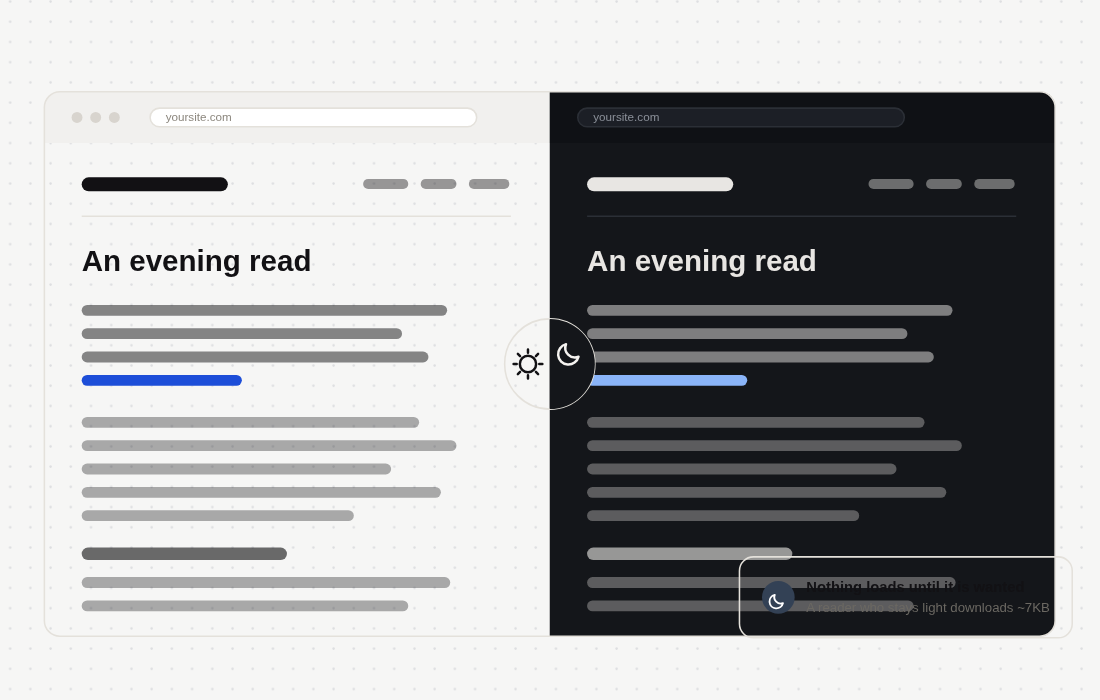
Dark Mode by Traslatability is a WordPress plugin that adds a responsive dark mode to your site without a theme redesign.
Product facts
- Version
- 1.8.0
- Released
- 23 October 2026
- Type
- Plugin
- Licence
- GPL
- Included in
- Every plan, or $2.79 / year on its own
Overview
Many sites look fine in daylight but glare at visitors who browse in a dim room. Redesigning a whole theme for a dark version takes time. This plugin converts your existing styles automatically, so the content keeps its look and the page turns dark. You can pick from several ready-made color palettes, or set your own colors to match your brand.
The plugin loads its dark mode engine only when it is needed, and it prevents the white flash that can appear when a visitor moves between pages. A toggle switch lets readers move between light and dark. The layout stays responsive from desktop to phone. Developers can also make their own scripts follow dark mode, such as a map, a chart or a chat window.
Features
- Automatic style adaptation: Your existing site styles are converted to a dark version on their own, so you do not have to rebuild your theme or write a separate dark stylesheet.
- Ready-made color palettes: Several dark color palettes are included, so you can choose one that suits your site. You can also set your own colors to match your brand.
- On-demand engine loading: The dark mode engine is loaded only when it is needed, which avoids loading extra code for visitors who stay in light mode.
- White flash prevention: Moving between pages no longer shows a bright white flash, so navigation stays comfortable for visitors who chose the dark look.
- Visitor toggle switch: Visitors can switch between light and dark modes with a simple toggle button, and you can adjust the button from its own settings screen.
- Responsive on all devices: Dark mode is built to display well on desktops and smartphones, so the layout holds up whatever screen your visitors use.
- Dark browser bar: On Android in Chrome and Samsung Internet, and in a site installed as an app on a computer, the bar above the page takes the page's dark background.
- Script event for developers: Your own scripts can listen for the trasl-dark-mode:change event or call window.trdm.isDark(), so a map, chart or chat window can follow dark mode.
Best for
- WordPress sites with readers who browse at night
- Site owners who want dark mode without a theme redesign
- Developers whose pages include maps, charts or chat widgets
Changelog
Version 1.8.0
- New The browser's own bar goes dark with the page. On Android, Chrome and Samsung Internet colour the bar above the page, and so does a site installed as an app on a computer. While a page is dark that bar now takes the page's own dark background, from the first paint for a reader who chose dark, under every method, and your theme's colour comes back when the page goes light. A reader who leaves the page light gets nothing extra.
- New Your own scripts can follow dark mode. A map, a chart or a chat window can listen for the trasl-dark-mode:change event, fired once when the page loads and each time dark mode comes on or goes off, or ask window.trdm.isDark(). The documentation has an example under For developers.
- Fixed Colour buttons say their colour on every screen. On the Colours and Toggle Button screens, reached from another screen of the plugin or brought back by a save, every colour button said "Select Color". Each now says the colour it holds, and the new one as soon as you pick it.
- Fixed The Colours preview follows the colour picker. Picking a colour left the preview as it was when the screen was opened directly, and showed the colour picked one click before when it was reached from another screen. It now shows the colour as soon as it is picked.
- Fixed No more boxes round the icon and words of share buttons in dark mode. Under the Automatic method, a part kept in its own colours (Excluded Elements, and the brand-coloured buttons of our Social Share Buttons) had a border colour written on everything inside it, and WordPress's own block styles draw a border wherever one is written, so each button's icon and words sat in a box. A border colour is now kept only where there is a border, and a field keeps its own inset edge.
Earlier versions
- 1.6.2: 2 fixed
- 1.6.0: 2 new, 1 improved
- 1.3.18: 1 improved, 3 fixed
FAQ
Is Dark Mode by Traslatability free?
The code of Dark Mode by Traslatability is licensed under the GPL, so anyone may use, change and share it. Buy GPL is a paid service: a plan or a purchase of Dark Mode by Traslatability gives you the download and its updates. The developer's own support, licence key and online services are not included.
Which version of Dark Mode by Traslatability is this?
Version 1.8.0, released 23 October 2026. New versions appear here when the developer publishes them.
How do I update Dark Mode by Traslatability?
Install Buy GPL Updater on your site and paste your key from My Account. It installs new versions of Dark Mode by Traslatability for you.
You might also like
Plugin Plugin
 Plugin
 Plugin
 Plugin
 Plugin
 Plugin
 Plugin