
 Plugin
PluginUpdated
The Events Calendar - Filter Bar
The Events Calendar - Filter Bar is a WordPress plugin from Modern Tribe, built as an add-on for The Events Calendar.
Product facts
- Version
- 5.6.7
- Released
- 31 October 2026
- Type
- Plugin
- Licence
- GPL
- Included in
- Every plan, or $6.99 / year on its own
Overview
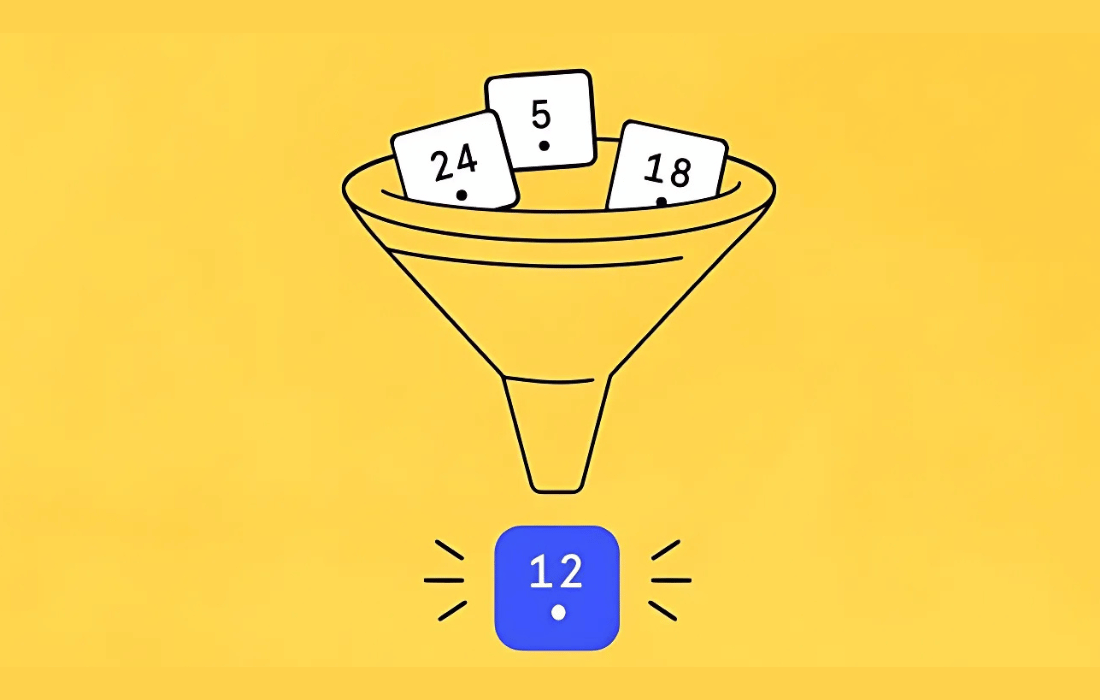
Calendars with many events get hard to scan. Visitors scroll through dates and listings looking for one workshop, one venue or one kind of event. The Events Calendar – Filter Bar gives them controls to narrow the list by category, tag, venue, organizer, day of the week, time of day and cost, so the results match what they came for.
You choose which filters appear, put them in the order you want, and place the bar horizontally or vertically to suit your layout. It works with Events Calendar Pro for custom filters and distance filtering, and with Virtual Events to filter by virtual, in-person or hybrid. It also works with Events Manager. Filter choices are added to the calendar URL, so you can share a link to a pre-filtered view.
Features
- Wide range of default filters: Filter by category, tag, venue, organizer, day of the week, time of day and cost. Featured events, event status, location (country, state, city) and event series are also available.
- Custom filters: With Events Calendar Pro, you can build filters from additional event fields you define, so visitors can search by details specific to your events.
- Virtual and hybrid filtering: Paired with the Virtual Events add-on, the bar lets visitors choose between virtual, in-person and hybrid events.
- Horizontal or vertical layout: Place the filter bar across the calendar or along the side. You also decide which filters show and in what order.
- Shareable filtered links: Each filter selection is appended to the calendar URL, so you can create and share links that open with results already filtered.
- Cost and distance filters: Visitors can filter events by cost. When used with Events Calendar Pro, they can also filter by distance to find events nearby.
- Responsive design: The filter bar is built to work on desktop, tablet and mobile screens, so filtering feels consistent on any device.
- Apply button for filter selections: A setting lets you group filter choices behind an Apply button, so results update only once the visitor confirms, which helps keyboard users.
Best for
- Event sites running The Events Calendar with many listings
- Organizations offering virtual, in-person and hybrid events
- Site builders who want custom event filters
Changelog
Version 5.6.7 — 29 October 2026
- Fixed Prevented a fatal error that broke calendar pages when the Event Category filter listed a subcategory without its parent, so that subcategory was shown at the top level of the filter instead.
- Improved Language - 0 new strings added, 0 updated, 0 fuzzied, and 0 obsoleted.
- Improved Switched changelog tooling from jetpack-changelogger to @stellarwp/changelogger.
Earlier versions
- 5.6.6 (22 July 2026): 1 new, 6 fixed, 1 other
- 5.6.3 (11 March 2026): 5 improved, 1 other
- 5.6.2 (16 September 2025): 3 improved, 1 fixed, 1 other
FAQ
Is The Events Calendar - Filter Bar free?
The code of The Events Calendar - Filter Bar is licensed under the GPL, so anyone may use, change and share it. Buy GPL is a paid service: a plan or a purchase of The Events Calendar - Filter Bar gives you the download and its updates. The developer's own support, licence key and online services are not included.
Which version of The Events Calendar - Filter Bar is this?
Version 5.6.7, released 31 October 2026. New versions appear here when the developer publishes them.
How do I update The Events Calendar - Filter Bar?
Install Buy GPL Updater on your site and paste your key from My Account. It installs new versions of The Events Calendar - Filter Bar for you.
More from Modern Tribe
Plugin Plugin
 Plugin
 Plugin
 Plugin