
 Plugin
PluginUpdated
Appointment Booking Checkout Fields
Appointment Booking Checkout Fields is a WordPress plugin from MotoPress that gives you control over the checkout form in your appointment booking setup.
Product facts
- Version
- 1.1.4
- Released
- 16 February 2026
- Type
- Plugin
- Licence
- GPL
- Included in
- Every plan, or $4.19 / year on its own
Overview
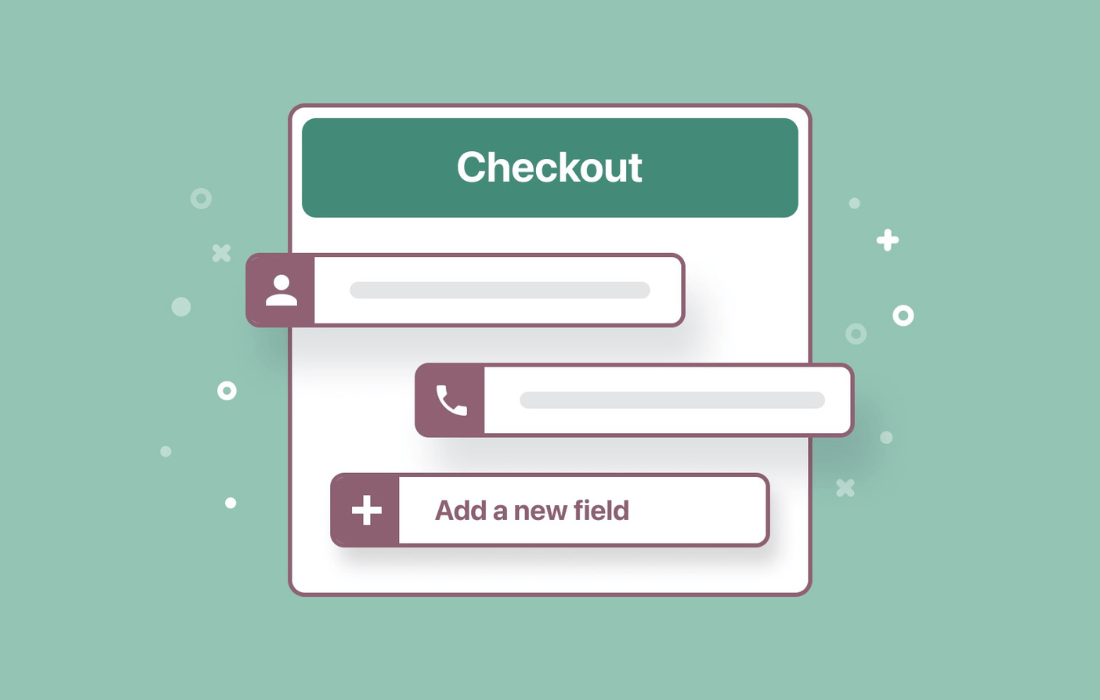
A generic booking form often misses details a service business needs, or asks for things it does not. This addon lets you shape the checkout form to fit your services. You can add new fields, edit existing ones and remove those you do not need, so customers give you the right information when they book.
It works with your existing WordPress appointment booking plugin. You arrange the form layout to match how your business runs, using field types such as text, dropdowns, date selectors, checkboxes and payment inputs. Conditional logic shows or hides fields based on what a customer answers. It suits salons, medical practices, consultancies and other service providers.
Features
- Add, edit and remove fields: Change the checkout form so each appointment collects the information you need, without keeping fields that do not apply to your services.
- Drag-and-drop reordering: Move fields into the order that suits your business flow and priorities, so the form follows the sequence you want customers to see.
- Several field types: Build forms with text fields, dropdowns, date selectors, checkboxes and payment inputs, so one checkout can handle different kinds of booking details.
- Conditional logic: Show or hide fields based on customer responses, so the form adapts to each booking scenario and asks only relevant questions.
- Works with your booking plugin: The addon connects to your existing WordPress appointment booking plugin, so you can adjust the checkout form within the setup you already use.
- Mobile-friendly form design: The checkout form is designed to work across devices, so customers can complete a booking on a phone, tablet or desktop.
- Multilingual site support: Use the customized checkout form on multilingual sites, which helps businesses that serve customers in more than one language.
- Contact and payment details: Include contact information and payment fields in the checkout form, so you gather required details upfront and reduce follow-up calls or emails.
Best for
- Salons and medical practices taking online appointments
- Consultancies needing custom booking questions
- Service businesses running multilingual booking sites
FAQ
Is Appointment Booking Checkout Fields free?
The code of Appointment Booking Checkout Fields is licensed under the GPL, so anyone may use, change and share it. Buy GPL is a paid service: a plan or a purchase of Appointment Booking Checkout Fields gives you the download and its updates. The developer's own support, licence key and online services are not included.
Which version of Appointment Booking Checkout Fields is this?
Version 1.1.4, released 16 February 2026. New versions appear here when the developer publishes them.
How do I update Appointment Booking Checkout Fields?
Install Buy GPL Updater on your site and paste your key from My Account. It installs new versions of Appointment Booking Checkout Fields for you.
More from MotoPress
Plugin Plugin
 Plugin
 Plugin
 Plugin
 Plugin
 Plugin
 Plugin