
 Plugin
PluginUpdated
MonsterInsights Pro + Add-ons
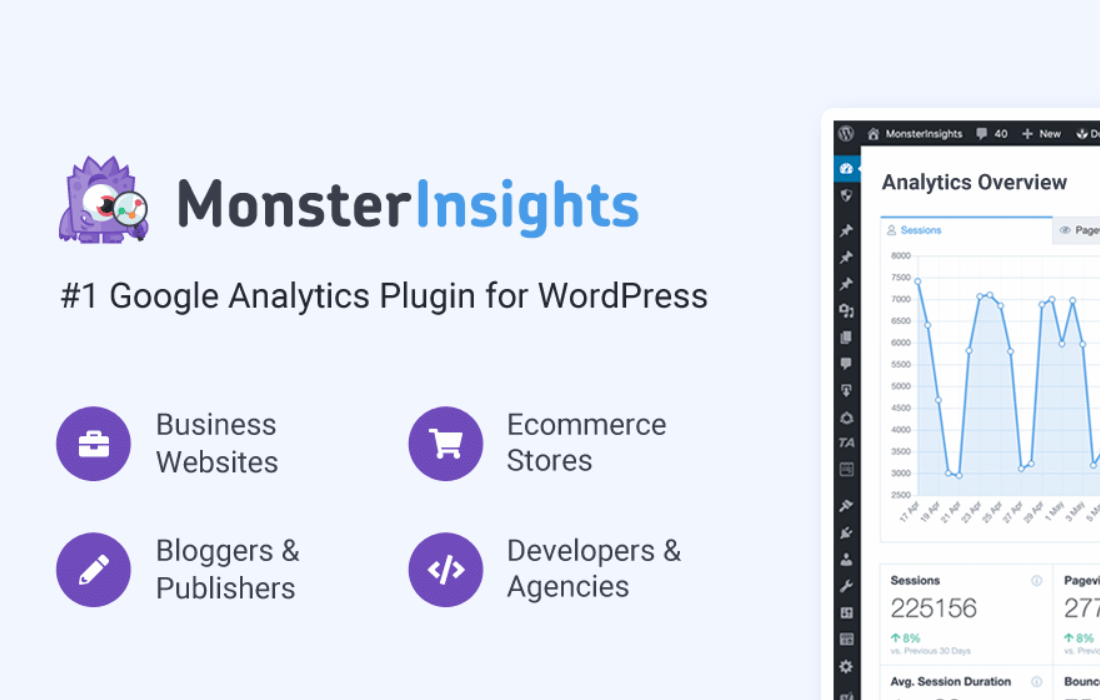
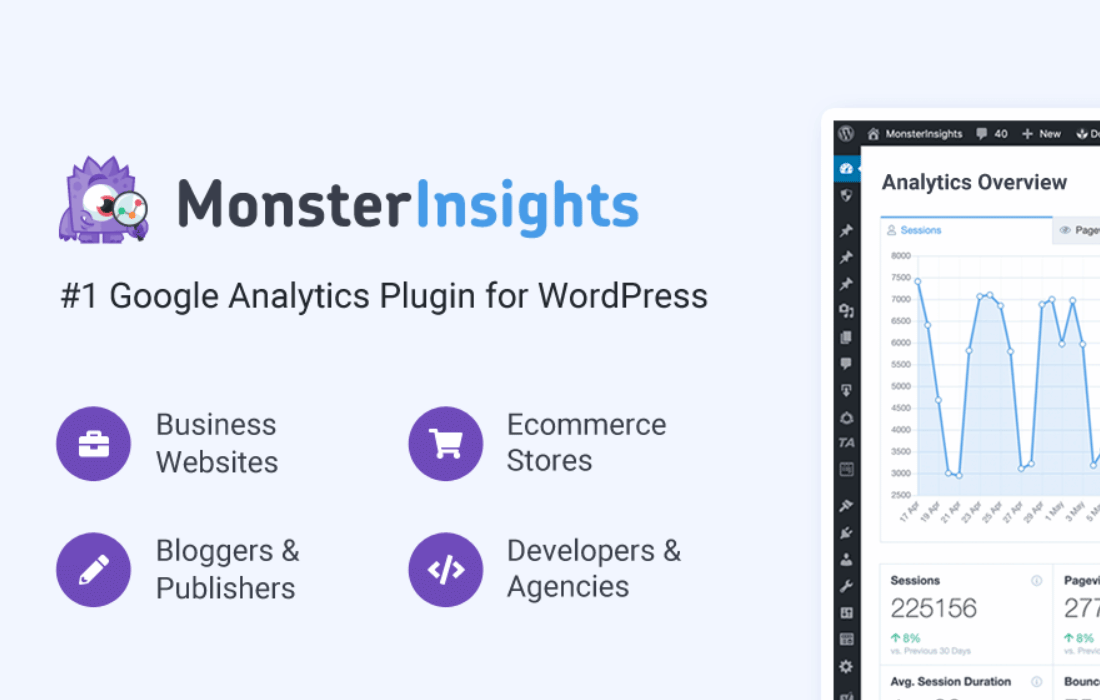
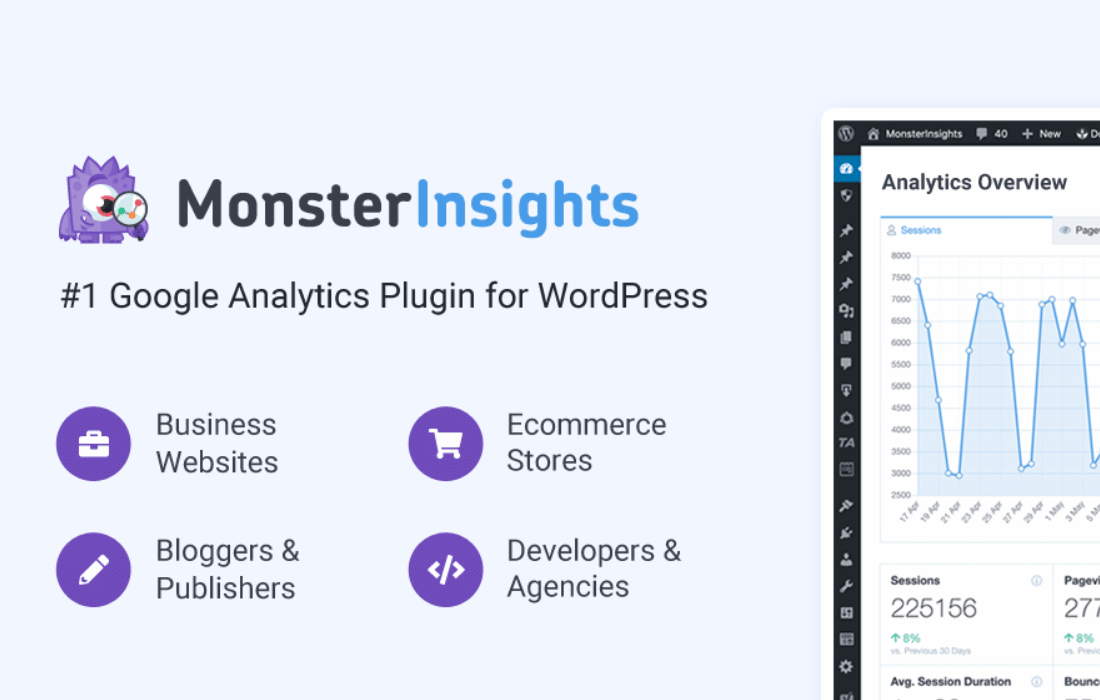
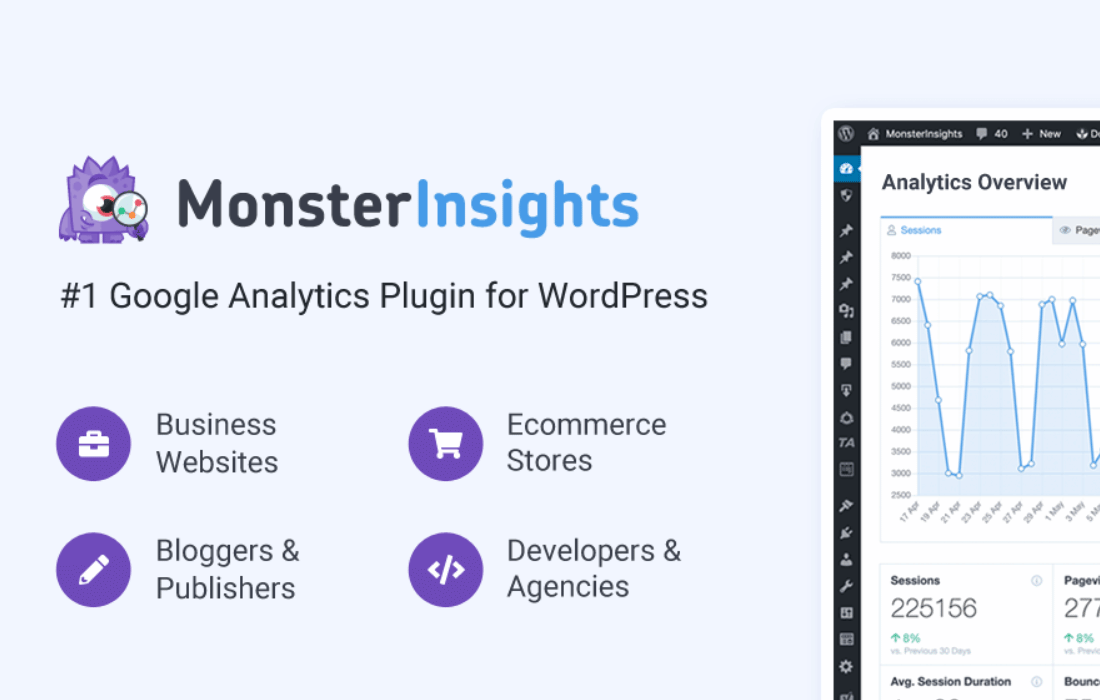
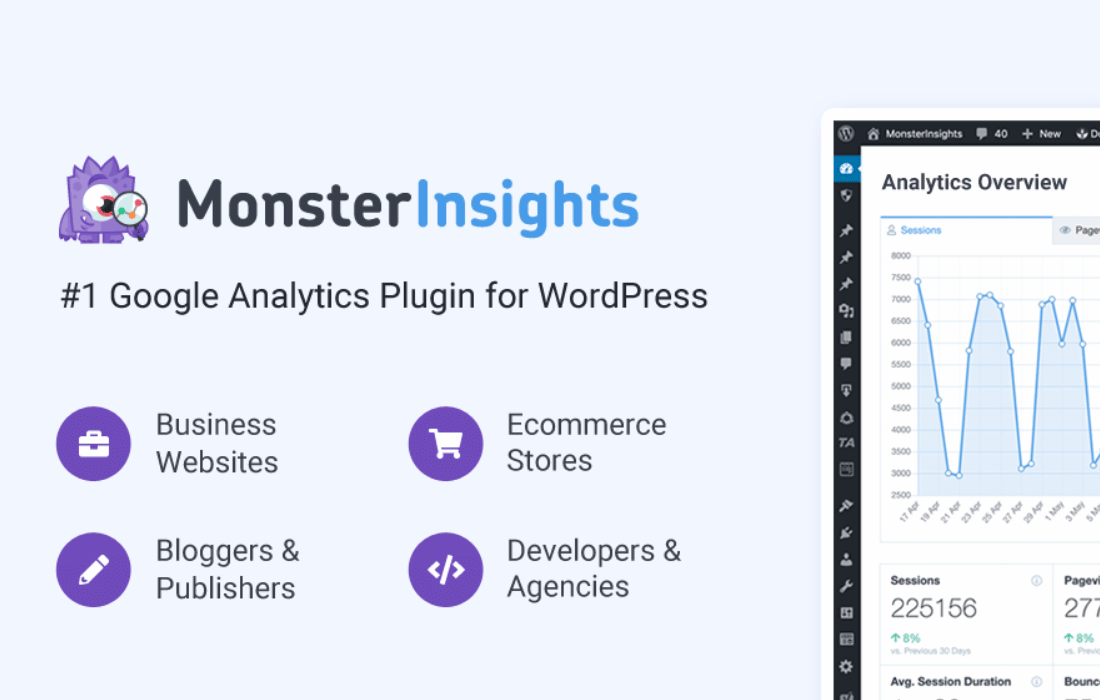
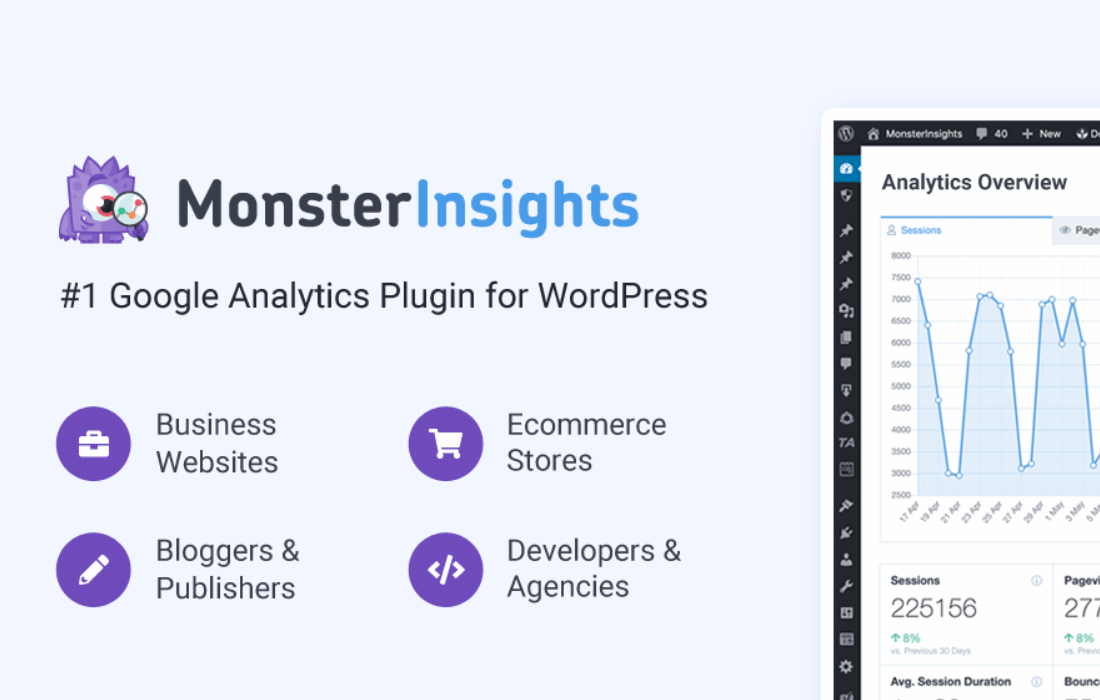
MonsterInsights Pro + Add-ons is a WordPress plugin by MonsterInsights that connects your site to Google Analytics.
Product facts
- Version
- 11.3.0
- Released
- 23 September 2026
- Type
- Plugin
- Licence
- GPL
- Included in
- Every plan, or $9.09 / year on its own
Overview
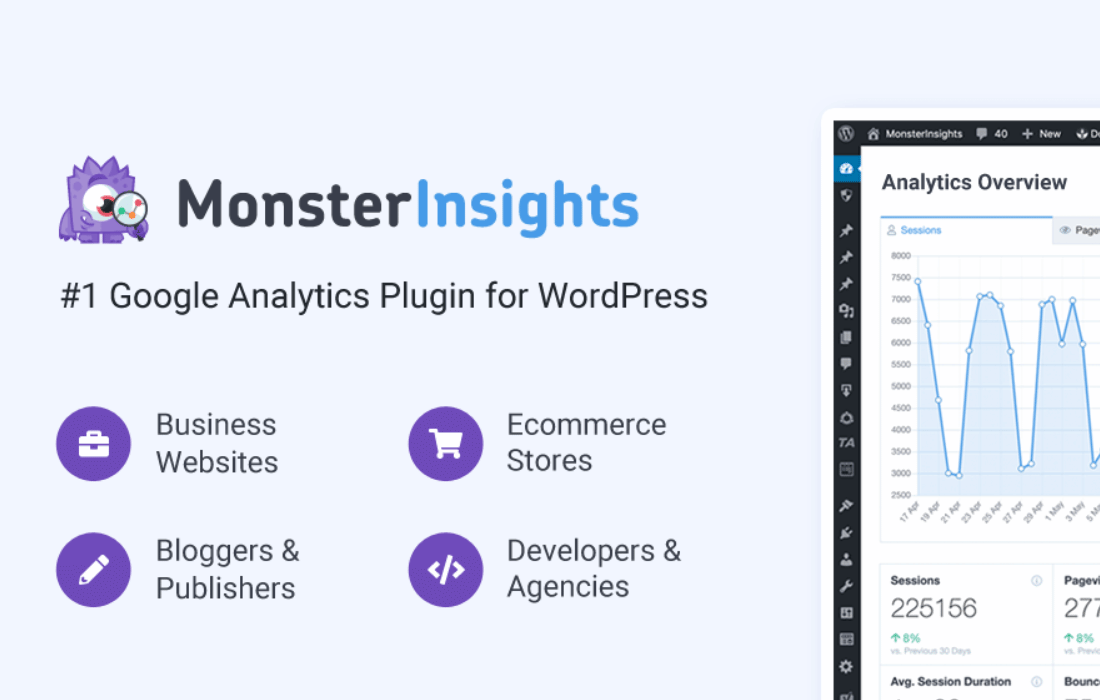
Analytics tools can be hard to read and harder to set up. MonsterInsights Pro + Add-ons links your WordPress site to Google Analytics and presents the results in reports built for people without a technical background. You can check traffic sources, see how visitors behave and review how marketing campaigns are performing, all from the admin area. A setup wizard guides the connection, so no coding is involved.
The add-ons extend what the plugin tracks. There are options for eCommerce performance, form submissions and custom events such as link clicks, downloads and video plays. Audience reports describe visitor demographics, interests and devices. This makes the plugin a fit for online stores, lead-generation sites, blogs and business sites that want to base content and marketing choices on data.
Features
- Google Analytics connection: Connect your WordPress site to Google Analytics and start tracking key metrics without writing any code. A guided setup wizard walks you through the configuration.
- Real-time stats dashboard: View live, easy-to-read reports in the WordPress admin area, which makes quick performance checks simple whenever you need them.
- eCommerce tracking add-on: Review sales performance, product popularity and customer behavior for your online store through an add-on built for eCommerce reporting.
- Form conversion tracking: Monitor form submissions to measure lead generation and see how your contact forms or surveys perform.
- Custom event tracking: Track interactions such as link clicks, downloads and video plays, so you can understand engagement beyond simple page views.
- Audience reports: See visitor demographics, interests and devices, which helps you tailor your content and marketing to the people who actually visit.
- Enhanced link attribution: Find out which links on your pages draw the most clicks, which helps when you want to refine calls to action.
- Page Insights in the editor: Open Page Insights from the editor sidebar, the admin bar panel or the classic editor metabox to check how a page is doing while you work.
Best for
- Bloggers who want clear traffic reports in WordPress
- Online stores tracking product and sales performance
- Marketers measuring forms, clicks and campaign results
Changelog
Version 11.3.0 — 16 September 2026
- Improved Enhancements: Page Insights now opens instantly in the editor sidebar, the admin bar panel, and the classic editor metabox
- Improved Enhancements: The Overview report loads faster and shows the Pages widget even without the Page Insights addon
- Improved Enhancements: Update checks for your addons are faster, with one request covering all of them instead of one for each
- Improved Enhancements: The form conversion upgrade prompt now names the form plugin you already use, and appears far less often
- Improved Enhancements: Sites already using Contact Form 7 or Jotform are no longer prompted to install WPForms
- Fixed Subsites on a network license can now connect to Google Analytics
- Fixed Saving Google settings no longer overwrites a working connection with another site's credentials or with blank ones
- Fixed A damaged Google Analytics connection now explains the problem and lets you reconnect
- Fixed Connecting a new property now clears the cached reports, so you no longer see the previous property's numbers
- Fixed Larger translation catalogues are no longer truncated, so languages such as German, Brazilian Portuguese and Korean now translate fully in reports and blocks
- Fixed Translations now also load in contexts that previously skipped them, including WP-CLI, REST requests and cron
- Fixed The eCommerce funnel report and Overview widget now say when there is no funnel data, instead of drawing a chart of zeros
- Fixed The Measurement Protocol API Secret field is hidden on sites connected through Google
- Fixed Screen readers no longer announce the verified badge twice
- Fixed The verified badge no longer shifts the page layout while it loads
- Fixed Corrected wording and spacing on several admin screens
- Fixed A single failing report section no longer blanks the rest of the Overview report
- Fixed License actions in the network admin now show confirmation and error messages instead of appearing to do nothing
- Fixed An expired network license no longer appears active on subsites
- Fixed The network admin no longer reports "No license key activated on this subsite" while a network license is active
- Fixed The admin bar insights panel now shows a clear message instead of "-1" when its session has expired
- Fixed The admin bar no longer shows zeros for pages that do have data
- Fixed The Page Insights metabox no longer gets stuck on "Loading Page Insights" when a request fails
- Fixed Various bug fixes and updates
Earlier versions
- 11.2.0 (3 September 2026): 10 fixed
- 11.1.3 (19 August 2026): 8 fixed
- 11.1.2 (29 July 2026): 1 improved, 3 fixed
FAQ
Is MonsterInsights Pro + Add-ons free?
The code of MonsterInsights Pro + Add-ons is licensed under the GPL, so anyone may use, change and share it. Buy GPL is a paid service: a plan or a purchase of MonsterInsights Pro + Add-ons gives you the download and its updates. The developer's own support, licence key and online services are not included.
Which version of MonsterInsights Pro + Add-ons is this?
Version 11.3.0, released 23 September 2026. New versions appear here when the developer publishes them.
How do I update MonsterInsights Pro + Add-ons?
Install Buy GPL Updater on your site and paste your key from My Account. It installs new versions of MonsterInsights Pro + Add-ons for you.
More from MonsterInsights
Plugin Plugin
 Plugin
 Plugin
 Plugin
 Plugin
 Plugin
 Plugin