
 Plugin
PluginUpdated
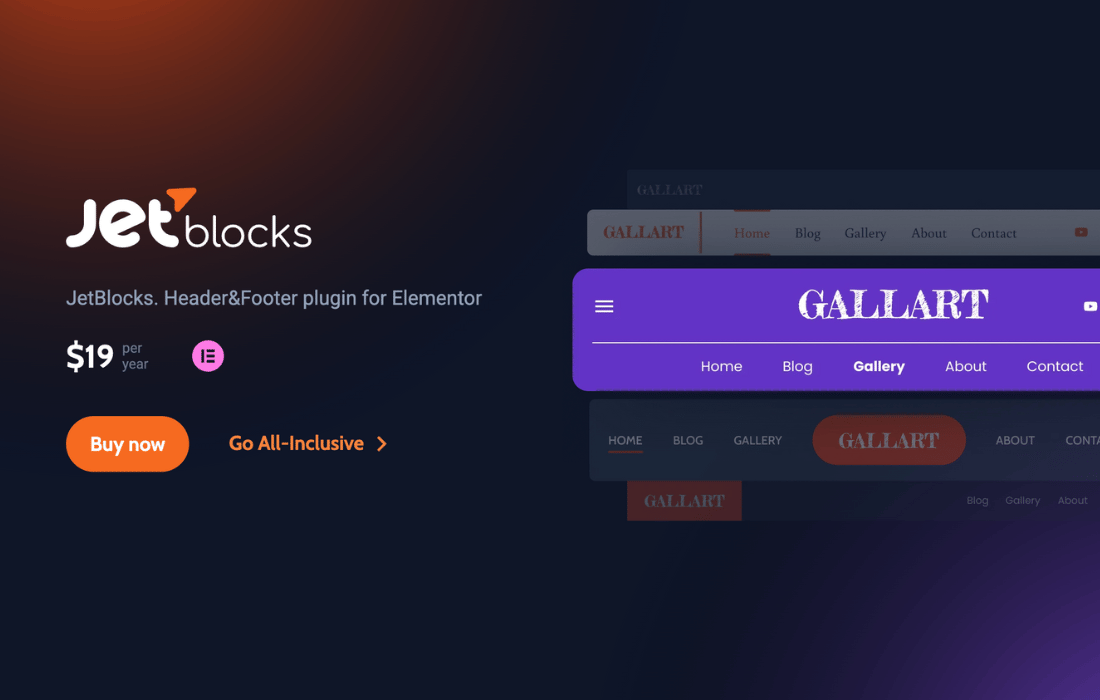
JetBlocks For Elementor
JetBlocks For Elementor is a WordPress plugin from Crocoblock that adds widgets for building headers and footers inside the Elementor page builder.
Product facts
- Version
- 1.5.3
- Released
- 5 November 2026
- Type
- Plugin
- Licence
- GPL
- Included in
- Every plan, or $4.19 / year on its own
Overview
Headers and footers are where visitors find their way around a site, and building them well in a page builder often takes extra tools. JetBlocks For Elementor supplies a set of widgets made for these areas. You drag them into place in Elementor's visual editor, adjust them, and shape navigation and user access without touching code.
The widget set covers navigation menus, a hamburger panel, breadcrumbs, a site logo, a search form, and login, registration and password reset forms. For stores, it adds a WooCommerce shopping cart with a dropdown that shows cart contents. Sticky sections keep chosen parts of a header or footer in view while visitors scroll. It suits both beginners and experienced builders working in Elementor.
Features
- Customizable navigation menu widget: Add a navigation menu to a header or footer and style it in the Elementor editor, with no code needed to adjust how it looks.
- Hamburger panel: Offer a mobile-friendly hamburger menu that gives visitors access to navigation links and templates on any device.
- Breadcrumbs widget: Show a breadcrumb trail so visitors can see where they are within the site's hierarchy and move back up easily.
- Site logo widget: Place your brand logo in headers and footers so the same identity appears consistently across pages.
- Login and registration forms: Put user login and registration forms directly in a header or footer so visitors can reach their accounts quickly.
- Reset password form: Let users reset their passwords through a dedicated widget without leaving your website.
- Search form widget: Add a search bar to a header or footer so visitors can look for content from any page.
- WooCommerce cart with dropdown: Insert a shopping cart widget in a header or footer, with a dropdown that displays the current cart contents.
Best for
- Elementor users building custom headers and footers
- WooCommerce stores needing a cart in the header
- Site owners adding login forms or sticky menus
Changelog
Version 1.5.3
- Fixed Quantity controls markup appearing in third-party WooCommerce cart widgets.
- New WPML translation support for Auth Links widget.
- New Dynamic redirect URL and WPML translation support for Login and Registration Form widgets.
- New New styling and positioning options for the Shopping Cart and Breadcrumbs widgets.
Earlier versions
- 1.5.2.2: 1 fixed
- 1.5.2.1: 1 fixed
- 1.5.2: 2 new, 1 fixed
FAQ
Is JetBlocks For Elementor free?
The code of JetBlocks For Elementor is licensed under the GPL, so anyone may use, change and share it. Buy GPL is a paid service: a plan or a purchase of JetBlocks For Elementor gives you the download and its updates. The developer's own support, licence key and online services are not included.
Which version of JetBlocks For Elementor is this?
Version 1.5.3, released 5 November 2026. New versions appear here when the developer publishes them.
How do I update JetBlocks For Elementor?
Install Buy GPL Updater on your site and paste your key from My Account. It installs new versions of JetBlocks For Elementor for you.
More from Crocoblock
Plugin Plugin
 Plugin
 Plugin
 Plugin
 Plugin
 Plugin
 Plugin