
 Plugin
PluginUpdated
Sticky Navigation Menu for Elementor
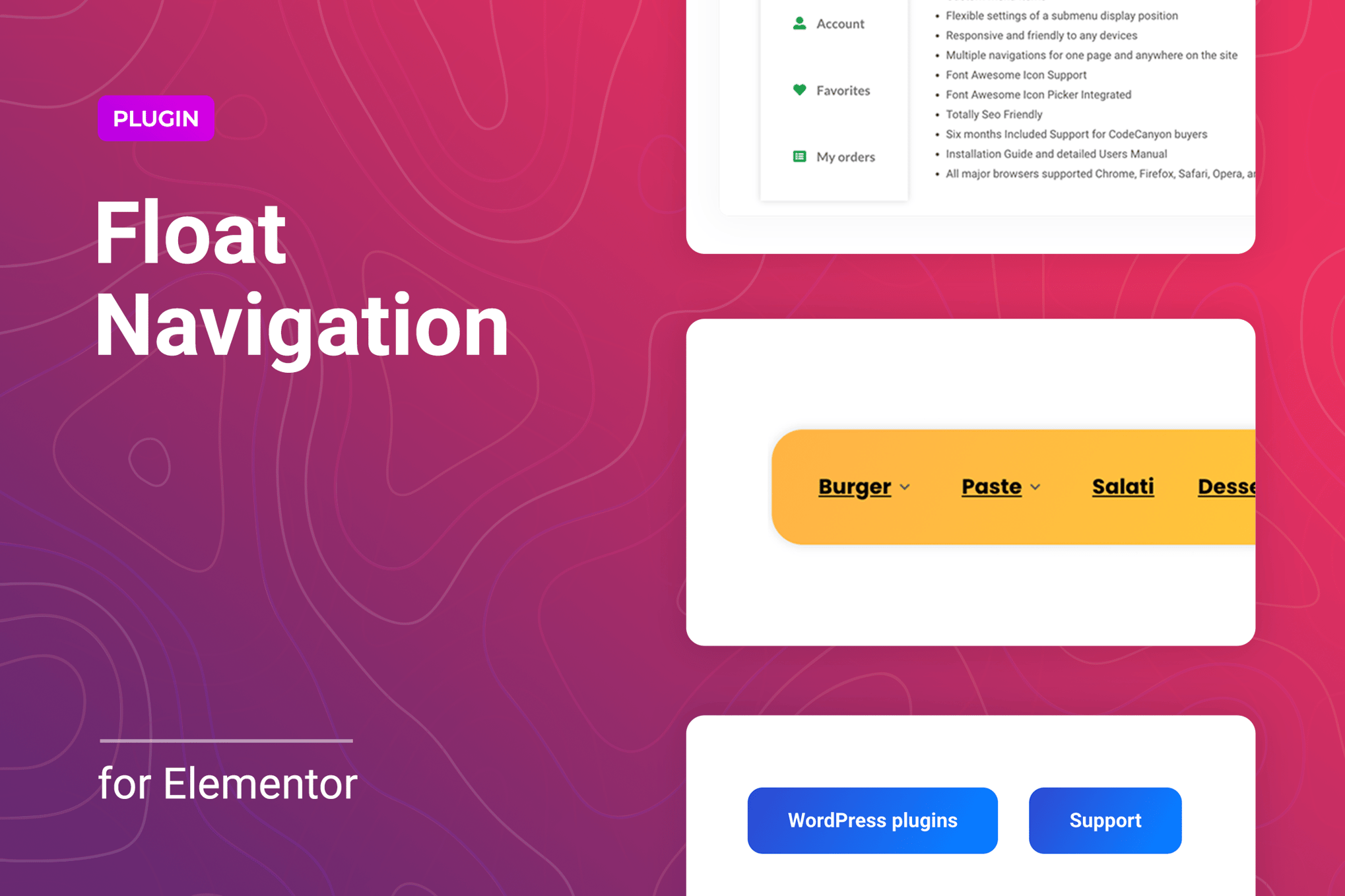
Sticky Navigation Menu for Elementor is a WordPress plugin that keeps your navigation within reach as visitors scroll.
Product facts
- Version
- 1.0.10
- Released
- 28 August 2026
- Type
- Plugin
- Licence
- GPL
- Included in
- Every plan, or $3.49 on its own
Overview
Long pages make visitors scroll back to the top to find a link. Sticky Navigation Menu for Elementor solves that by keeping a menu on screen while people move through the content. You can use a standard WordPress menu or build custom menu items inside a sticky or floating block, so the links you choose are always close by.
The plugin works inside Elementor, so you place and configure menus with drag and drop and no code. You can add as many floating menus as you need and set them at different positions on a page. Colors, fonts and spacing can be adjusted to fit your branding, and display settings let you decide how the menu appears on desktop, tablet and mobile.
Features
- Sticky and floating menus: Keep a navigation menu visible as visitors scroll, either as a sticky bar or as a floating block placed where it suits the page layout.
- Unlimited floating menus: Add as many floating menus as a page needs and place them in several positions, so different sets of links can sit in different spots.
- WordPress or custom menu items: Use a native WordPress menu, or create custom menu items within the sticky or floating block when you want a separate set of links.
- Submenu position and animation: Advanced submenu settings control where submenus appear, including top, bottom and X/Y offset, and let you choose animation effects.
- Responsive display controls: Set how menus show on desktop, tablet and smartphone, so the navigation stays usable on each screen size.
- Retina-ready visuals: Menus are designed to look crisp and clear on high-resolution screens.
- Drag-and-drop setup in Elementor: Place and configure menus directly within Elementor using drag and drop, with no coding required.
- Customizable styling: Adjust colors, fonts and spacing so the menu matches your site's branding and existing design.
Best for
- Elementor site owners with long, scrolling pages
- Designers building custom floating menus for client sites
- Sites that need menus tuned for desktop, tablet and mobile
Changelog
Version 1.0.10 — 14 January 2026
- Security Fixed plugin security issues
Earlier versions
- 1.0.9 (17 November 2025): 1 improved
FAQ
Is Sticky Navigation Menu for Elementor free?
The code of Sticky Navigation Menu for Elementor is licensed under the GPL, so anyone may use, change and share it. Buy GPL is a paid service: a plan or a purchase of Sticky Navigation Menu for Elementor gives you the download and its updates. The developer's own support, licence key and online services are not included.
Which version of Sticky Navigation Menu for Elementor is this?
Version 1.0.10, released 28 August 2026. New versions appear here when the developer publishes them.
How do I update Sticky Navigation Menu for Elementor?
Install Buy GPL Updater on your site and paste your key from My Account. It installs new versions of Sticky Navigation Menu for Elementor for you.
You might also like
Plugin Plugin
 Plugin
 Plugin
 Plugin
 Plugin
 Plugin
 Plugin