
 Plugin
PluginUpdated
Site Content Navigator for WordPress
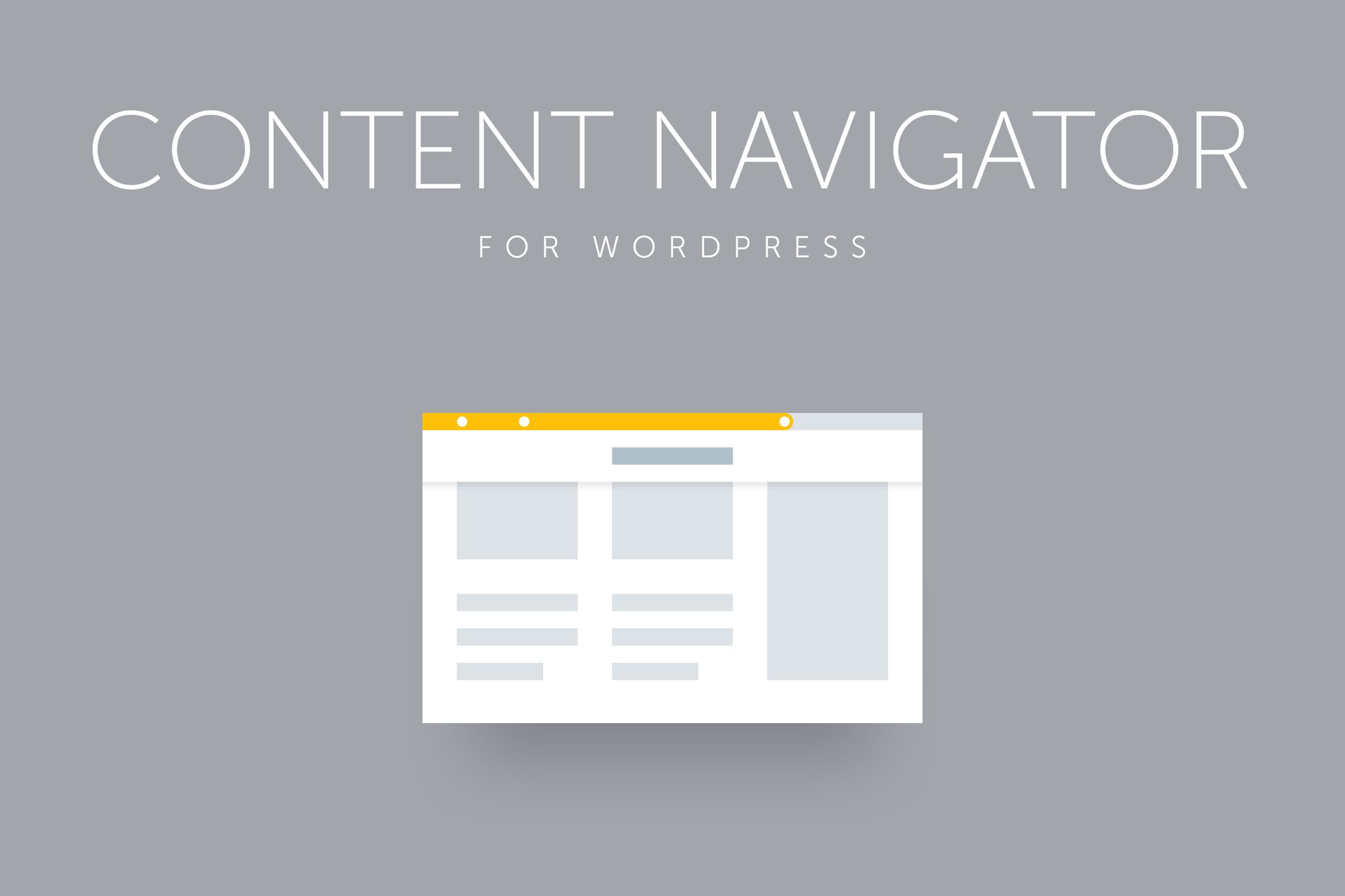
Site Content Navigator for WordPress by QuanticaLabs is a plugin that helps visitors find their way through long posts, articles and pages.
Product facts
- Version
- 1.2
- Released
- 2 May 2023
- Type
- Plugin
- Licence
- GPL
- Included in
- Every plan, or $3.49 on its own
Overview
Long pages are hard to move through. Readers lose their place, scroll back and forth, and often leave before they reach the part they came for. Site Content Navigator for WordPress gives them a clear sense of position. A progress bar shows how far along they are, and marked sections let them jump between chapters or topics.
You can define sections automatically or set them by hand, so the plugin adapts to different content layouts. The navigation menu shows the section a visitor is currently reading and lists every other section. Settings apply site-wide or to a single post. The plugin is responsive and retina-ready, and it suits blogs, business sites and online stores with content-heavy pages.
Features
- Customizable progress bar: A progress bar shows readers where they are on the page as they scroll, so they can see how much of a long post or article remains.
- Section support with tooltips: Distinct parts of a page are marked as sections, and tooltips describe them, giving readers a clear view of how the content is organized.
- Automatic or manual sections: Define content areas automatically or set them yourself, which lets the plugin fit different page structures and writing styles.
- Dynamic navigation menu: The menu displays the section the visitor is reading now and lists all available sections, so in-page navigation stays simple and clear.
- Built-in navigation widget: Add a floating or static navigation panel to your pages without writing any code.
- Global and post-level settings: Set the plugin's behavior across the whole site, or adjust it for individual posts when a page needs something different.
- 800+ font variants: Choose from more than 800 font variants so the navigation elements match the typography of your site.
- Color and device flexibility: Adjust navigation colors to fit your brand. The plugin is responsive, retina-ready and works on smartphones and tablets.
Best for
- Bloggers publishing long articles and guides
- Business sites with content-heavy pages
- Online stores with detailed information pages
Changelog
Version 1.2 — 20 August 2020
- Fixed Refferal links update.
FAQ
Is Site Content Navigator for WordPress free?
The code of Site Content Navigator for WordPress is licensed under the GPL, so anyone may use, change and share it. Buy GPL is a paid service: a plan or a purchase of Site Content Navigator for WordPress gives you the download and its updates. The developer's own support, licence key and online services are not included.
Which version of Site Content Navigator for WordPress is this?
Version 1.2, released 2 May 2023. New versions appear here when the developer publishes them.
How do I update Site Content Navigator for WordPress?
Install Buy GPL Updater on your site and paste your key from My Account. It installs new versions of Site Content Navigator for WordPress for you.
You might also like
Plugin Plugin
 Plugin
 Plugin
 Plugin
 Plugin
 Plugin
 Plugin