
 Plugin
PluginUpdated
Postberg - Latest Posts Block WordPress Plugin
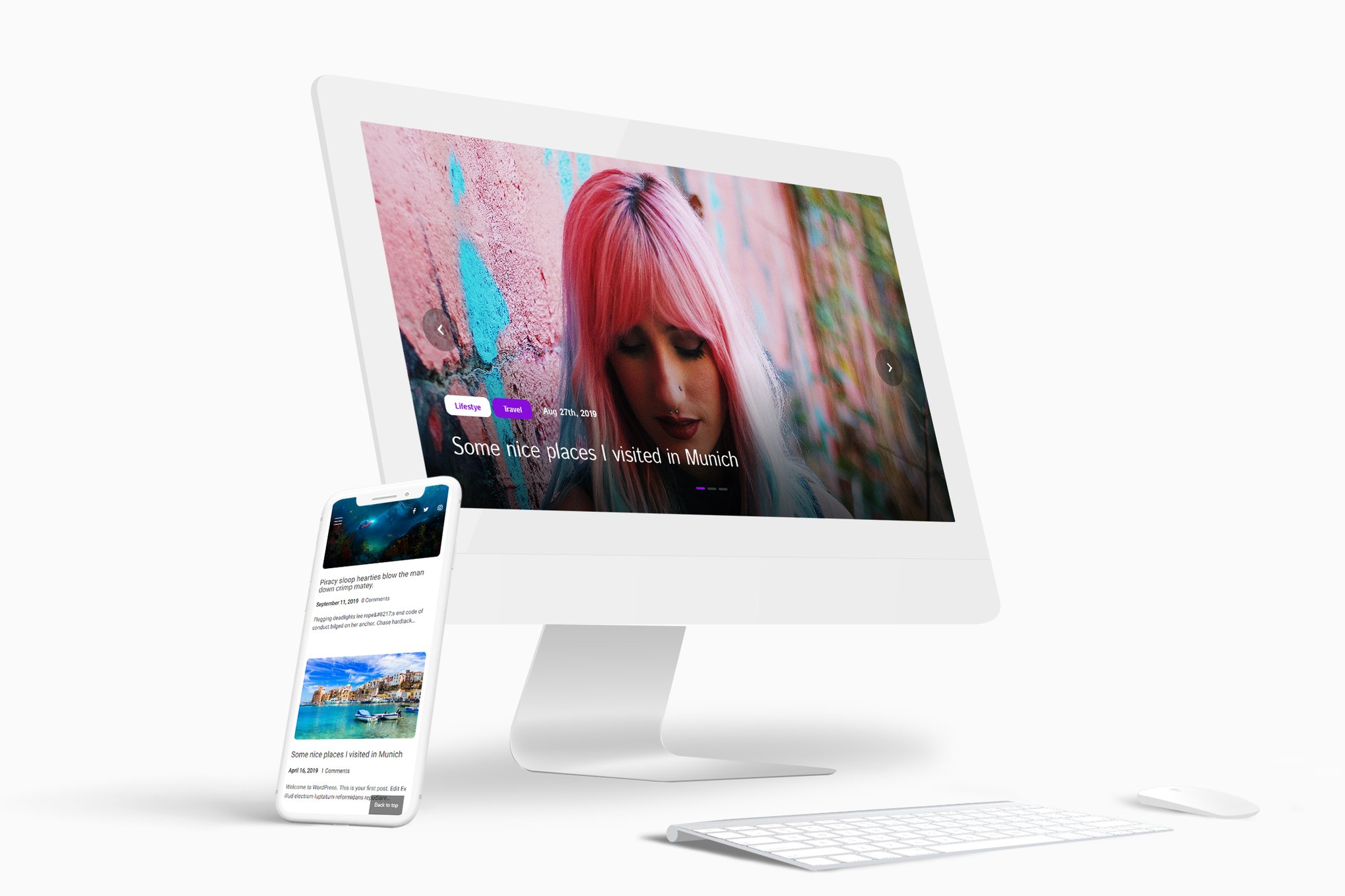
Postberg - Latest Posts Block WordPress Plugin adds a block to the WordPress editor that displays your newest posts on any page or post.
Product facts
- Version
- 1.0
- Released
- 12 March 2024
- Type
- Plugin
- Licence
- GPL
- Included in
- Every plan, or $3.49 on its own
Overview
A site with regular content needs a way to bring new posts in front of visitors. Postberg handles this with a single block. You place it on a page or post in the WordPress block editor, pick how the posts should appear, and the block lists your latest entries for you. It suits blogs, news portals and other content-rich sites.
Layout choices are broad. You can switch between grid, list and carousel slider views, show or hide post dates and read more buttons, and set a custom height for featured images. Posts can be sorted newest to oldest, oldest to newest, or alphabetically. The display is responsive and retina ready, so it adapts to different screen sizes and stays sharp on high-density screens.
Features
- Grid, list and slider modes: Show your latest posts as a grid, a list or a carousel slider, so the block matches the style and layout of the page it sits on.
- Touch-enabled carousel: Turn the post grid into a slider that works with touch, which saves space on the page and adds movement to the layout.
- Flexible post ordering: Sort posts from newest to oldest, oldest to newest, or alphabetically from A to Z or Z to A, depending on how you want content presented.
- Display toggles: Show or hide post dates and read more buttons, and set custom heights for featured images, all from the block settings without any coding.
- Columns and gap settings: Choose how many posts appear per column and adjust the spacing between them so the block lines up with the grid structure of your site.
- Pagination support: Set how many posts appear per page, which makes browsing easier for visitors on sites with a large amount of content.
- Responsive and retina ready: Post displays adapt to different screen sizes and devices, and images stay crisp on retina screens.
- Block editor integration: Add Postberg to any post or page using the WordPress block editor, alongside the rest of your content.
Best for
- Bloggers who want recent posts shown on key pages
- News portals and other content-rich websites
- Content creators who like to adjust layouts without code
FAQ
Is Postberg - Latest Posts Block WordPress Plugin free?
The code of Postberg - Latest Posts Block WordPress Plugin is licensed under the GPL, so anyone may use, change and share it. Buy GPL is a paid service: a plan or a purchase of Postberg - Latest Posts Block WordPress Plugin gives you the download and its updates. The developer's own support, licence key and online services are not included.
Which version of Postberg - Latest Posts Block WordPress Plugin is this?
Version 1.0, released 12 March 2024. New versions appear here when the developer publishes them.
How do I update Postberg - Latest Posts Block WordPress Plugin?
Install Buy GPL Updater on your site and paste your key from My Account. It installs new versions of Postberg - Latest Posts Block WordPress Plugin for you.
You might also like
Plugin Plugin
 Plugin
 Plugin
 Plugin
 Plugin
 Plugin
 Plugin