
 Plugin
PluginUpdated
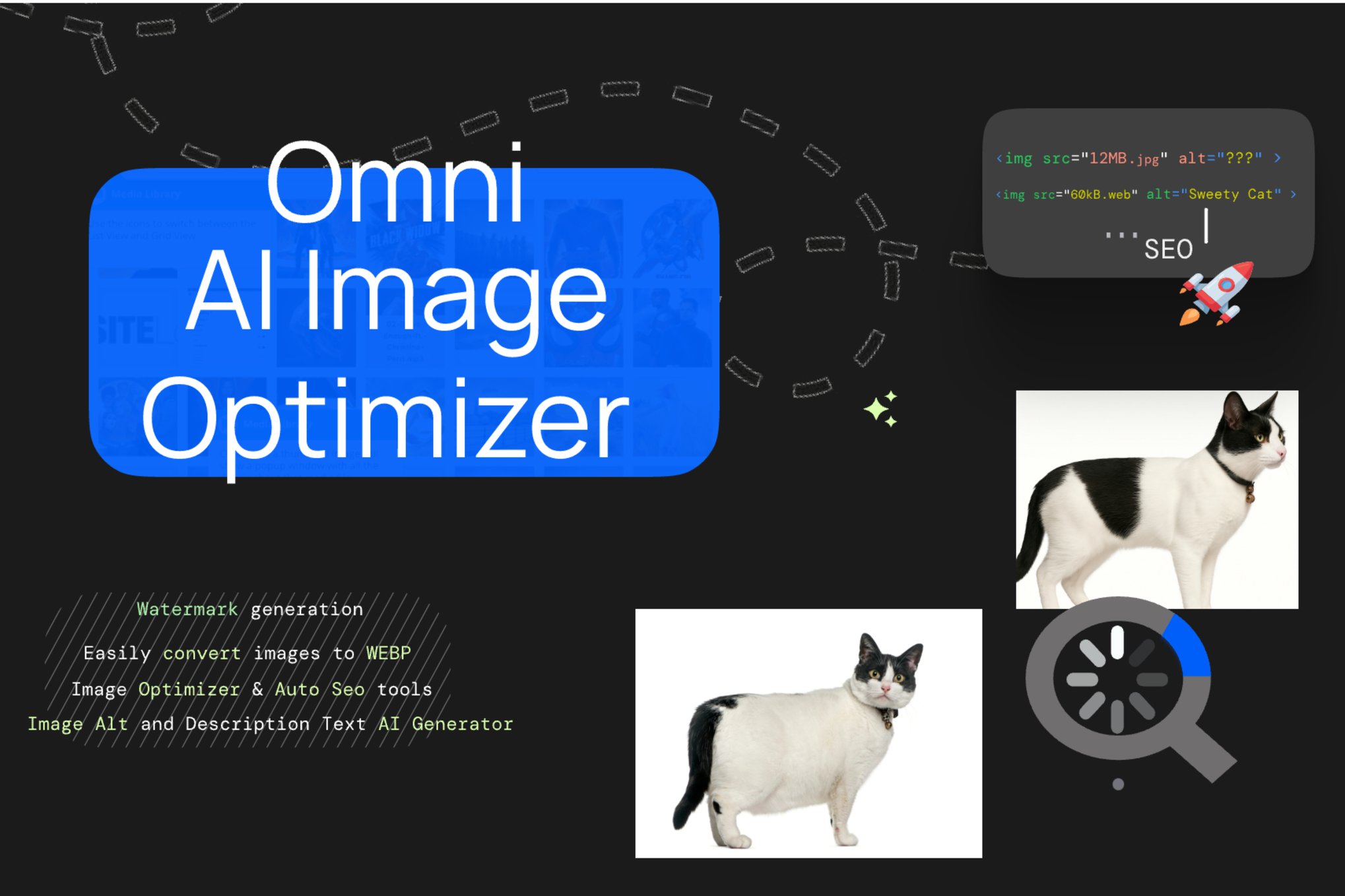
Omni Image Optimizer AI
Omni Image Optimizer AI is a WordPress plugin that uses AI to compress and adjust the images on your site while keeping their quality.
Product facts
- Version
- 1.1.4
- Released
- 29 December 2025
- Type
- Plugin
- Licence
- GPL
- Included in
- Every plan, or $3.49 on its own
Overview
Large image files slow down pages and add weight to your server. Omni Image Optimizer AI addresses this by compressing and adjusting photos automatically, aiming to keep sharpness and color accuracy intact. You can set the compression level and quality adjustments to suit different kinds of images, so a portfolio photo and a simple graphic don't need the same treatment.
The plugin works on JPEG, PNG, WebP and other popular formats, and it can process hundreds or thousands of images in one batch. A bulk processing queue lists the images to work through, and a backup panel lets you keep and restore originals, including AVIF files. The controls are simple enough for beginners, and the optimization happens within your own environment.
Features
- AI-based image optimization: The plugin uses artificial intelligence to compress and adjust photos automatically, with the goal of preserving the original quality while producing smaller files.
- Bulk image processing: Optimize hundreds or thousands of images in a single batch operation, which saves time on sites with large media libraries.
- Multiple format support: Works with popular image formats including JPEG, PNG and WebP, so the same tool covers a range of projects.
- Customizable optimization settings: Adjust compression levels and quality settings to match the needs of different types of images.
- Quality retention: Sharpness and color accuracy are maintained during optimization, so images keep a professional look across devices.
- Backup and restore panel: A Bulk Backup panel stores backup details and lets you restore originals, including next-generation formats such as AVIF, with color-coded log messages.
- Filterable bulk AI queue: The Bulk AI Processing queue fills with images across the available filters, so you can see what needs to be processed.
- Private, local processing: All image optimization happens within your own environment, which keeps your image data private.
Best for
- Web designers managing image-heavy client sites
- Photographers publishing large galleries on WordPress
- Site owners with big media libraries to compress
Changelog
Version 1.1.4 — 25 November 2025
- Fixed Fixed bulk processing AJAX responses to return structured data when no images are available, eliminating "Object success" console errors.
- Improved Restored image-loading helpers to ensure the Bulk AI Processing queue populates correctly across all filters.
- Improved Persisted backup metadata (ID, timestamp, counters) and sanitized payloads before sending to the admin UI.
- Improved Resolved AVIF image handling so backups capture and restore next-gen formats without errors.
- Improved Refined Bulk Backup panel styling with card layout, hover feedback, action spacing, and color-coded log messages.
FAQ
Is Omni Image Optimizer AI free?
The code of Omni Image Optimizer AI is licensed under the GPL, so anyone may use, change and share it. Buy GPL is a paid service: a plan or a purchase of Omni Image Optimizer AI gives you the download and its updates. The developer's own support, licence key and online services are not included.
Which version of Omni Image Optimizer AI is this?
Version 1.1.4, released 29 December 2025. New versions appear here when the developer publishes them.
How do I update Omni Image Optimizer AI?
Install Buy GPL Updater on your site and paste your key from My Account. It installs new versions of Omni Image Optimizer AI for you.
You might also like
Plugin Plugin
 Plugin
 Plugin
 Plugin
 Plugin
 Plugin
 Plugin