
 Plugin
PluginUpdated
CSS3 Tooltips for WordPress
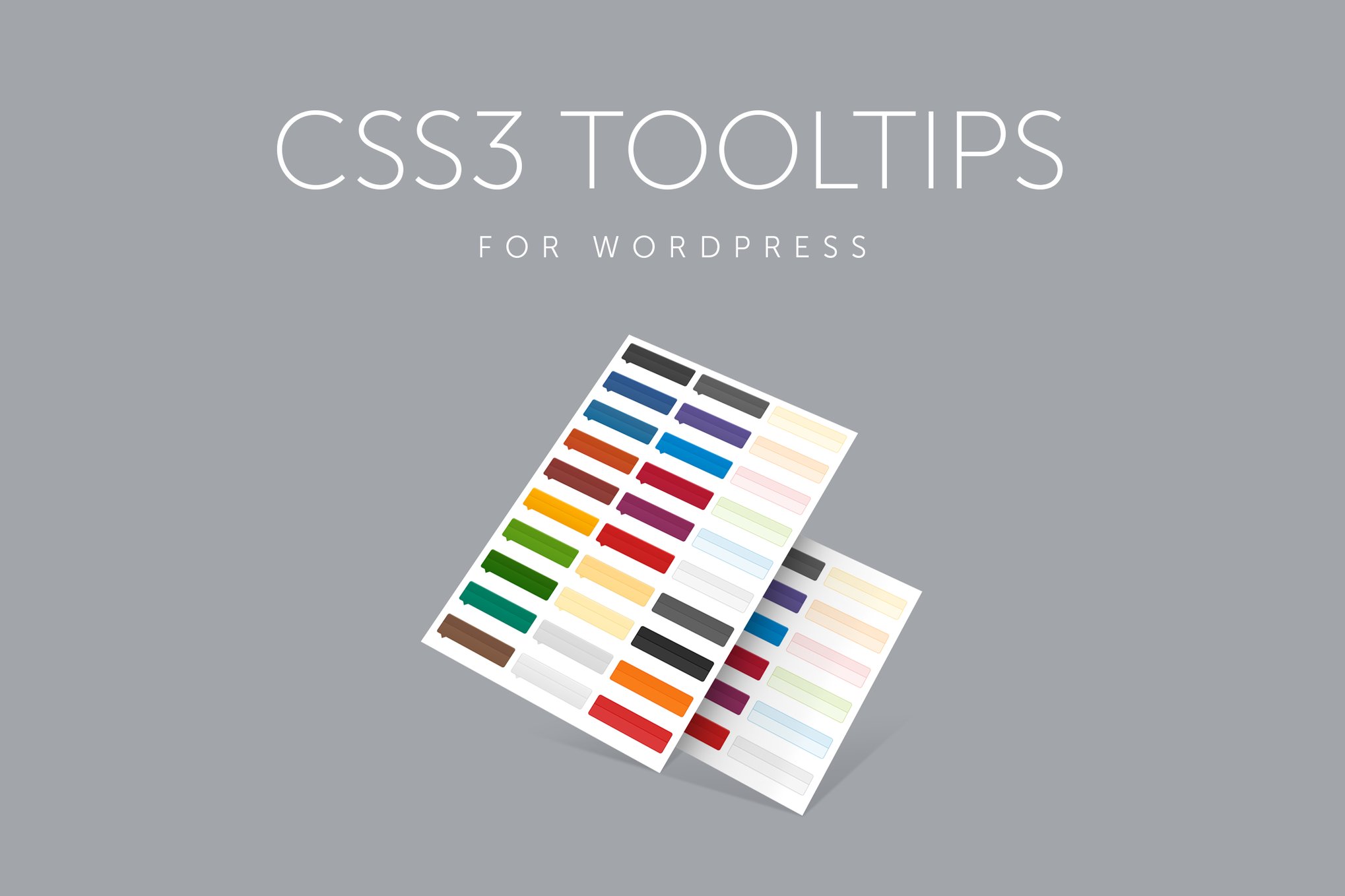
CSS3 Tooltips for WordPress is a plugin that adds tooltips to your pages and posts.
Product facts
- Version
- 1.9
- Released
- 27 January 2026
- Type
- Plugin
- Licence
- GPL
- Included in
- Every plan, or $3.49 on its own
Overview
Visitors often need a bit of extra context: a term explained, a product detail clarified, or a short tip beside a link. Cramming that into the main text makes pages heavy. CSS3 Tooltips for WordPress places the extra information in a small box that appears only when someone hovers over or clicks the item, so your layout stays clean.
You create tooltips with the shortcode generator and adjust them in the global settings. Pick from more than 50 predefined styles, choose one of 10 positions, and set show and hide delays. Tooltips can hold images and videos, and they are made to work on desktop and mobile screens. It fits blogs, online stores, portfolios and business sites.
Features
- Shortcode generator: Build a tooltip quickly with the built-in shortcode generator, then place it anywhere on your site where you want to add a hint or extra detail.
- Hover or click triggers: Choose whether a tooltip opens when a visitor hovers over an item or clicks it, so the behavior matches how people use your pages on different devices.
- 50+ predefined styles: Pick from more than 50 ready-made CSS3 styles to match your site's look without writing custom code.
- Ten position options: Place tooltips above, below, to the left or right, or in other positions, so they sit well with your content layout.
- Images and videos inside tooltips: Embed rich media in a tooltip to give visitors a picture or a video alongside the text, instead of text alone.
- Optional tooltip headers: Add a title to a tooltip so the information has a clear heading and visitors can scan the content more easily.
- Adjustable show and hide delays: Set how long a tooltip waits before it appears and before it disappears, giving you control over how it behaves.
- Global links to tooltips: Convert all links on your site into tooltips by default, and manage the settings centrally from the global settings screen.
Best for
- Bloggers who need to explain terms inline
- Online stores that show product details on hover
- Portfolio and business sites adding short hints
FAQ
Is CSS3 Tooltips for WordPress free?
The code of CSS3 Tooltips for WordPress is licensed under the GPL, so anyone may use, change and share it. Buy GPL is a paid service: a plan or a purchase of CSS3 Tooltips for WordPress gives you the download and its updates. The developer's own support, licence key and online services are not included.
Which version of CSS3 Tooltips for WordPress is this?
Version 1.9, released 27 January 2026. New versions appear here when the developer publishes them.
How do I update CSS3 Tooltips for WordPress?
Install Buy GPL Updater on your site and paste your key from My Account. It installs new versions of CSS3 Tooltips for WordPress for you.
You might also like
Plugin Plugin
 Plugin
 Plugin
 Plugin
 Plugin
 Plugin
 Plugin