
 Plugin
PluginUpdated
Code Highlighter Addon for Elementor
Code Highlighter Addon for Elementor is a WordPress plugin that adds syntax-highlighted code blocks to pages built with Elementor.
Product facts
- Version
- 1.4
- Released
- 27 August 2026
- Type
- Plugin
- Licence
- GPL
- Included in
- Every plan, or $3.49 on its own
Overview
Posting code in a normal text area usually looks messy. Indentation slips, colors are missing, and readers struggle to tell keywords from values. This plugin gives you a dedicated Elementor element for code, so snippets keep their structure and are easy to scan, whether they show HTML, CSS or JavaScript.
You add the block to a page the same way you add any other Elementor element, then choose the language and a preset theme. Colors and backgrounds can be adjusted to match your brand. It fits tutorials, documentation pages, developer blogs and course material, and the output adapts to different screen sizes and browsers.
Features
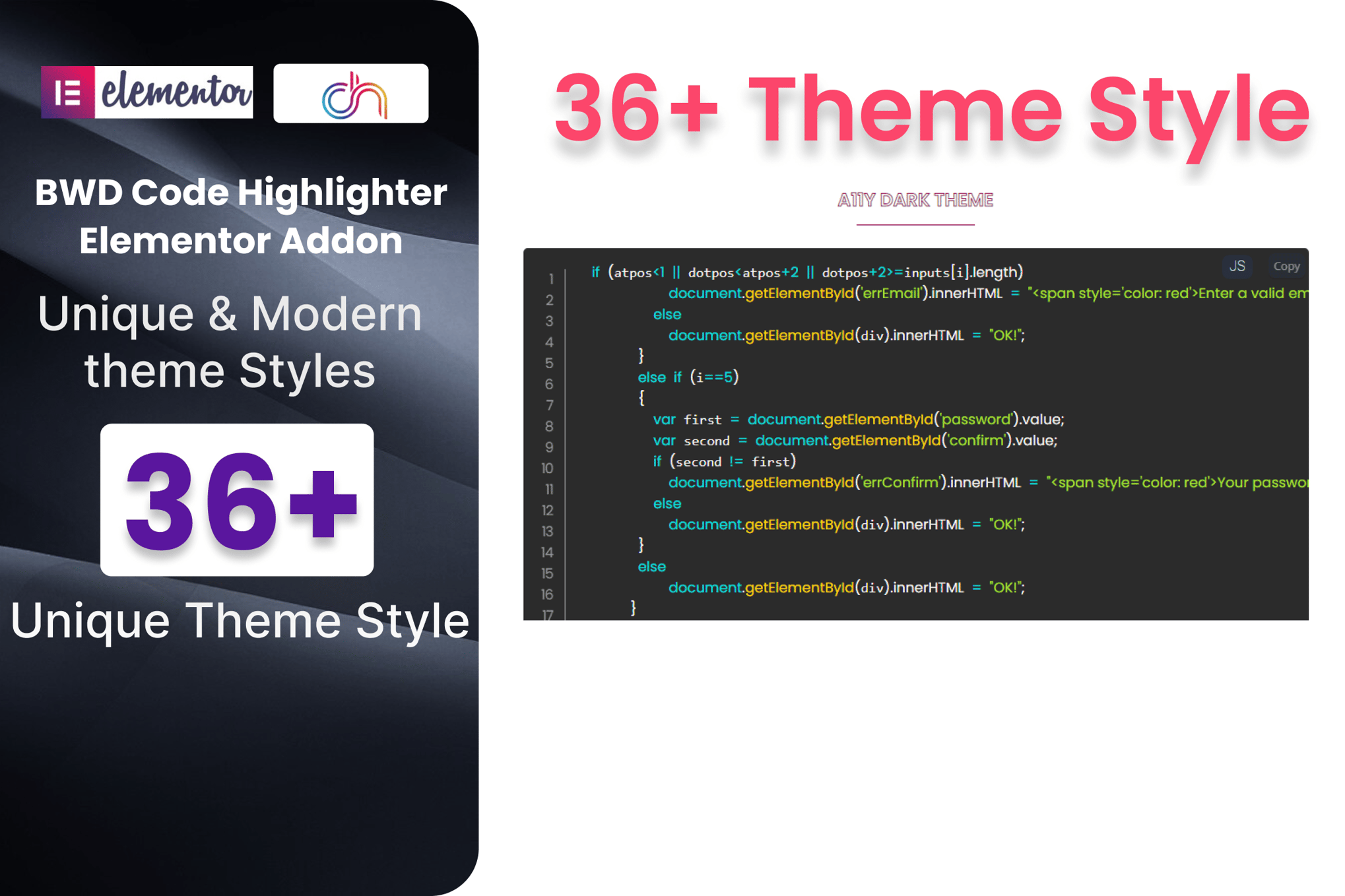
- Preset themes: Choose from more than 36 preset themes, so your code blocks can match the look of your site or brand without designing a style from scratch.
- Wide language support: Syntax highlighting covers more than 300 programming languages, from HTML and CSS to JavaScript, so most snippets you want to publish are colored accurately.
- Customizable appearance: Adjust the language, background, font colors and other settings to build a code preview that fits your own design and branding.
- Easy for non-coders: The interface is simple enough to add and style a code block quickly, and you do not need any technical background to use it.
- Elementor drag and drop: The addon works with Elementor, so you can place code blocks directly in pages or posts using the same drag-and-drop controls you already know.
- Responsive and retina ready: Highlighted code stays sharp and adapts to different screen sizes and devices, so snippets remain readable on phones, tablets and desktops.
- Cross-browser output: Code blocks work across all major browsers, giving every visitor a consistent view of your snippets with clean, well-structured markup.
- Translation ready: A .pot file is included, so you can translate the plugin's text into other languages for sites that serve an international audience.
Best for
- Developers sharing code snippets on Elementor sites
- Tech bloggers writing tutorials and how-to posts
- Educators publishing programming lessons and course material
FAQ
Is Code Highlighter Addon for Elementor free?
The code of Code Highlighter Addon for Elementor is licensed under the GPL, so anyone may use, change and share it. Buy GPL is a paid service: a plan or a purchase of Code Highlighter Addon for Elementor gives you the download and its updates. The developer's own support, licence key and online services are not included.
Which version of Code Highlighter Addon for Elementor is this?
Version 1.4, released 27 August 2026. New versions appear here when the developer publishes them.
How do I update Code Highlighter Addon for Elementor?
Install Buy GPL Updater on your site and paste your key from My Account. It installs new versions of Code Highlighter Addon for Elementor for you.
You might also like
Plugin Plugin
 Plugin
 Plugin
 Plugin
 Plugin
 Plugin
 Plugin