
 Plugin
PluginUpdated
Timeline Widget Pro For Elementor
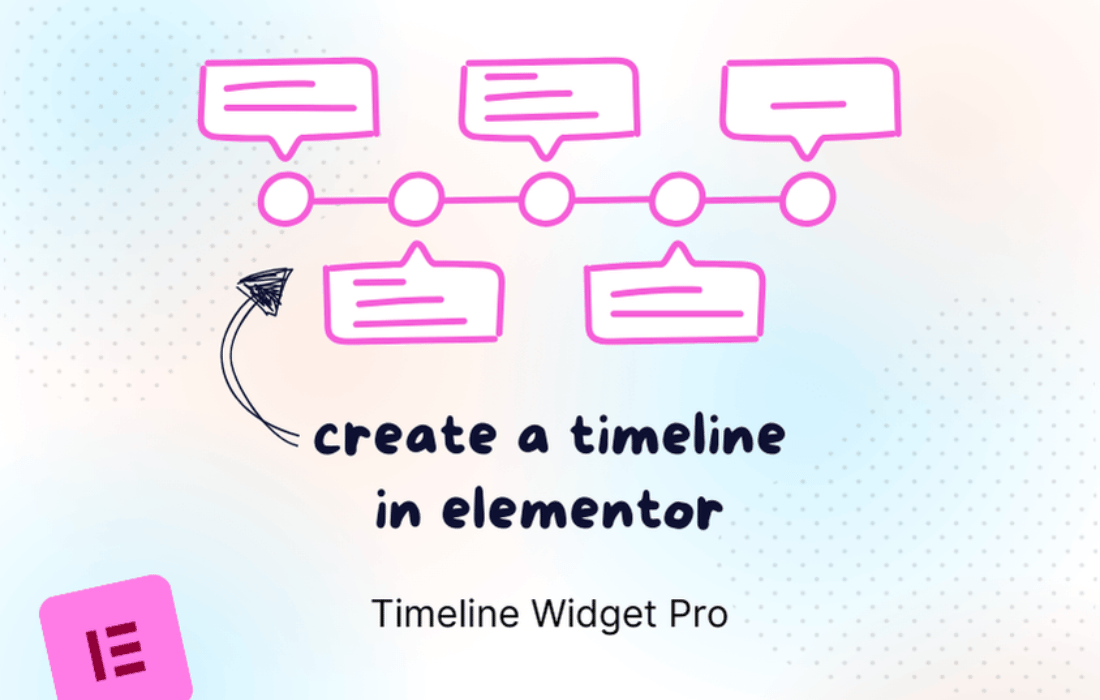
Timeline Widget Pro For Elementor is a plugin from Cool Plugins that adds an interactive timeline widget to Elementor.
Product facts
- Version
- 2.5.3
- Released
- 11 May 2026
- Type
- Plugin
- Licence
- GPL
- Included in
- Every plan, or $4.19 on its own
Overview
Many sites need to show things in order: project milestones, event schedules, company histories or a story told step by step. Plain text and bullet lists can make that hard to follow. Timeline Widget Pro For Elementor gives you a dedicated widget for the job, so each entry sits in a clear sequence that visitors can scan and move through.
You work inside the Elementor editor, dragging, dropping and adjusting the timeline until it matches your design. Layouts include vertical, horizontal, carousel and grid, and entries can hold images, videos, links and tooltips. Colors, fonts, icons and spacing are adjustable, and animations add movement as the timeline appears. It suits bloggers, business owners and developers who build with Elementor.
Features
- Four layout options: Choose a vertical, horizontal, carousel or grid layout, so the timeline fits the page design and the way you want to tell the story.
- Animation effects: Add fade-ins, slide-ins, zoom effects and other transitions so timeline entries appear with movement as visitors scroll or browse.
- Customizable design: Control colors, fonts, icons and spacing to keep the timeline consistent with your brand and the rest of your website.
- Drag and drop building: Build and edit timelines visually inside Elementor without writing code, which keeps the widget approachable for users at any skill level.
- Rich timeline entries: Place images, videos, links and tooltips inside timeline entries to give each point more context and detail.
- Responsive display: Timelines are made to display and work on different screen sizes, so they stay readable for both desktop and mobile visitors.
- Structured markup: The widget uses structured markup and clean code when it displays chronological content on your pages.
- Cross-browser support: Timelines are built to work across all major browsers, giving visitors a consistent view whichever one they use.
Best for
- Elementor users telling a story in chronological order
- Companies sharing a history or project milestones
- Event pages and schedules built with Elementor
Changelog
Version 2.5.3 — 11 May 2026
- Improved Updated and improved license handling.
Earlier versions
- 2.5.2 (28 April 2026): 1 new
- 2.5.1 (1 April 2026): 2 other
- 2.5.0 (13 March 2026): 1 improved, 1 fixed
FAQ
Is Timeline Widget Pro For Elementor free?
The code of Timeline Widget Pro For Elementor is licensed under the GPL, so anyone may use, change and share it. Buy GPL is a paid service: a plan or a purchase of Timeline Widget Pro For Elementor gives you the download and its updates. The developer's own support, licence key and online services are not included.
Which version of Timeline Widget Pro For Elementor is this?
Version 2.5.3, released 11 May 2026. New versions appear here when the developer publishes them.
How do I update Timeline Widget Pro For Elementor?
Install Buy GPL Updater on your site and paste your key from My Account. It installs new versions of Timeline Widget Pro For Elementor for you.
You might also like
Plugin Plugin
 Plugin
 Plugin
 Plugin
 Plugin
 Plugin
 Plugin