
 Plugin
PluginUpdated
YellowPencil: Visual CSS Style Editor
YellowPencil: Visual CSS Style Editor is a WordPress plugin from WaspThemes for changing how a site looks without writing code.
Product facts
- Version
- 7.6.7
- Released
- 7 July 2025
- Type
- Plugin
- Licence
- GPL
- Included in
- Every plan, or $3.49 on its own
Overview
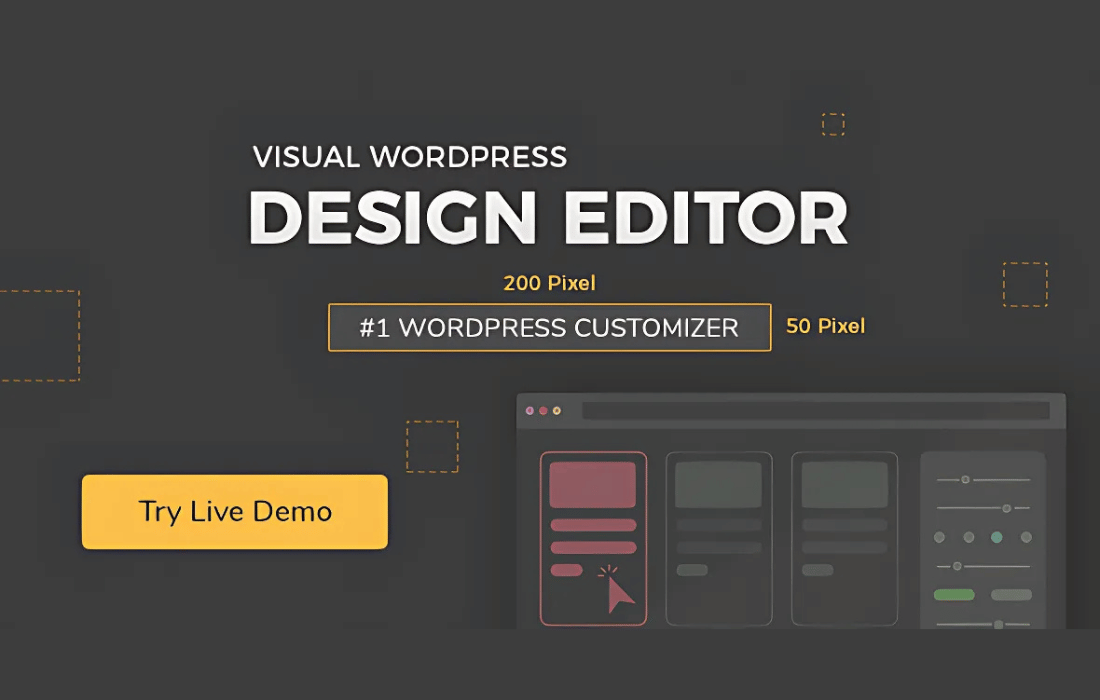
Changing a site's appearance usually means digging through stylesheets and guessing which selector controls what. YellowPencil: Visual CSS Style Editor puts the editing on the live site instead. You click an element, then adjust its fonts, colors, backgrounds, borders, shadows, margins and padding through a drag-and-drop interface. Changes show in real time, so you can judge the result before you keep it.
The editor suits beginners who want visual control and developers who want to stay close to the code. It shows the CSS it generates, so you can view and export it. Advanced selector support lets you target a specific HTML element, class or ID. You can also set how the design looks on desktops, tablets and smartphones, and add animation effects to page elements.
Features
- Drag-and-drop visual editing: Change fonts, colors and layouts through a visual interface and watch the page update in real time, with no need to write CSS by hand.
- Point-and-click element selection: Select any element directly on your website and start customizing it right away, without hunting through theme files for the right rule.
- Wide range of styling options: Adjust fonts, colors, backgrounds, borders, shadows, margins and padding to match your brand identity across the pages you edit.
- Live CSS code output: View and export the CSS the editor generates, which gives advanced users transparency and control over what is applied to the site.
- Responsive design control: Customize how your site looks on desktops, tablets and smartphones, so each screen size gets the styling it needs.
- Advanced selector support: Target any HTML element, class or ID with precision, so your changes apply to exactly the part of the page you intend.
- Over 60 animation effects: Add motion to page elements using more than 60 animation effects built into the editor.
- Undo, redo and history: Try different designs freely, since changes can be reversed with undo, redo and history management.
Best for
- Beginners who want to restyle a site without code
- Developers who want visual editing with exportable CSS
- Site owners adjusting layouts across desktop, tablet and phone
Changelog
Version 7.6.7
- Fixed A few minor bugs.
Earlier versions
- 7.6.5: 1 fixed
- 7.6.4: 1 fixed
- 7.6.1: 1 fixed
FAQ
Is YellowPencil: Visual CSS Style Editor free?
The code of YellowPencil: Visual CSS Style Editor is licensed under the GPL, so anyone may use, change and share it. Buy GPL is a paid service: a plan or a purchase of YellowPencil: Visual CSS Style Editor gives you the download and its updates. The developer's own support, licence key and online services are not included.
Which version of YellowPencil: Visual CSS Style Editor is this?
Version 7.6.7, released 7 July 2025. New versions appear here when the developer publishes them.
How do I update YellowPencil: Visual CSS Style Editor?
Install Buy GPL Updater on your site and paste your key from My Account. It installs new versions of YellowPencil: Visual CSS Style Editor for you.
You might also like
Plugin Plugin
 Plugin
 Plugin
 Plugin
 Plugin
 Plugin
 Plugin