
 Plugin
PluginUpdated
Super Backup & Clone - Migrate for WordPress
Super Backup & Clone - Migrate for WordPress is a plugin by WP Indeed that backs up, restores, clones and migrates a WordPress site.
Product facts
- Version
- 2.4
- Released
- 24 October 2026
- Type
- Plugin
- Licence
- GPL
- Included in
- Every plan, or $3.49 on its own
Overview
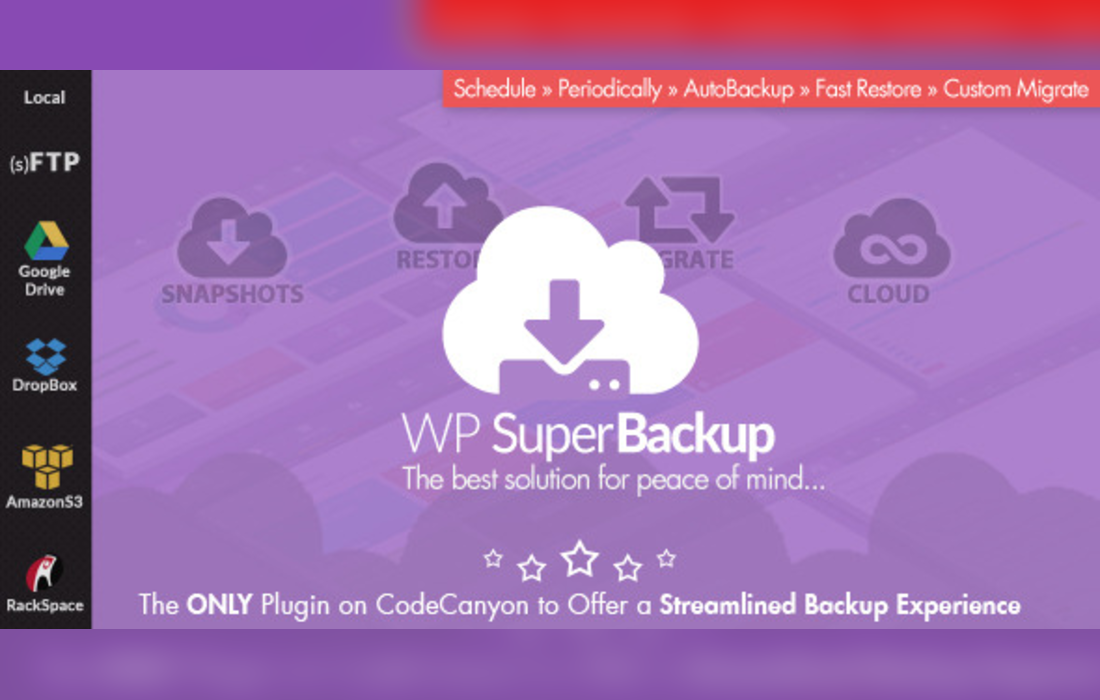
Losing a site to a bad update or a server problem is a real risk, and moving a site to a new home can be tedious. This plugin handles both jobs from one place. It captures snapshots of your themes, plugins, uploads and database tables, then restores them in a few clicks when something goes wrong.
The same snapshots let you clone a site for testing or development, or move it to a new domain or server. Inside the admin area, a dashboard breaks down how much space each part of your site takes up and tells you when a backup last ran. Every snapshot is recorded in a log, and copies can be sent to cloud storage for safekeeping away from your host.
Features
- Snapshots of key site parts: Capture themes, plugins, uploads and database tables as snapshots, so the main building blocks of your WordPress site are all covered in a backup.
- Restore in a few clicks: Bring a site back to a saved state with a few clicks, which helps when an update or change breaks something and you need to roll back.
- Site cloning: Make a copy of your website to use for testing, development or staging, so you can work on changes without touching the live site.
- Move to a new domain or server: Migrate a WordPress site to a different domain or hosting server, using the same snapshot process you use for everyday backups.
- Cloud backup destinations: Send backups to cloud destinations so a copy of your site is stored away from the server where it runs.
- Storage and status dashboard: See how large each part of your site is and check when the most recent backup was taken, all from one overview screen.
- Snapshot log: Keep a record of every snapshot that has been taken, which makes it easy to review what was backed up and when.
Best for
- WordPress developers who clone sites for testing
- Site administrators who move sites between servers
- Business owners who want offsite copies of their site
Changelog
Version 2.4 — 10 December 2024
- Improved Compatibility with WordPress v.6.7+
- Improved Security & Vulnerability
FAQ
Is Super Backup & Clone - Migrate for WordPress free?
The code of Super Backup & Clone - Migrate for WordPress is licensed under the GPL, so anyone may use, change and share it. Buy GPL is a paid service: a plan or a purchase of Super Backup & Clone - Migrate for WordPress gives you the download and its updates. The developer's own support, licence key and online services are not included.
Which version of Super Backup & Clone - Migrate for WordPress is this?
Version 2.4, released 24 October 2026. New versions appear here when the developer publishes them.
How do I update Super Backup & Clone - Migrate for WordPress?
Install Buy GPL Updater on your site and paste your key from My Account. It installs new versions of Super Backup & Clone - Migrate for WordPress for you.
You might also like
Plugin Plugin
 Plugin
 Plugin
 Plugin
 Plugin
 Plugin
 Plugin