
 Plugin
PluginUpdated
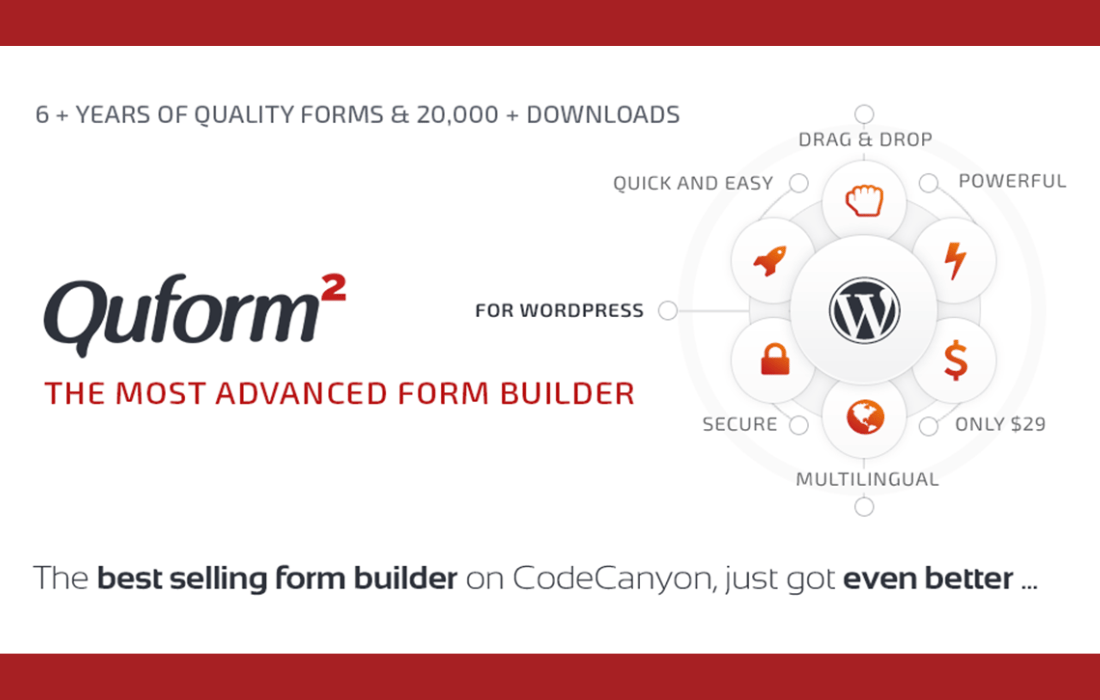
Quform - WordPress Form Builder
Quform - WordPress Form Builder is a WordPress plugin from ThemeCatcher for creating forms without writing code.
Product facts
- Version
- 2.23.1
- Released
- 24 June 2026
- Type
- Plugin
- Licence
- GPL
- Included in
- Every plan, or $4.19 on its own
Overview
Forms on a WordPress site often need more than a name and a message box. You may want a survey, a form that splits across several steps, or fields that appear only when a visitor picks a certain answer. Quform handles these jobs through a drag-and-drop builder, so people without coding skills can put a form together and adjust it as needs change.
Layouts are responsive, so forms resize to fit desktops, tablets and smartphones, and they adapt to your theme. You can start from a pre-built template or build from scratch. Entries can be exported as CSV, email notifications keep you and your visitors informed, and translation and right-to-left support suit multilingual sites.
Features
- Drag-and-drop form builder: Create and customize forms visually without technical skills. Beginners and experienced developers can both arrange fields and settings in the same builder interface.
- Responsive form layouts: Forms adjust automatically to desktops, tablets and smartphones, and the layouts adapt to the theme on your site.
- Pre-built templates: Start from a set of ready-made form templates for contact forms, surveys and other uses, then edit them to fit your needs.
- Advanced field types: Collect the data you need with checkboxes, radio buttons, file uploads and other input options available in the builder.
- Conditional logic: Show or hide fields based on what a visitor selects, so each person sees only the questions that apply to them.
- Multi-page forms with progress bar: Split a long form into several steps and display a progress bar, which makes lengthy forms easier to work through.
- Spam protection and captcha: Built-in security features and captcha integration help keep spam submissions out of your form entries.
- Email notifications and auto-responders: Send customizable email messages to admins and to users when a form is submitted, and export entries as CSV for records.
Best for
- WordPress site owners who want forms without coding
- Agencies building contact forms and surveys for clients
- Multilingual sites needing translation and right-to-left support
Changelog
Version 2.23.1 — 22 June 2026
- New Switched to a modern drag and drop library with touch support
- Security Hardened file upload security
FAQ
Is Quform - WordPress Form Builder free?
The code of Quform - WordPress Form Builder is licensed under the GPL, so anyone may use, change and share it. Buy GPL is a paid service: a plan or a purchase of Quform - WordPress Form Builder gives you the download and its updates. The developer's own support, licence key and online services are not included.
Which version of Quform - WordPress Form Builder is this?
Version 2.23.1, released 24 June 2026. New versions appear here when the developer publishes them.
How do I update Quform - WordPress Form Builder?
Install Buy GPL Updater on your site and paste your key from My Account. It installs new versions of Quform - WordPress Form Builder for you.
You might also like
Plugin Plugin
 Plugin
 Plugin
 Plugin
 Plugin
 Plugin
 Plugin