
 Plugin
PluginUpdated
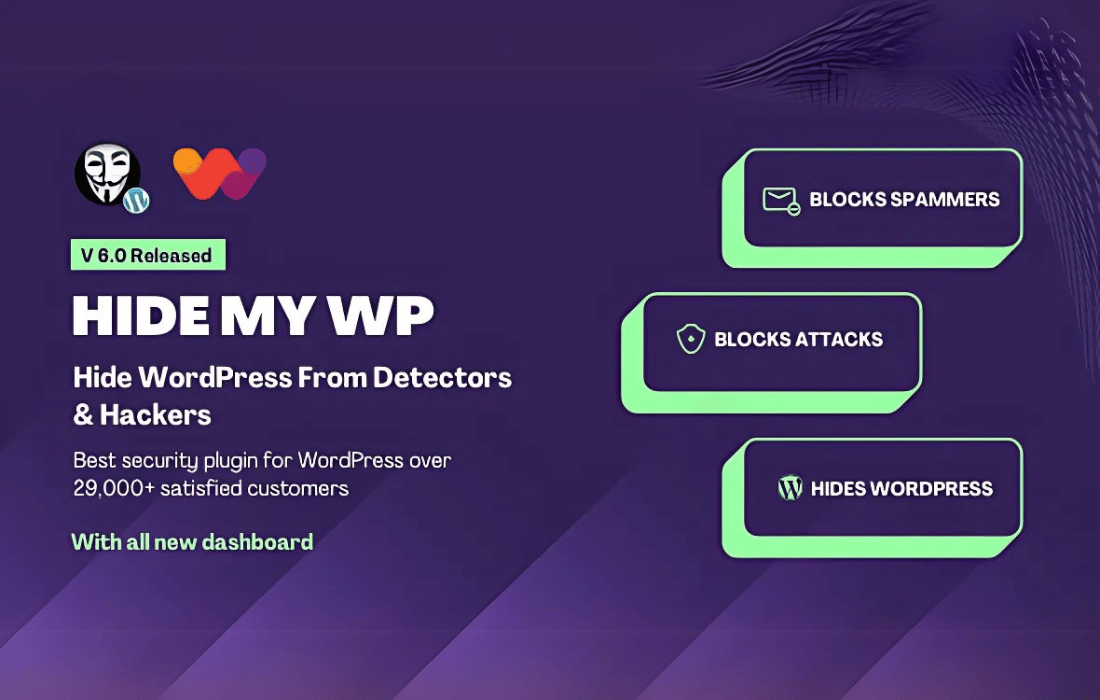
Hide My WP - Amazing Security Plugin
Hide My WP - Amazing Security Plugin is a WordPress security plugin from wpWave.
Product facts
- Version
- 6.2.12
- Released
- 24 May 2025
- Type
- Plugin
- Licence
- GPL
- Included in
- Every plan, or $3.49 on its own
Overview
Attackers and automated scripts often look for standard WordPress paths and the default wp-admin address before they try anything else. Hide My WP changes what they can see. It hides WordPress paths, changes the default wp-admin URL and masks common WordPress footprints, so your site is harder to identify as a WordPress install and harder to probe for weak spots.
The plugin also guards the admin area directly. It includes protection against brute-force attacks and blocks repeated unauthorized login attempts. The interface is meant to be easy to configure, so a beginner can set it up without technical knowledge. It fits a personal blog as well as a busy corporate site that wants one more layer of defense.
Features
- WordPress path concealment: Hides the standard WordPress directories and paths so attackers and bots cannot easily find them when they scan your site for a known WordPress structure.
- Custom wp-admin URL: Lets you rename and hide the login page URL, which helps protect the admin area against brute-force attacks and unauthorized access attempts.
- Brute-force attack prevention: Blocks repeated, unauthorized login attempts so your admin panel is protected from automated password guessing.
- Automatic URL rewriting: Rewrites URLs to mask WordPress-specific patterns while keeping the experience the same for your visitors.
- Real-time firewall protection: Monitors traffic and blocks suspicious IP addresses before they reach your site.
- Database security protections: Protects database queries from injections and malicious manipulation to help keep your site data safe.
- Theme and plugin compatibility: Designed to work with popular themes and plugins without conflicts, so your site keeps functioning while the security settings stay in place.
- Beginner-friendly interface: Settings are easy to configure and manage, so people without technical expertise can set up protection quickly.
Best for
- WordPress site owners who want to hide their login page
- Bloggers and small businesses worried about brute-force attacks
- Agencies securing client WordPress sites
Changelog
Version 6.2.12 — 15 February 2025
- Improved WordPress 6.7.x, 6.6.x, 6.5.x, and 6.4.x compatibility
- Improved Additional SMTP compatibility fixes.
- Improved Fix for deprecated PHP functions
- Improved Fix for cronjobs that were not scheduled properly
- Improved Manual configuration works with newer versions of PHP
- Improved Fix for login key removed for some versions of PHP / WordPress
Earlier versions
- 6.2.11 (9 September 2023): 3 improved, 1 fixed
- 6.2.9 (28 December 2022): 1 fixed
FAQ
Is Hide My WP - Amazing Security Plugin free?
The code of Hide My WP - Amazing Security Plugin is licensed under the GPL, so anyone may use, change and share it. Buy GPL is a paid service: a plan or a purchase of Hide My WP - Amazing Security Plugin gives you the download and its updates. The developer's own support, licence key and online services are not included.
Which version of Hide My WP - Amazing Security Plugin is this?
Version 6.2.12, released 24 May 2025. New versions appear here when the developer publishes them.
How do I update Hide My WP - Amazing Security Plugin?
Install Buy GPL Updater on your site and paste your key from My Account. It installs new versions of Hide My WP - Amazing Security Plugin for you.
You might also like
Plugin Plugin
 Plugin
 Plugin
 Plugin
 Plugin
 Plugin
 Plugin