
 Plugin
PluginUpdated
WordPress Print Posts & Pages (PDF)
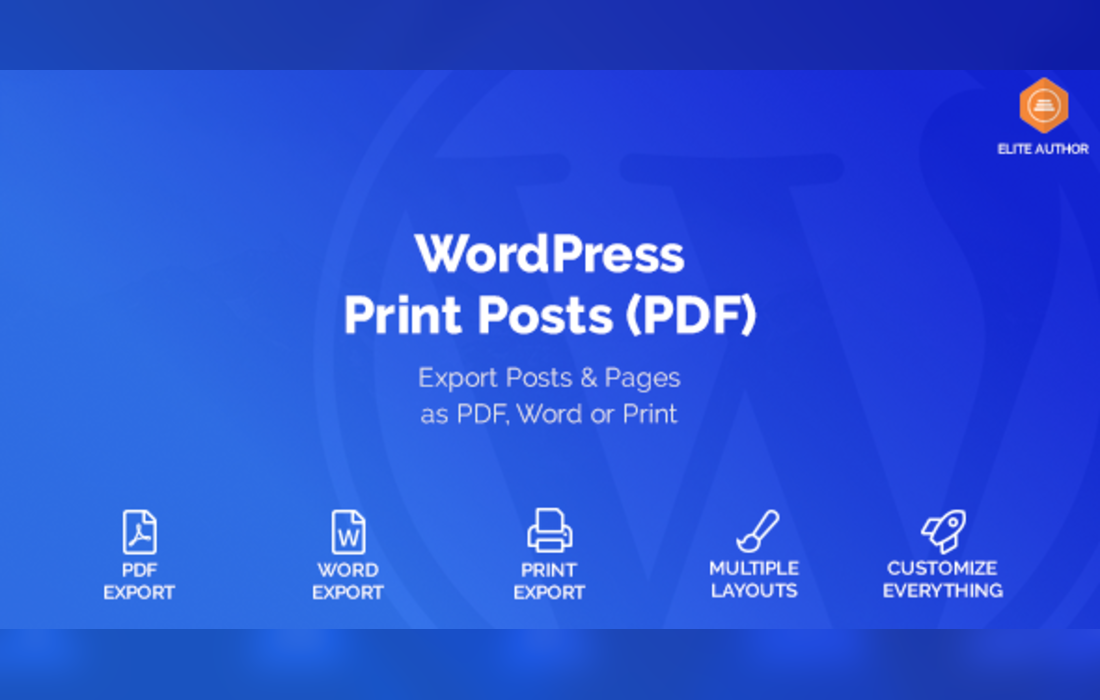
WordPress Print Posts & Pages (PDF) is a plugin from weLaunch that gives visitors a way to turn your content into paper copies or files.
Product facts
- Version
- 1.5.12
- Released
- 24 October 2026
- Type
- Plugin
- Licence
- GPL
- Included in
- Every plan, or $4.19 on its own
Overview
Some readers want to keep an article, a guide or a reference page for later, and a browser print dialog rarely gives clean results. This plugin adds proper print and save options to your posts, pages and custom post types. Visitors choose a printout, a PDF or a Word file, and the output follows the layout and settings you picked.
You get two layouts and more than 50 settings, so the printed page can match your site. You can add a QR code, place extra text after the header or before the footer, and leave out individual posts or whole categories. The [print_posts] shortcode puts the print and save option wherever you want it in your content.
Features
- Print, PDF and Word output: Visitors can print any post or page, or save it as a PDF or Word file, directly from your site without extra tools.
- Works with custom post types: The plugin covers posts and pages as well as custom post types, so the same print and save options apply across the content on your site.
- Two layout options: Choose between two layouts for printed and saved documents, then adjust them so the output fits the look of your site.
- More than 50 settings: A large set of settings lets you fine-tune how printed and saved documents look and behave, from layout choices to added elements.
- QR code on documents: Add a QR code to printed or saved documents so readers who hold a paper copy can find their way back to your site.
- Extra text placement: Insert additional text after the header or before the footer, which suits notes, disclaimers or short branding messages on each document.
- Exclude posts or categories: Keep selected posts or entire categories from being printed or saved, so content you prefer to keep on screen stays there.
- The [print_posts] shortcode: Place the print and save option exactly where you need it inside your content by using the [print_posts] shortcode.
Best for
- Bloggers whose readers keep guides and articles
- Educational sites sharing printable lessons and notes
- Publishers and businesses offering PDF or Word copies
Changelog
Version 1.5.12
- Fixed Admin panel not showing
FAQ
Is WordPress Print Posts & Pages (PDF) free?
The code of WordPress Print Posts & Pages (PDF) is licensed under the GPL, so anyone may use, change and share it. Buy GPL is a paid service: a plan or a purchase of WordPress Print Posts & Pages (PDF) gives you the download and its updates. The developer's own support, licence key and online services are not included.
Which version of WordPress Print Posts & Pages (PDF) is this?
Version 1.5.12, released 24 October 2026. New versions appear here when the developer publishes them.
How do I update WordPress Print Posts & Pages (PDF)?
Install Buy GPL Updater on your site and paste your key from My Account. It installs new versions of WordPress Print Posts & Pages (PDF) for you.
More from weLaunch
Plugin Plugin
 Plugin
 Plugin
 Plugin
 Plugin
 Plugin
 Plugin