
 Plugin
PluginUpdated
WooCommerce Upload Files
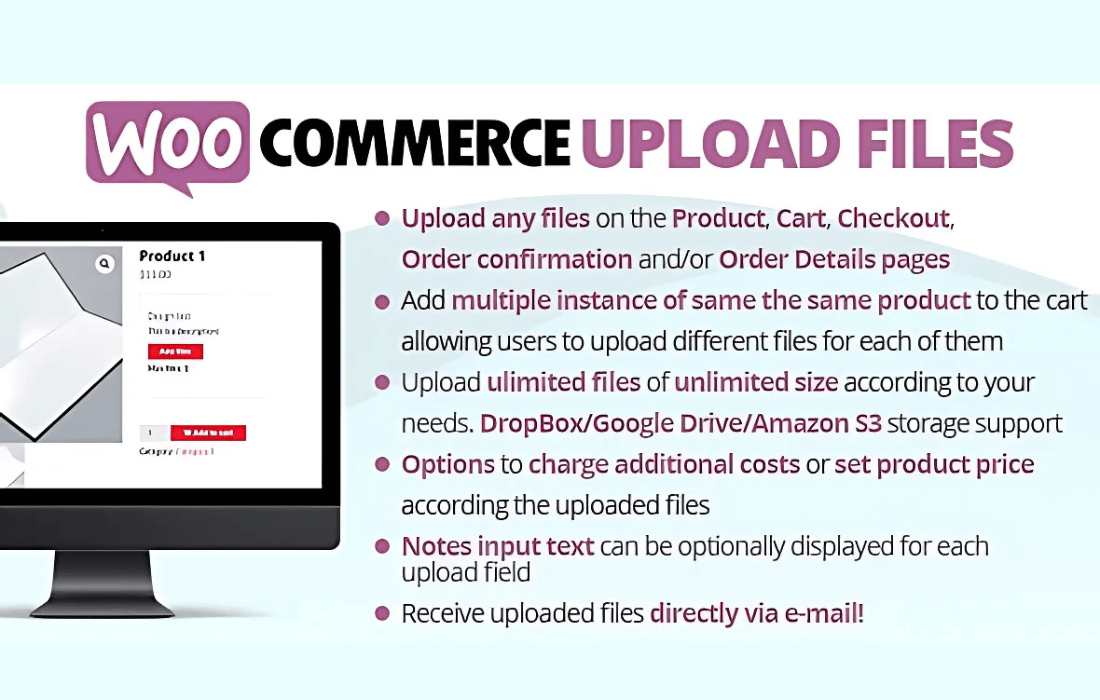
WooCommerce Upload Files by Lagudi is a WordPress plugin that lets customers upload files straight to their orders.
Product facts
- Version
- 88.6
- Released
- 4 July 2026
- Type
- Plugin
- Licence
- GPL
- Included in
- Every plan, or $3.49 on its own
Overview
Stores that sell personalized items often collect artwork, documents or reference files by email, and those files can drift away from the order they belong to. This plugin puts the upload step inside the WooCommerce purchase flow. Customers add their files on a product page or at checkout, and each file is linked to the relevant order, so nothing gets lost between the buyer and the person preparing the job.
The interface needs no coding knowledge. Buyers can drag and drop a file or browse for it, on desktop or mobile. Store owners can set upload fields for individual products or for the whole store, and limit file size and quantity. It works within WooCommerce, which suits print shops, custom merchandise stores and any shop that needs detailed input from customers.
Features
- Uploads on product or checkout pages: Customers can attach files directly where they order, on product pages or at checkout, which keeps custom details together with the purchase.
- Support for several file types: The plugin accepts images, PDFs, documents and other file types, so it fits personalized products, custom prints and client documentation.
- Files linked to each order: Every uploaded file is attached to the order it belongs to, which makes custom orders easier to manage and reduces confusion during processing.
- Drag-and-drop or browse upload: Buyers can drag a file into the field or browse for it, a simple process for customers of any technical level.
- Custom upload fields: Set up upload fields for individual products or apply them globally, so each item can ask for the files it actually needs.
- File size and quantity limits: Set a maximum file size and a maximum number of uploads to keep file handling under control on your server.
- Secure file handling: Uploaded files are protected with WooCommerce's built-in security features, which helps safeguard sensitive customer data.
- Email notifications for uploads: You receive an alert whenever a customer uploads a file, so you know when an order has new material to review.
Best for
- Print shops that collect customer artwork
- Custom merchandise stores on WooCommerce
- Shops needing documents or assets with orders
FAQ
Is WooCommerce Upload Files free?
The code of WooCommerce Upload Files is licensed under the GPL, so anyone may use, change and share it. Buy GPL is a paid service: a plan or a purchase of WooCommerce Upload Files gives you the download and its updates. The developer's own support, licence key and online services are not included.
Which version of WooCommerce Upload Files is this?
Version 88.6, released 4 July 2026. New versions appear here when the developer publishes them.
How do I update WooCommerce Upload Files?
Install Buy GPL Updater on your site and paste your key from My Account. It installs new versions of WooCommerce Upload Files for you.
You might also like
Plugin Plugin
 Plugin
 Plugin
 Plugin
 Plugin
 Plugin
 Plugin