
 Plugin
PluginUpdated
WooCommerce AfterShip
WooCommerce AfterShip is a plugin that connects a WooCommerce store to AfterShip's shipment tracking.
Product facts
- Version
- 9.4
- Released
- 24 August 2026
- Type
- Plugin
- Licence
- GPL
- Included in
- Every plan, or $3.49 on its own
Overview
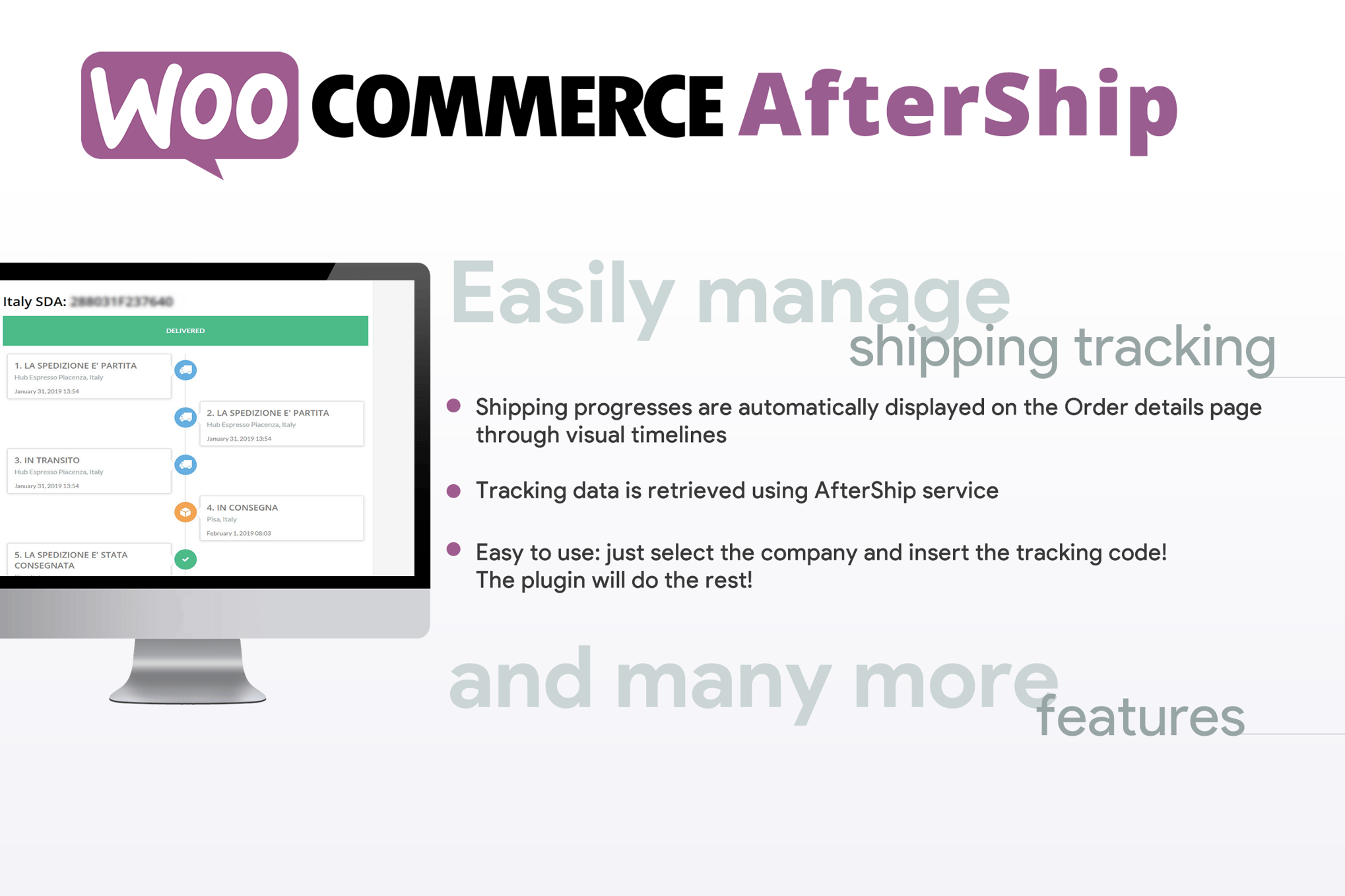
After an order ships, customers often want to know where it is. Without tracking in the store, they email or message the shop owner. WooCommerce AfterShip handles this by pulling the latest shipment status and displaying it as a visual timeline on the order details page, so customers can check progress themselves.
Setup starts with an AfterShip API key, which links the store to the tracking network. From there, admins enter tracking information on the WooCommerce order details page, pick a courier, and the plugin keeps the status current. A shortcode also lets you place an order tracking form on any page of the site. It suits shops that ship through a range of carriers and want shipping communication handled in one place.
Features
- Shipping progress timelines: Customers see a clear visual timeline of their shipment on the order page, which makes the journey of a package easy to follow.
- Connects with an API key: Enter your AfterShip API key to link the store with the shipment tracking network, without a complicated configuration process.
- Many courier companies: Choose from a wide range of shipping providers, so the store can track parcels whichever carrier you use for an order.
- Tracking entry for admins: Store admins add and manage shipment tracking details directly on the WooCommerce order details page, keeping fulfillment work in one screen.
- Automatic status updates: The plugin fetches the latest shipment status on its own, so customers stay informed without anyone updating orders by hand.
- Frontend order details display: Real-time tracking information and the progress timeline appear on the customer's order details page after purchase.
- Tracking form shortcode: The [wcafw_order_status] shortcode embeds a customizable order tracking form on any page, so visitors can check an order's status.
- Fewer status inquiries: Accurate, automatic shipment updates reduce repeated customer questions about where an order is, which lightens the load on support.
Best for
- WooCommerce stores that ship through several carriers
- Shop owners tired of order status inquiries
- Stores that want a tracking page on their site
Changelog
Version 9.4 — 5 March 2024
- Improved Currier list updated
Earlier versions
- 9.3 (26 July 2023): 1 improved
- 9.2 (5 May 2023): 1 fixed
FAQ
Is WooCommerce AfterShip free?
The code of WooCommerce AfterShip is licensed under the GPL, so anyone may use, change and share it. Buy GPL is a paid service: a plan or a purchase of WooCommerce AfterShip gives you the download and its updates. The developer's own support, licence key and online services are not included.
Which version of WooCommerce AfterShip is this?
Version 9.4, released 24 August 2026. New versions appear here when the developer publishes them.
How do I update WooCommerce AfterShip?
Install Buy GPL Updater on your site and paste your key from My Account. It installs new versions of WooCommerce AfterShip for you.
You might also like
Plugin Plugin
 Plugin
 Plugin
 Plugin
 Plugin
 Plugin
 Plugin