
 Plugin
PluginUpdated
Timeliner for Elementor
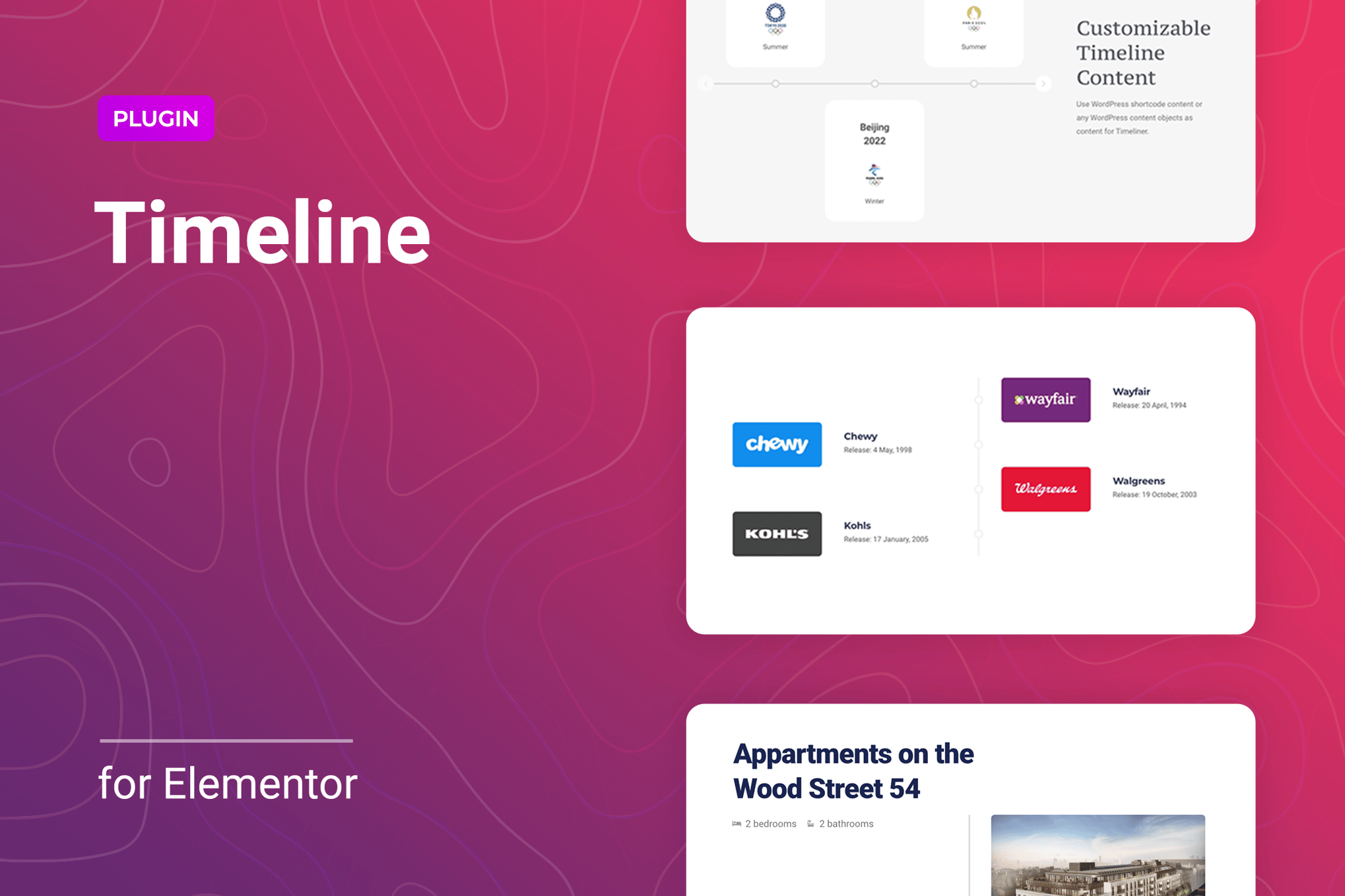
Timeliner for Elementor is a WordPress plugin that adds timeline layouts to the Elementor page builder.
Product facts
- Version
- 1.0.7
- Released
- 14 March 2026
- Type
- Plugin
- Licence
- GPL
- Included in
- Every plan, or $3.49 on its own
Overview
Many sites need to show things in order: a company's history, the steps of a project, personal achievements or a run of events. Plain text lists make that hard to follow. Timeliner for Elementor gives you a dedicated timeline element, so each moment gets its own entry with an image, a title, a description and a button if you want one. You work in the Elementor editor and see your changes as you make them.
The plugin offers horizontal and vertical layouts, and the orientation adapts to the viewer's screen size, so the timeline reads well on desktops, tablets and phones. You can add, delete, reorder or duplicate entries, choose how many appear per screen and pick which item shows first. It is built to be lightweight and supports high-resolution displays. That makes it a fit for business sites, portfolios and blogs built on Elementor.
Features
- Works inside Elementor: Design timelines directly in the Elementor drag-and-drop editor, so you can build and adjust them without writing code and see edits in real time.
- Horizontal and vertical layouts: Choose between two display modes. The orientation adapts to the viewer's screen size so the timeline stays readable on different devices.
- Responsive on all screens: Timelines are made to display and function on desktops, tablets and mobile phones without extra layout work on your part.
- Rich content for each entry: Add images, titles, descriptions and buttons to every timeline item, which lets you tell a fuller story for each step or event.
- Flexible entry management: Create, delete, reorder or duplicate timeline items as your story changes, so the chronology always matches what you want to present.
- Control over visible items: Set how many timeline entries show per screen and choose which item appears first, which tailors the way visitors move through the content.
- Lightweight build: The plugin is designed to be light, so adding a timeline to a page does not call for a heavy extension.
- Retina ready graphics: Support for high-resolution displays keeps images and visuals crisp on screens with a high pixel density.
Best for
- Elementor users who want timelines on their pages
- Businesses sharing company history or project milestones
- Freelancers and agencies building Elementor sites for clients
Changelog
Version 1.0.7 — 21 February 2026
- Security Fixed plugin security issues.
Earlier versions
- 1.0.6 (23 August 2025): 1 improved
- 1.0.5 (11 December 2024): 1 improved
- 1.0.4 (24 January 2024): 1 fixed
FAQ
Is Timeliner for Elementor free?
The code of Timeliner for Elementor is licensed under the GPL, so anyone may use, change and share it. Buy GPL is a paid service: a plan or a purchase of Timeliner for Elementor gives you the download and its updates. The developer's own support, licence key and online services are not included.
Which version of Timeliner for Elementor is this?
Version 1.0.7, released 14 March 2026. New versions appear here when the developer publishes them.
How do I update Timeliner for Elementor?
Install Buy GPL Updater on your site and paste your key from My Account. It installs new versions of Timeliner for Elementor for you.
You might also like
Plugin Plugin
 Plugin
 Plugin
 Plugin
 Plugin
 Plugin
 Plugin