
 Plugin
PluginUpdated
Everest Forms Multi Part
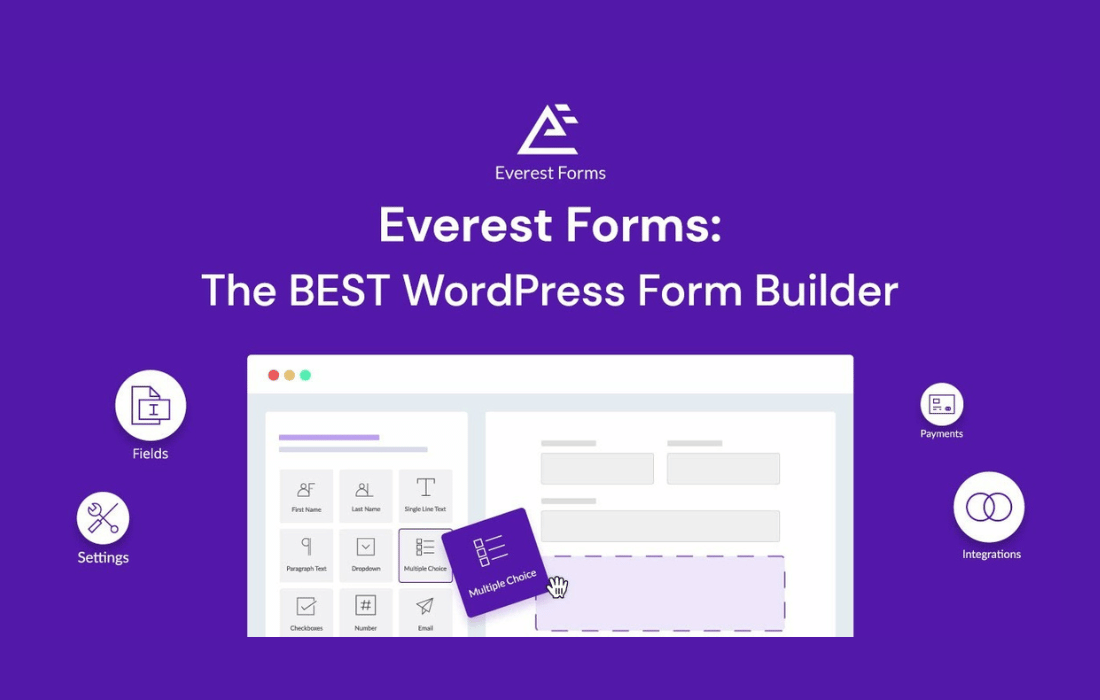
Everest Forms Multi Part is a plugin from WPEverest that adds multi-step forms to Everest Forms.
Product facts
- Version
- 1.6.6
- Released
- 23 August 2026
- Type
- Plugin
- Licence
- GPL
- Included in
- Every plan, or $0.69 on its own
Overview
Long forms are tiring to fill out. When a survey, application or registration form shows every field at once, visitors can feel overwhelmed. Everest Forms Multi Part addresses this by dividing a form into separate sections that people move through one at a time, which makes detailed questions easier to handle.
The extension works inside Everest Forms, so you build the form as usual and then organize it into parts. A progress bar shows how far along someone is, and Previous and Next buttons move them between steps. Conditional logic can show or hide whole sections based on earlier answers, so each person sees only the steps that apply to them.
Features
- Multi-step form creation: Break a long form into smaller sections so each step asks for less. This keeps detailed forms easier to read and reduces fatigue for the people filling them out.
- Progress bar display: A progress bar shows visitors how much of the form they have completed, so they know how many steps remain before they submit their information.
- Previous and Next buttons: Navigation buttons let people move forward to the next step or go back to the previous one to review and change an earlier answer.
- Conditional logic between steps: Show or hide entire sections depending on how a visitor responds, so each person sees a form that matches their situation.
- Mobile responsive layout: Multi-part forms are built to look and work on all devices, so visitors can complete each step on a phone, tablet or desktop.
- Custom section titles and descriptions: Add a title and a short description to each step to give clear instructions and context about what that part of the form is asking.
- Works inside Everest Forms: The multi-part feature is enabled within your existing Everest Forms setup, so you can use it without coding or a complicated configuration.
- Part navigation alignment setting: Adjust the alignment of the part navigation so the step controls sit where you want them on the front end of your form.
Best for
- Sites running long surveys with many questions
- Businesses collecting job or service applications online
- Owners of Everest Forms who need registration forms in steps
Changelog
Version 1.6.6 — 13 August 2026
- Improved Compatibility with Style Customizer v2.
- Fixed Part navigation alignment setting not applying on the frontend.
Earlier versions
- 1.6.5 (24 March 2026): 1 fixed
- 1.6.4 (28 July 2025): 1 fixed
- 1.6.3 (5 June 2025): 3 fixed
FAQ
Is Everest Forms Multi Part free?
The code of Everest Forms Multi Part is licensed under the GPL, so anyone may use, change and share it. Buy GPL is a paid service: a plan or a purchase of Everest Forms Multi Part gives you the download and its updates. The developer's own support, licence key and online services are not included.
Which version of Everest Forms Multi Part is this?
Version 1.6.6, released 23 August 2026. New versions appear here when the developer publishes them.
How do I update Everest Forms Multi Part?
Install Buy GPL Updater on your site and paste your key from My Account. It installs new versions of Everest Forms Multi Part for you.
More from WPEverest
Plugin Plugin
 Plugin
 Plugin
 Plugin
 Plugin
 Plugin
 Plugin