
 Plugin
PluginUpdated
Struninn - Twitch Schedule Elementor Widget
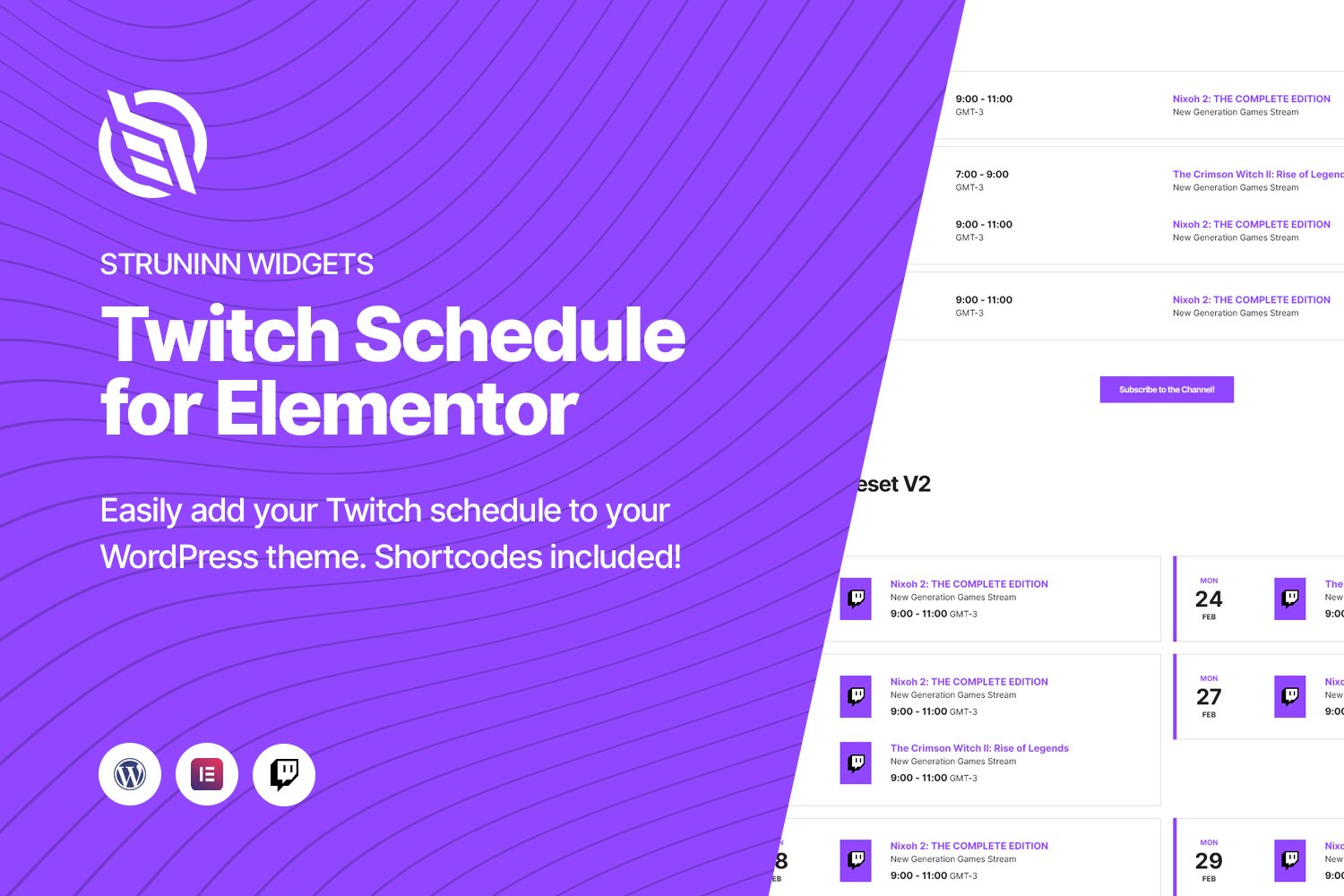
Struninn - Twitch Schedule Elementor Widget is a WordPress plugin that adds your Twitch streaming schedule to your website through Elementor.
Product facts
- Version
- 1.0.1
- Released
- 2 May 2023
- Type
- Plugin
- Licence
- GPL
- Included in
- Every plan, or $3.49 on its own
Overview
Streamers often post their schedule in several places, and each one has to be kept current by hand. Struninn – Twitch Schedule Elementor Widget handles this by connecting to your Twitch account and fetching your latest schedule automatically. Visitors see your stream times on your own site, next to the rest of your content, so they can plan when to watch without checking another platform.
The plugin works as an Elementor widget, so you can drop it onto any page with drag and drop. Developers who prefer code can place the schedule with shortcodes or template functions instead. Two viewing styles let you pick the layout that fits your design and branding, and a built-in subscribe button sends visitors straight to your Twitch subscription page. The layout is responsive for desktops, tablets and smartphones.
Features
- Twitch account connection: Connect your Twitch account and the plugin fetches your latest schedule automatically, so the times on your site stay current without manual entry.
- Elementor widget: Add the schedule to any page by dragging the widget into place in Elementor. It appears in the editor automatically, which keeps design control in your hands.
- Two display styles: Choose between two layout versions for the schedule, so you can match the look of your site and the style of your personal branding.
- Shortcode support: Embed the schedule anywhere on your WordPress site with a shortcode, including places where you are not working in the Elementor editor.
- Template function support: Developers can call template functions to place the schedule directly in theme files, which suits custom builds and hand-coded layouts.
- Built-in subscribe button: A subscribe button links visitors directly to your Twitch subscription page, giving interested viewers a clear next step from the schedule.
- Responsive layout: The schedule is designed to display properly on desktops, tablets and smartphones, so viewers can check your stream times on whatever device they use.
Best for
- Twitch streamers building a personal website with Elementor
- Content creators who want stream times shown on their own pages
- Developers embedding schedules with shortcodes or template functions
Changelog
Version 1.0.1 — 4 August 2022
- Fixed Fixed an issue that prevented the display of the widgets on elementor pages when outside of their editor space (shortcodes or template functions).
- Fixed Fixed an issue that caused the "struninntwitch_channel_subscribe_button_text_allowed_html" filter to be ignored in template functions.
FAQ
Is Struninn - Twitch Schedule Elementor Widget free?
The code of Struninn - Twitch Schedule Elementor Widget is licensed under the GPL, so anyone may use, change and share it. Buy GPL is a paid service: a plan or a purchase of Struninn - Twitch Schedule Elementor Widget gives you the download and its updates. The developer's own support, licence key and online services are not included.
Which version of Struninn - Twitch Schedule Elementor Widget is this?
Version 1.0.1, released 2 May 2023. New versions appear here when the developer publishes them.
How do I update Struninn - Twitch Schedule Elementor Widget?
Install Buy GPL Updater on your site and paste your key from My Account. It installs new versions of Struninn - Twitch Schedule Elementor Widget for you.
You might also like
Plugin Plugin
 Plugin
 Plugin
 Plugin
 Plugin
 Plugin
 Plugin