
 Plugin
PluginUpdated
SchedulePress Pro
SchedulePress Pro is a WordPress plugin from WPDeveloper for planning, scheduling and sharing blog content.
Product facts
- Version
- 5.3.5
- Released
- 29 October 2026
- Type
- Plugin
- Licence
- GPL
- Included in
- Every plan, or $4.89 / year on its own
Overview
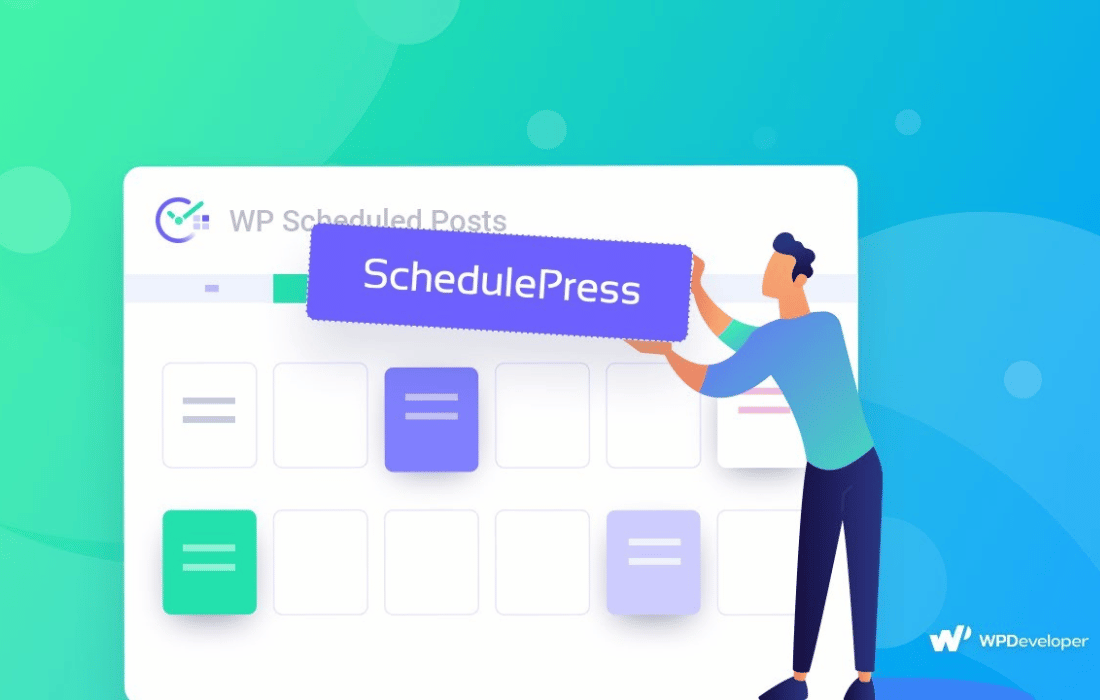
Publishing on a regular rhythm takes planning, and manual posting is easy to forget. SchedulePress Pro gives you a visual Schedule Calendar where you can organize posts by dragging them into place and create new content right from the calendar. The Auto Scheduler publishes posts at the times you choose, so you do not have to be at the keyboard when a post goes live.
Sharing is part of the same workflow. The plugin can post to Twitter, Facebook, LinkedIn, Instagram, Medium, Pinterest and Threads, either right after publishing or at a time you set. Editable share templates, hashtags, category tags and custom banners control how each post looks on social media. It suits a single blog as well as people who run several WordPress sites, since it can be used on one site or many depending on the plan.
Features
- Drag-and-drop Schedule Calendar: See your whole content schedule in one calendar view, move posts around by dragging, and create new content directly from the calendar interface.
- Auto Scheduler: Set your preferred publishing times and let the plugin schedule posts automatically, so you keep a steady publishing pattern without manual steps.
- Missed Schedule Handler: Detects scheduled posts that failed to go live and publishes them, which keeps your content calendar on track when a scheduling glitch occurs.
- Auto social sharing: Shares your WordPress posts to Twitter, Facebook, LinkedIn, Instagram, Medium, Pinterest and Threads without posting each one by hand.
- Instant or scheduled sharing: Choose to share a post to social networks right after it publishes, or set the social share for a later time.
- Customizable share templates: Edit templates to control how your posts appear on social media, including the visuals and the message that accompany each share.
- Hashtag and tag automation: Adds relevant hashtags and category tags to your social posts automatically, so you do not need to type them for every share.
- Custom social banners: Upload unique banners for platforms such as Medium, Pinterest and Threads so shared posts carry their own image.
Best for
- Bloggers who publish on a regular schedule
- Content creators sharing posts across social networks
- Agencies and freelancers managing several WordPress sites
Changelog
Version 5.3.5 — 28 October 2026
- Fixed Wp-admin returned a 500 error on every screen when SchedulePress 4.x was active.
- Fixed Manual Scheduler slots landed on the wrong day in time zones where the local date differs from the UTC date.
- Fixed Posts list titles could throw an error with the classic editor when another plugin applied the title filter without a post ID.
- Improved Opening an Advanced Schedule copy no longer fills it from the original post unless the user can edit it.
- Improved Contributors and users outside Allow users can no longer set Unpublish, Republish or Advanced Schedule dates through the REST API.
- Improved Few minor bug fixes & improvements
Earlier versions
- 5.3.4 (18 October 2026): 5 improved, 9 fixed
- 5.3.3 (15 September 2026): 2 improved
- 5.3.2 (29 July 2026): 1 improved, 2 fixed
FAQ
Is SchedulePress Pro free?
The code of SchedulePress Pro is licensed under the GPL, so anyone may use, change and share it. Buy GPL is a paid service: a plan or a purchase of SchedulePress Pro gives you the download and its updates. The developer's own support, licence key and online services are not included.
Which version of SchedulePress Pro is this?
Version 5.3.5, released 29 October 2026. New versions appear here when the developer publishes them.
How do I update SchedulePress Pro?
Install Buy GPL Updater on your site and paste your key from My Account. It installs new versions of SchedulePress Pro for you.
More from WPDeveloper
Plugin Plugin
 Plugin
 Plugin
 Plugin
 Plugin