
 Plugin
PluginUpdated
Super Forms - Drag & Drop Form Builder
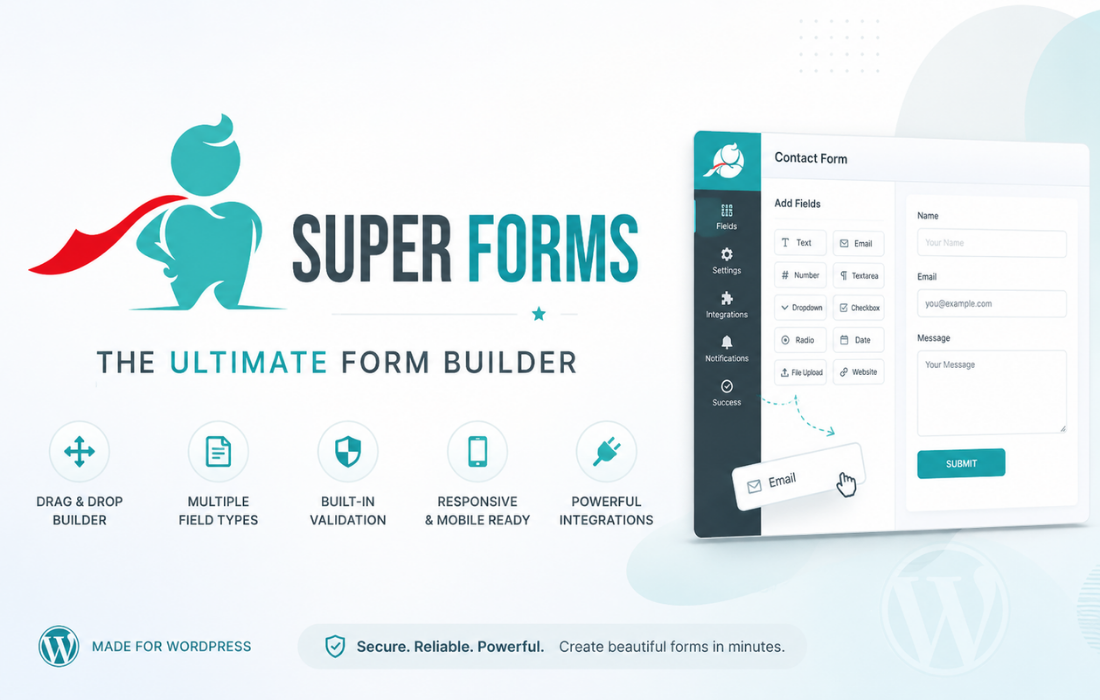
Super Forms - Drag & Drop Form Builder is a WordPress plugin by feeling4design for creating custom forms without code.
Product facts
- Version
- 6.4.007
- Released
- 1 September 2026
- Type
- Plugin
- Licence
- GPL
- Included in
- Every plan, or $6.29 / year on its own
Overview
Forms are a basic part of most websites, yet building them often means writing code or settling for rigid layouts. Super Forms – Drag & Drop Form Builder gives you a visual builder where you place fields and arrange them yourself. Beginners can put together a contact form in minutes, and developers get a tool that handles more involved projects too.
Conditional logic lets a form show or hide fields based on what a visitor enters, and multi-step forms split long forms into smaller sections. You can adjust colors, fonts, layouts and buttons to match your brand, and forms adapt to desktops, tablets and smartphones. Pre-built templates give you a starting point when you do not want to begin from scratch.
Features
- Drag and drop builder: Design custom forms visually by placing and arranging fields, with no coding knowledge needed. Beginners and professional developers can both work this way.
- Conditional logic: Show or hide fields depending on how a visitor responds, so each form adapts to the answers it receives.
- Multi-step forms: Break a long form into manageable sections so visitors work through it one step at a time.
- Flexible styling options: Customize colors, fonts, layouts and buttons so each form matches your site's branding.
- Responsive layouts: Forms are optimized automatically for desktops, tablets and smartphones, so they stay usable on any screen.
- Pre-built form templates: Start from a library of ready-made form templates instead of building every project from the ground up.
- Spam protection and validation: Built-in CAPTCHA and honeypot techniques guard against spam, while real-time field validation catches errors before a form is submitted.
- File uploads and exports: Let users upload files for job applications or document collection, then export submission data to CSV or other formats for analysis and follow-up.
Best for
- Beginners who want custom forms without writing code
- Developers and agencies building forms for client sites
- Sites that need surveys, registrations or file submissions
Changelog
Version 6.4.007 — 17 July 2026
- Fixed Corrected server-side validation so optional fields can be left empty while required fields, including Toggle elements and fields in repeated rows, are enforced.
- Improved Compatibility with WordPress 7.0.1
FAQ
Is Super Forms - Drag & Drop Form Builder free?
The code of Super Forms - Drag & Drop Form Builder is licensed under the GPL, so anyone may use, change and share it. Buy GPL is a paid service: a plan or a purchase of Super Forms - Drag & Drop Form Builder gives you the download and its updates. The developer's own support, licence key and online services are not included.
Which version of Super Forms - Drag & Drop Form Builder is this?
Version 6.4.007, released 1 September 2026. New versions appear here when the developer publishes them.
How do I update Super Forms - Drag & Drop Form Builder?
Install Buy GPL Updater on your site and paste your key from My Account. It installs new versions of Super Forms - Drag & Drop Form Builder for you.
You might also like
Plugin Plugin
 Plugin
 Plugin
 Plugin
 Plugin
 Plugin
 Plugin