
 Plugin
PluginUpdated
Next3 Offload
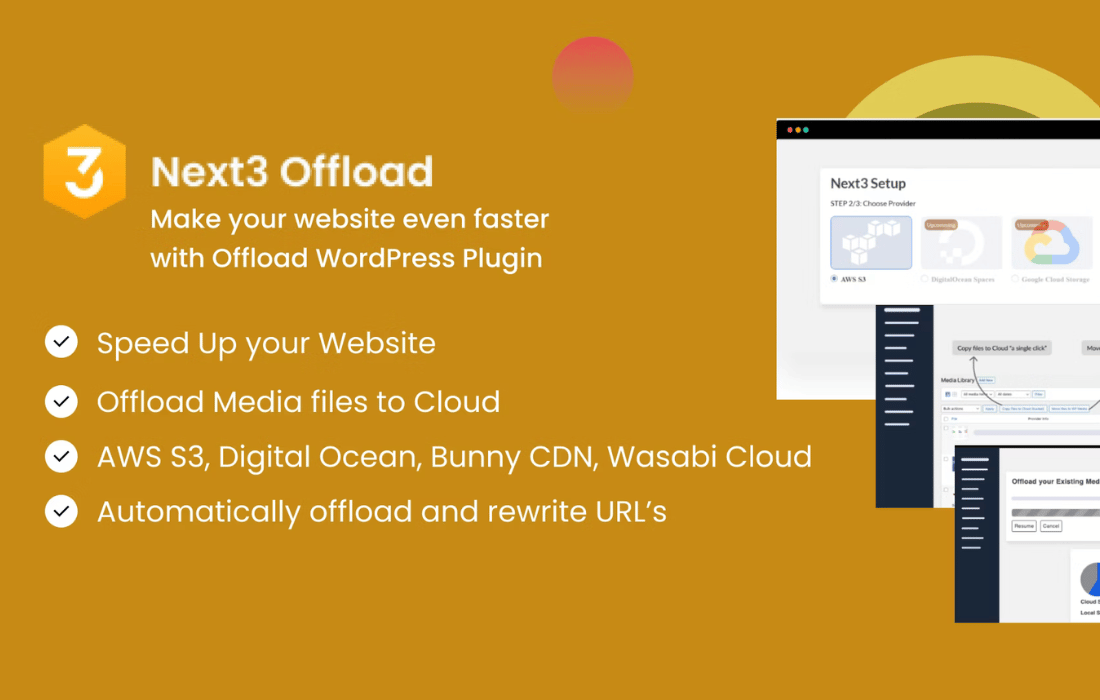
Next3 Offload is a WordPress plugin from Next3 Offload that moves your media files to S3-compatible cloud storage.
Product facts
- Version
- 4.5.2
- Released
- 25 October 2026
- Type
- Plugin
- Licence
- GPL
- Included in
- Every plan, or $6.29 / year on its own
Overview
Media files take up a lot of room on a hosting account. Blogs, online stores and portfolios can fill a server with images, videos and documents, and every request for those files adds load to the host. Next3 Offload addresses this by sending uploads to S3-compatible cloud storage as they come in, so the server holds far less.
The plugin works with the regular WordPress media library and upload workflow, so editors keep adding media the way they always have. You can serve files straight from the cloud or through a CDN. If you use WooCommerce, private product media and downloadable product files can be protected, and the Tools tab includes migration from other offloading plugins and an audit of product media.
Features
- Automatic media offloading: New uploads go to S3-compatible cloud storage without manual steps, which frees space on your web server and keeps the local media library small.
- Direct-to-cloud upload option: An advanced storage setting sends each new upload straight to the cloud and removes the local copy once the offload is confirmed, so new media does not stay on local storage.
- All upload types supported: Images, videos, PDFs and other media files can all be offloaded, so every asset in the library can be stored and delivered from the cloud.
- Cloud or CDN delivery: Choose to serve media directly from the cloud storage or through your preferred CDN, depending on how you want files delivered to visitors.
- Migration from other plugins: Media already offloaded by Advanced Media Offloader or Infinite Uploads can be migrated into Next3 Offload from the Tools tab, without starting over.
- WooCommerce private media access: Private media attached to a product can be limited so only customers who bought that product get a working URL, in addition to login-based access.
- Protected downloadable product files: Downloadable product files in the media library keep pointing to their current delivery URL and are upgraded to protected, so the cloud link is signed instead of permanently public.
- File manager with breadcrumbs: The built-in file manager shows a clickable path through buckets and folders, so you can jump to any level and see where you are.
Best for
- Content-heavy blogs with large media libraries
- WooCommerce stores with product images and downloadable files
- Sites moving from another media offloading plugin
Changelog
Version 4.5.2
- Fixed Googlebot, PageSpeed, and Lighthouse requests were always served the attachment's local URL instead of its cloud URL, even with local files removed after offload (this plugin's own recommended configuration) — meaning every crawl or performance-test hit returned links to files that no longer existed on disk. A page cache keyed by URL rather than by user-agent (several popular caching plugins) could then store that broken render and serve it to real visitors too, until the cache entry expired. The local URL is now only used when that local file is actually still present; otherwise the normal cloud URL is served.
- Fixed An attachment was only ever offloaded once. If new derivative image sizes were generated for it afterward — for example after a crop-size setting change, or via WooCommerce's on-demand thumbnail regeneration — those new files were never uploaded to the cloud, while the plugin continued rewriting every size's URL to the cloud regardless, producing 404s for every newly-generated size. The plugin now also listens for WordPress's standard attachment-metadata-update event (not just the full regeneration pass triggered by a new upload or the "Regenerate Thumbnails" tool) and re-checks for any size that isn't accounted for yet, uploading just the new files without repeating work already done.
- Fixed The license activation screen could report "Your hosting firewall (SiteGround Bot Protection) blocked the license request" on hosts that have nothing to do with SiteGround. That message is now only shown when the license server's response actually carries SiteGround's own signature; any other redirect instead shows an accurate message that includes where the request was redirected to, so a real block elsewhere in the request path can actually be diagnosed.
Earlier versions
- 4.5.1: 1 new, 2 improved, 5 fixed
- 4.5.0: 7 new, 5 improved, 7 fixed
FAQ
Is Next3 Offload free?
The code of Next3 Offload is licensed under the GPL, so anyone may use, change and share it. Buy GPL is a paid service: a plan or a purchase of Next3 Offload gives you the download and its updates. The developer's own support, licence key and online services are not included.
Which version of Next3 Offload is this?
Version 4.5.2, released 25 October 2026. New versions appear here when the developer publishes them.
How do I update Next3 Offload?
Install Buy GPL Updater on your site and paste your key from My Account. It installs new versions of Next3 Offload for you.
You might also like
Plugin Plugin
 Plugin
 Plugin
 Plugin
 Plugin
 Plugin
 Plugin