
 Plugin
PluginUpdated
Kirki Pro
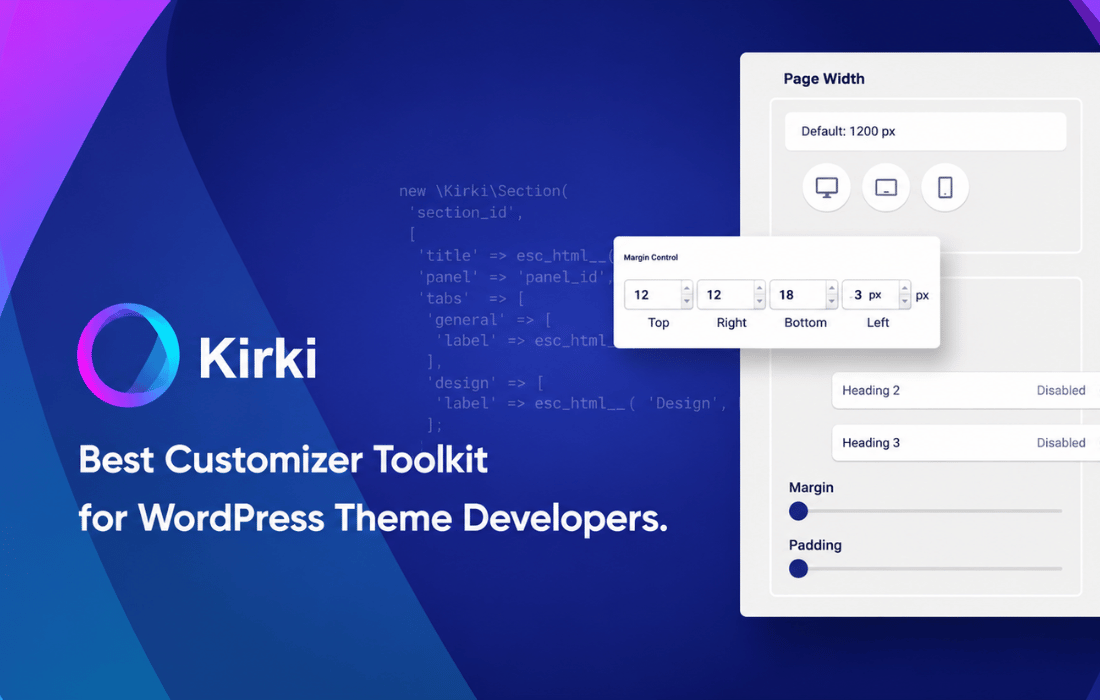
Kirki Pro is a WordPress plugin that works as a customization framework and visual website builder.
Product facts
- Version
- 6.4.1
- Released
- 29 October 2026
- Type
- Plugin
- Licence
- GPL
- Included in
- Every plan, or $4.89 / year on its own
Overview
Building a custom WordPress site often means writing a lot of code for every design control. Kirki Pro reduces that work. It sits inside the WordPress Customizer, so editing feels native, and it adds a drag-and-drop editing experience along with advanced design controls for typography, colors and layouts. You can build responsive pages without writing code.
The plugin also supports dynamic content, so you can see content changes in a live preview while you work. A developer-friendly API lets you extend it and connect it with other plugins or themes, which helps on more complex projects. Agencies get export and import of settings, which makes handing a project to a client or moving it between sites more orderly.
Features
- Drag-and-drop editing: A flexible visual editing experience lets you arrange and adjust a site without hand-coding, which keeps customization quick and approachable for designers.
- Deep Customizer integration: Kirki Pro works inside the WordPress Customizer, giving you a native editing experience that feels familiar to anyone who already builds WordPress sites.
- Responsive design tools: Advanced responsive controls let you adjust how a site looks on different devices, so layouts can be tuned for each screen size.
- Dynamic content support: Content changes appear in live previews as you work, so you can see the result of an edit right away during the design process.
- Dozens of custom controls: A wide set of ready-made controls includes sliders, color pickers and typography selectors, giving you fine detail over the look of a site.
- Advanced typography settings: Typography options cover fonts and text styling, and include list style options for formatting bulleted and numbered lists in your content.
- Developer-friendly API: An API makes it simple to extend the framework and connect it with other plugins or themes, which suits complex custom projects.
- Export and import settings: Agency-oriented tools let you export and import settings, which supports client workflows and makes moving a design between sites more straightforward.
Best for
- Developers building custom WordPress sites
- Agencies handling client projects and handoffs
- Designers who want visual control inside WordPress
Changelog
Version 6.4.0
- New Added a new SVG Drawing Tool to the canvas.
- New Added list style options to the Advanced Typography settings.
- Improved Improved the page staging data store mechanism.
- Improved Enhanced the Navigation element's default styles and functionality.
- Improved Updated the Wrap element to use Fill for width and Hug for height by default.
- Improved Improved the Follow Cursor auto-reset position functionality.
- Fixed Fixed an issue with submitting forms containing empty values.
- Fixed Fixed layout shifting during text animations.
- Fixed Fixed ticker animation sizing issues when elements are transformed or cloned.
Earlier versions
- 6.3.2: 2 new, 6 improved, 8 fixed
- 6.3.1: 3 new, 7 improved, 3 fixed
- 6.3.0: 2 new, 3 improved, 4 fixed
FAQ
Is Kirki Pro free?
The code of Kirki Pro is licensed under the GPL, so anyone may use, change and share it. Buy GPL is a paid service: a plan or a purchase of Kirki Pro gives you the download and its updates. The developer's own support, licence key and online services are not included.
Which version of Kirki Pro is this?
Version 6.4.1, released 29 October 2026. New versions appear here when the developer publishes them.
How do I update Kirki Pro?
Install Buy GPL Updater on your site and paste your key from My Account. It installs new versions of Kirki Pro for you.
You might also like
Plugin Plugin
 Plugin
 Plugin
 Plugin
 Plugin
 Plugin
 Plugin