
 Plugin
PluginUpdated
Divi Next Dual Button
Divi Next Dual Button is a WordPress plugin for Divi users.
Product facts
- Version
- 2.2
- Released
- 5 November 2025
- Type
- Plugin
- Licence
- GPL
- Included in
- Every plan, or $3.49 on its own
Overview
Many pages need more than one action. A visitor might want to learn more or get in touch, and a single button forces you to pick one. Divi Next Dual Button lets you show two complementary buttons side by side, such as "Learn More" and "Sign Up" or "Contact Us", so both paths stay visible together.
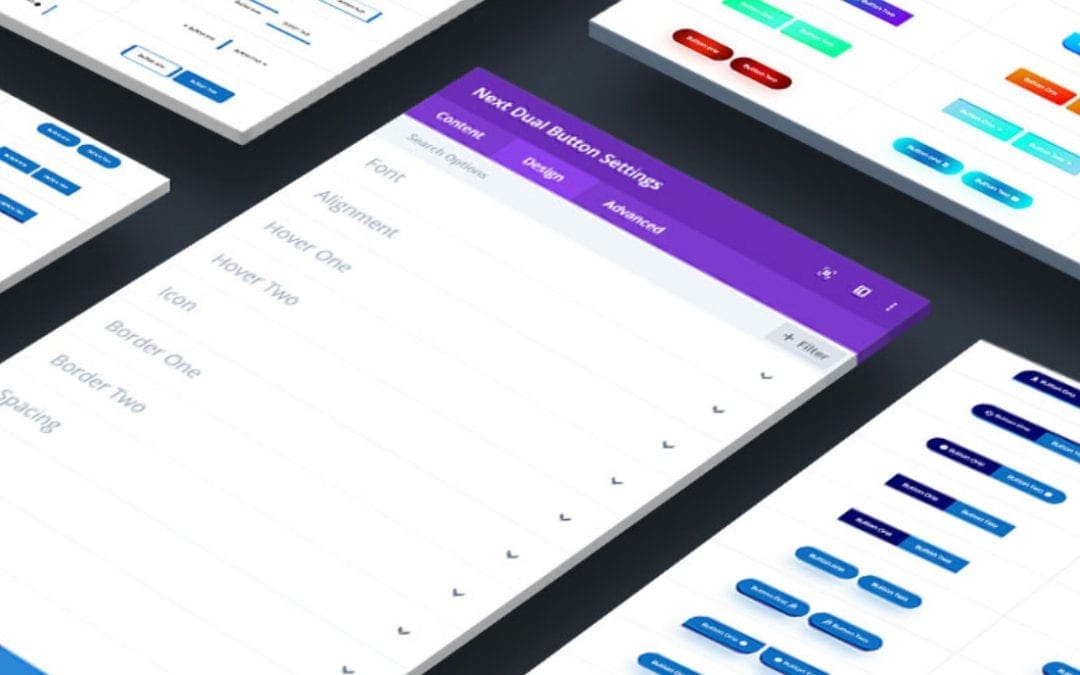
The plugin works inside the Divi Builder's drag-and-drop environment. You adjust shapes, sizes, fonts, colors and hover effects from the module settings, and you can start from pre-built style presets if you prefer a ready design. Alignment options and responsive behavior help the buttons fit your layout on desktops, tablets and phones.
Features
- Two buttons side by side: Display two distinct call-to-action buttons together in one module, so visitors can choose between two actions without hunting for a second link elsewhere on the page.
- Customizable button styles: Adjust button shapes, sizes, fonts and colors so both buttons match your brand and the rest of your Divi design.
- Hover animation effects: Apply hover animations to the buttons so they react when a visitor moves a cursor over them, adding a clear visual cue.
- Responsive display: The dual buttons are built to look right on desktops, tablets and mobile phones, keeping your calls to action usable at every screen size.
- Divi Builder integration: Add and configure the buttons directly in the Divi Builder's drag-and-drop environment, using its familiar interface and no coding knowledge.
- Optional icon support: Add icons to your buttons when you want extra visual context, which can make the purpose of each button easier to grasp at a glance.
- Pre-built style presets: Pick from ready-made button styles as a starting point, then adjust the details to suit your site and save time on setup.
- Flexible alignment options: Align the buttons left, center or right, or justify them, so they fit the layout requirements of each page or section.
Best for
- Divi site owners who want two calls to action together
- Freelancers building landing pages in the Divi Builder
- Agencies needing brand-matched buttons without custom code
FAQ
Is Divi Next Dual Button free?
The code of Divi Next Dual Button is licensed under the GPL, so anyone may use, change and share it. Buy GPL is a paid service: a plan or a purchase of Divi Next Dual Button gives you the download and its updates. The developer's own support, licence key and online services are not included.
Which version of Divi Next Dual Button is this?
Version 2.2, released 5 November 2025. New versions appear here when the developer publishes them.
How do I update Divi Next Dual Button?
Install Buy GPL Updater on your site and paste your key from My Account. It installs new versions of Divi Next Dual Button for you.
You might also like
Plugin Plugin
 Plugin
 Plugin
 Plugin
 Plugin
 Plugin
 Plugin