
 Plugin
PluginUpdated
Divi Next Blurb
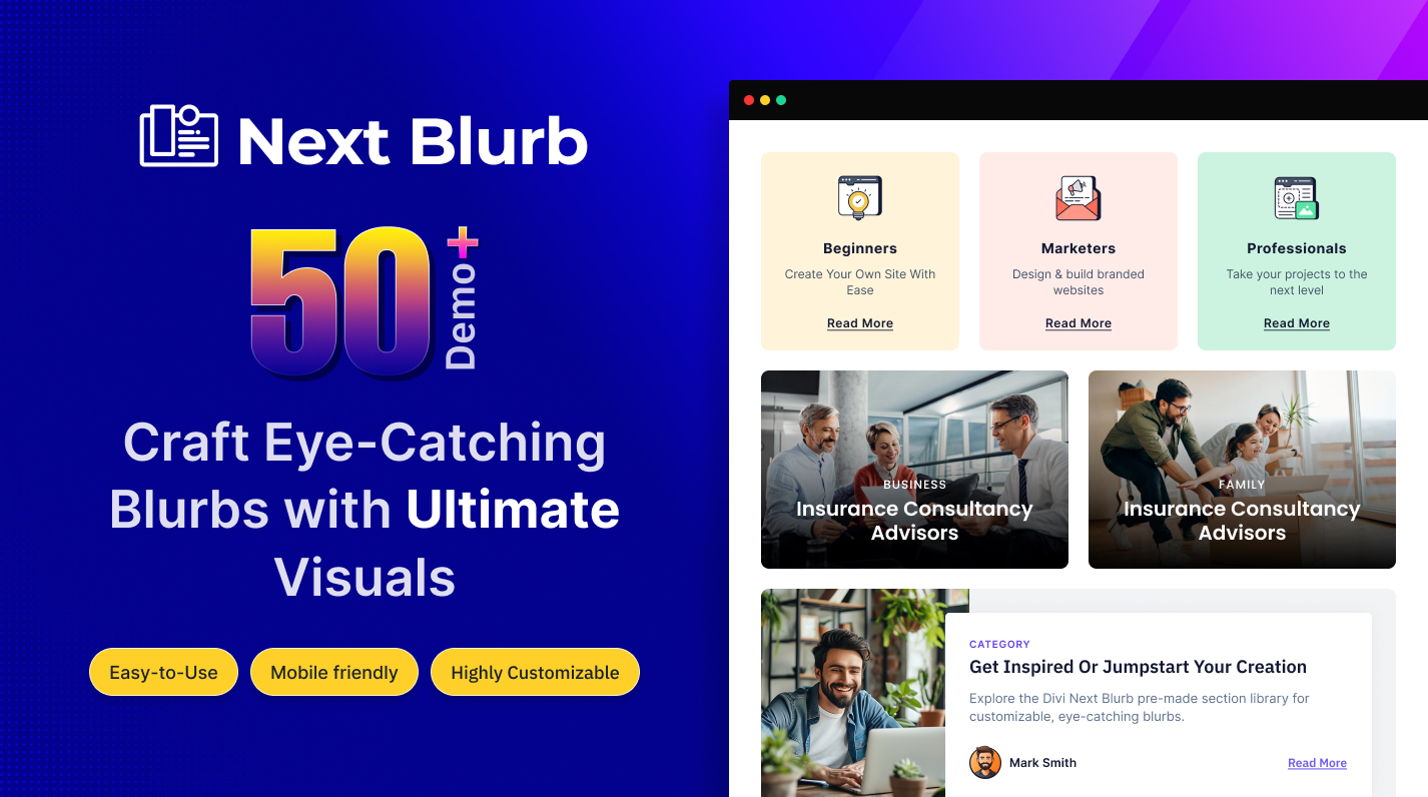
Divi Next Blurb is a plugin for the Divi Builder that lets you create blurbs with custom styles, layouts and animations.
Product facts
- Version
- 1.3.7
- Released
- 5 November 2025
- Type
- Plugin
- Licence
- GPL
- Included in
- Every plan, or $3.49 on its own
Overview
Blurbs are the small content blocks that pair an icon or image with a heading and a short line of text. They are common on service pages and feature lists. Divi Next Blurb gives you more control over how they look, so they can match your branding instead of sticking to one fixed style. You can adjust fonts, colors, icons, spacing and borders from the module settings.
The plugin works inside the Divi Builder, so you build blurbs with the same drag-and-drop workflow you already use. You can start from pre-built layouts or make your own, then add entrance animations and hover effects. The output is responsive for desktops, tablets and smartphones, and the controls are clear enough for beginners to use.
Features
- Detailed style controls: Adjust fonts, colors, icons, spacing and borders for each blurb so the result matches your site's branding.
- Multiple layout options: Pick from several pre-built layouts or create your own to arrange the content of each blurb the way you want.
- Entrance animations: Add animations that play as a blurb appears on the page, giving static content a bit of movement.
- Hover effects: Set effects that respond when a visitor moves the cursor over a blurb, which encourages interaction with your content.
- Works in the Divi Builder: The plugin is compatible with the Divi Builder and uses its drag-and-drop workflow, so your design process stays the same.
- Responsive display: Blurbs adapt to desktops, tablets and smartphones, so the layout stays readable on different screen sizes.
- Icon and image support: Place icons or images inside a blurb to illustrate the message next to your heading and text.
- Structured HTML output: The plugin produces structured HTML markup for its blurbs, which gives search engines a clean content structure to read.
Best for
- Divi users who want more styling control over blurbs
- Web designers building service or feature sections
- Beginners who prefer visual settings over coding
FAQ
Is Divi Next Blurb free?
The code of Divi Next Blurb is licensed under the GPL, so anyone may use, change and share it. Buy GPL is a paid service: a plan or a purchase of Divi Next Blurb gives you the download and its updates. The developer's own support, licence key and online services are not included.
Which version of Divi Next Blurb is this?
Version 1.3.7, released 5 November 2025. New versions appear here when the developer publishes them.
How do I update Divi Next Blurb?
Install Buy GPL Updater on your site and paste your key from My Account. It installs new versions of Divi Next Blurb for you.
You might also like
Plugin Plugin
 Plugin
 Plugin
 Plugin
 Plugin
 Plugin
 Plugin