
 Plugin
PluginUpdated
Everest Forms Custom Captcha
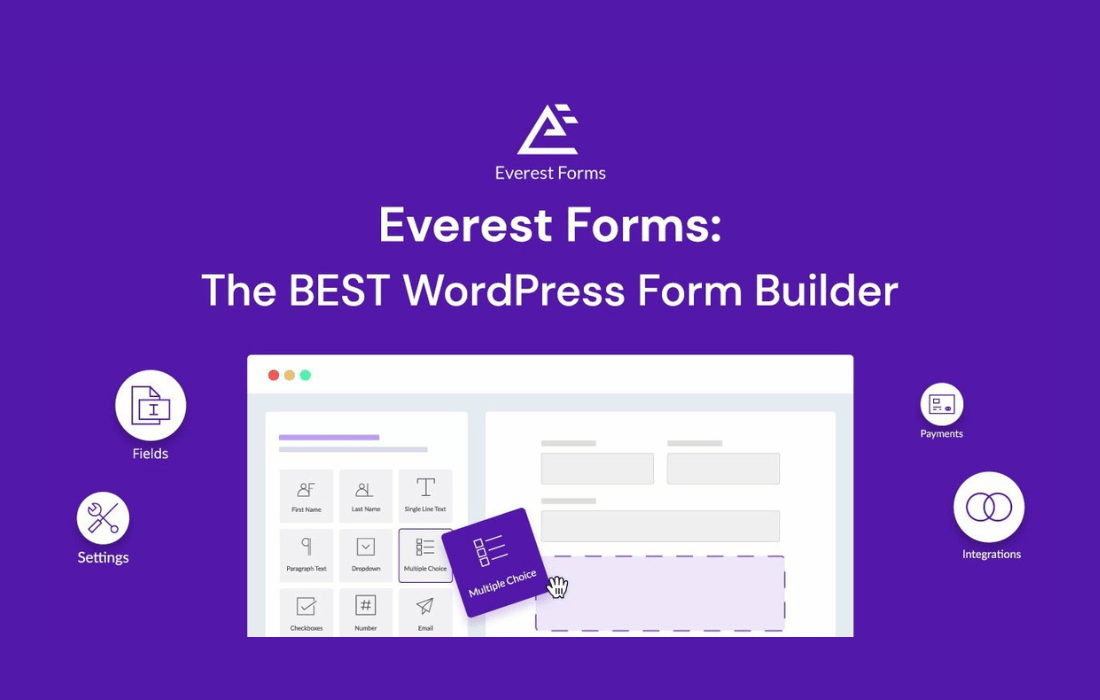
Everest Forms Custom Captcha is a WordPress plugin by WPEverest that works as an add-on for the Everest Forms builder.
Product facts
- Version
- 1.1.3
- Released
- 1 April 2026
- Type
- Plugin
- Licence
- GPL
- Included in
- Every plan, or $0.69 on its own
Overview
Forms that are open to the public tend to attract bots and fake entries. These clutter your inbox and your stored data. Everest Forms Custom Captcha addresses this by adding a CAPTCHA field to any form built with Everest Forms, so a visitor has to pass a check before the form is sent.
You choose the service that suits your site: Google reCAPTCHA in version 2 or version 3, or hCaptcha as an alternative. The field can be placed where it fits within the form, and the setup asks for little configuration. The fields are responsive, so they work on desktop, tablet and mobile screens.
Features
- Google reCAPTCHA v2 support: Add the v2 version of Google reCAPTCHA to your Everest Forms so visitors confirm they are real people before submitting.
- Google reCAPTCHA v3 support: Use reCAPTCHA v3 when you want a different level of verification, giving you control over how strict the security on each form feels.
- hCaptcha option: Choose hCaptcha as an alternative CAPTCHA service, described as a good fit for sites that care about privacy and accessibility.
- Built for Everest Forms: The plugin is an add-on made for the Everest Forms builder, so CAPTCHA fields can be added to any form you create with it.
- Flexible field placement: Place the CAPTCHA field where it works best inside the form, which helps keep the experience smooth for people filling it out.
- Spam and bot protection: Verification reduces fake and automated submissions, which helps keep the entries you collect clean and useful.
- Simple setup screen: The setup interface needs minimal configuration, so people at any skill level can switch on CAPTCHA protection.
- Responsive CAPTCHA fields: The fields are designed to work on desktop, tablet and mobile, so visitors on any device can complete the check.
Best for
- Everest Forms users who are getting spam entries
- Site owners who prefer hCaptcha over Google reCAPTCHA
- Agencies protecting contact forms on client websites
Changelog
Version 1.1.3 — 24 March 2026
- Fixed Multiple license hit.
Earlier versions
- 1.1.2 (1 April 2025): 1 fixed
- 1.1.1 (24 May 2024): 1 fixed
FAQ
Is Everest Forms Custom Captcha free?
The code of Everest Forms Custom Captcha is licensed under the GPL, so anyone may use, change and share it. Buy GPL is a paid service: a plan or a purchase of Everest Forms Custom Captcha gives you the download and its updates. The developer's own support, licence key and online services are not included.
Which version of Everest Forms Custom Captcha is this?
Version 1.1.3, released 1 April 2026. New versions appear here when the developer publishes them.
How do I update Everest Forms Custom Captcha?
Install Buy GPL Updater on your site and paste your key from My Account. It installs new versions of Everest Forms Custom Captcha for you.
More from WPEverest
Plugin Plugin
 Plugin
 Plugin
 Plugin
 Plugin
 Plugin
 Plugin