
 Plugin
PluginUpdated
WordPress File Management System
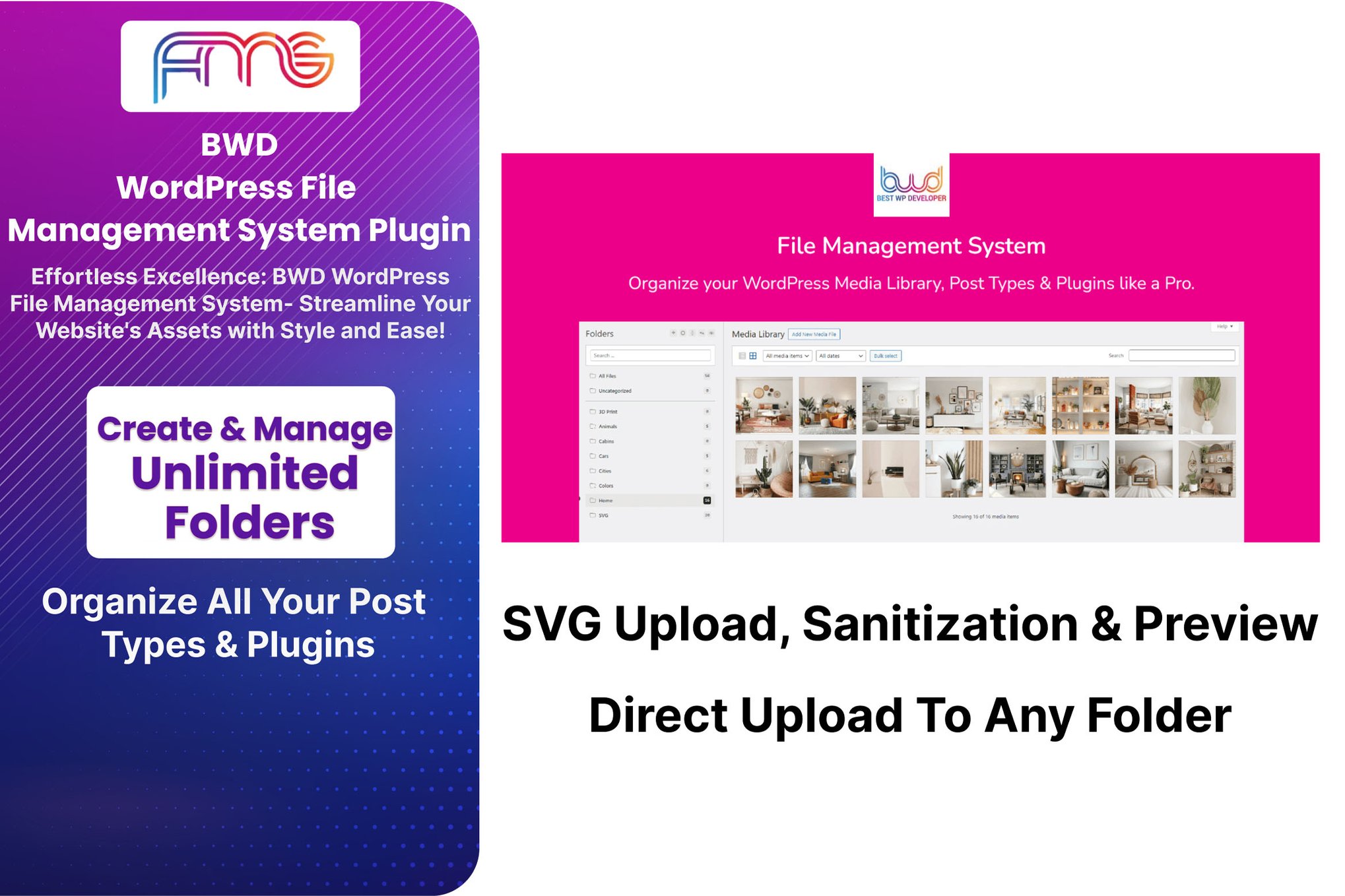
WordPress File Management System is a plugin by BestWpDeveloper that lets you upload, organize and find files without leaving your WordPress dashboard.
Product facts
- Version
- 1.3
- Released
- 24 August 2026
- Type
- Plugin
- Licence
- GPL
- Included in
- Every plan, or $3.49 on its own
Overview
Files pile up quickly on a WordPress site. Images, documents and vector graphics end up in one long list, and finding the right one takes time. This plugin adds a folder structure to your media so you can sort files the way you think about them. You can create as many folders as you need and move files into them by dragging, one at a time or in bulk.
The plugin works inside the familiar WordPress Media Library and also supports post types and other plugins, so your existing workflow stays the same. Search filters by name, type or folder. User permissions control who can reach which files. It suits personal blogs, online stores and company sites, and the layout is responsive and retina ready for use on phones and desktops.
Features
- Unlimited folders: Create and manage as many folders as you need to structure your files, so navigation and organization fit the way your site is built.
- Drag-and-drop file moves: Move files into folders one by one or in bulk by dragging them, which cuts down on manual sorting.
- Media Library integration: Organize files inside the native WordPress Media Library, along with post types and plugins, without changing how you already work.
- Advanced search filters: Find files by name, type or folder, so you can locate a specific document or image without scrolling through everything.
- Version control: Keep earlier versions of your files and roll back to a previous one when you need to, which gives better oversight of your content.
- SVG upload and preview: Upload scalable vector graphics with sanitization and preview them in the dashboard, which makes vector images easier to manage.
- User permissions and security: Set access rights for different user roles so sensitive files are available only to the people who should see them.
- Responsive, retina-ready design: Manage your files on desktops, tablets or smartphones, with a layout that adapts to the screen and displays crisply.
Best for
- Website administrators managing large media libraries
- Developers and content creators organizing digital assets
- Blogs, online stores and corporate sites with many files
FAQ
Is WordPress File Management System free?
The code of WordPress File Management System is licensed under the GPL, so anyone may use, change and share it. Buy GPL is a paid service: a plan or a purchase of WordPress File Management System gives you the download and its updates. The developer's own support, licence key and online services are not included.
Which version of WordPress File Management System is this?
Version 1.3, released 24 August 2026. New versions appear here when the developer publishes them.
How do I update WordPress File Management System?
Install Buy GPL Updater on your site and paste your key from My Account. It installs new versions of WordPress File Management System for you.
You might also like
Plugin Plugin
 Plugin
 Plugin
 Plugin
 Plugin
 Plugin
 Plugin